
Sample Club
With step-by-step instructions and free graphics files, get new project ideas every month!

You may also like…
Related to: Plastic


-
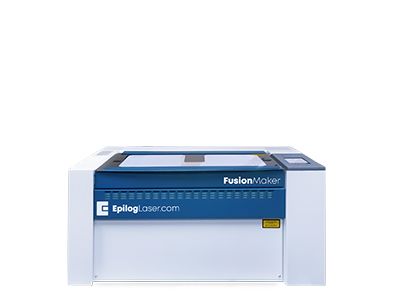
Fusion Maker 12
Work Area24″ x 12″
(610 x 305mm)TypeCO2
Wattage30-40
The newest in Epilog’s laser lineup, the Fusion Maker was designed for the entry-level hobbyist or small business owner. This compact system features up to 60 IPS engraving speeds and our popular IRIS Camera System. -
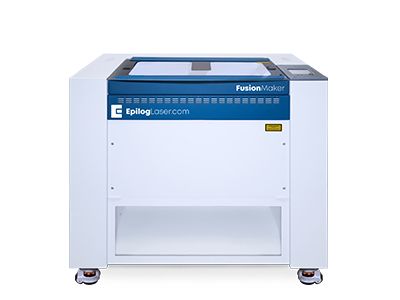
Fusion Maker 24
Work Area24″ x 24″
(610 x 610mm)TypeCO2
Wattage40
Featuring a 24” x 24” engraving table and available in a 40-watt configuration, the Fusion Maker 24 offers users a larger engraving table and more z-clearance to tackle bigger projects. -
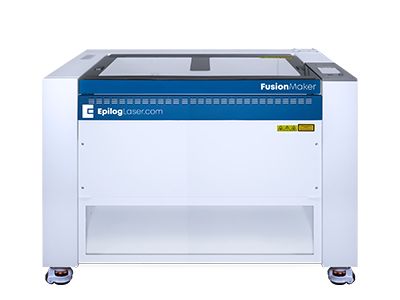
Fusion Maker 36
Work Area36″ x 24″
(915 x 610mm)TypeCO2
Wattage40-50
The largest in the Fusion Maker Laser Series, the Fusion Maker 36 features a 36” x 24” workspace and 50 and 60-watt configuration options. All of the Fusion Maker systems include our IRIS Camera System and 60 inches per second engraving speeds. -
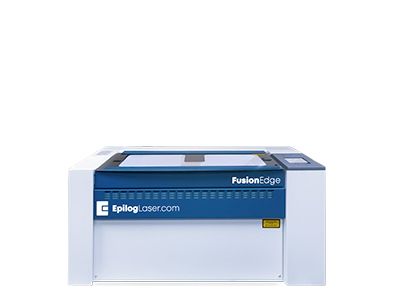
Fusion Edge 12
Work Area24″ x 12″
(610 x 305mm)TypeCO2, Fiber
Wattage30-60
Our compact laser system available in several wattage configurations and features up to 120 IPS/3.05 m/s engraving speeds. Also available with a fiber laser source. -
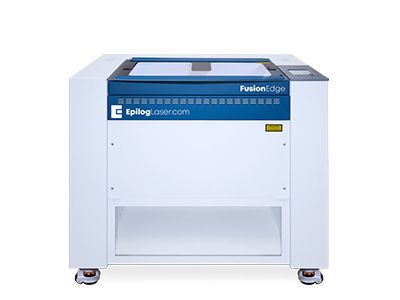
Fusion Edge 24
Work Area24″ x 24″
(610 x 610mm)TypeCO2
Wattage50-60
A mid-size system that includes Epilog’s IRIS Camera System. -
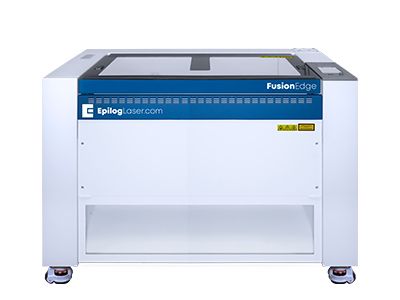
Fusion Edge 36
Work Area36″ x 24″
(914 x 610mm)TypeCO2
Wattage60-100
The largest system in the Fusion Edge Series, the Edge 36 offers a 36” x 24” (914 x 610 mm) engraving table and comes in a 60-watt CO2 configuration. The Edge 36 features 120 IPS/3.05 m/s engraving speeds, and features built-in Ethernet, USB, and Wireless options for networking your laser. -
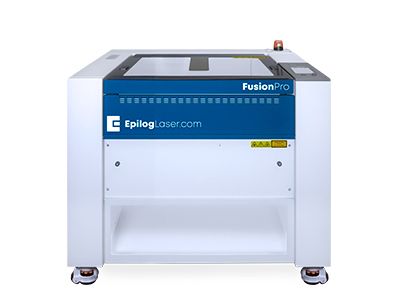
Fusion Pro 24
Work Area24″ x 24″
(610 x 610mm)TypeCO2, Fiber, Dual
Wattage30-100
The smallest in our industrial Fusion Pro Laser Series, the Pro 24 is available in 60 or 100 watts and can be configured as a dual-source system with both CO2 and fiber laser capabilities. -
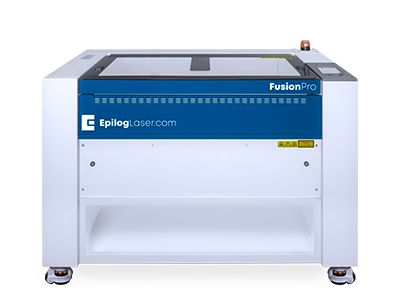
Fusion Pro 36
Work Area36″ x 24″
(914 x 610mm)TypeCO2, Dual
Wattage30-120
Like all systems in the Fusion Pro Laser Series, the Pro 36 includes Epilog’s IRIS Camera System, along with engraving speeds up to 165 inches per second (4.2 m/s). -
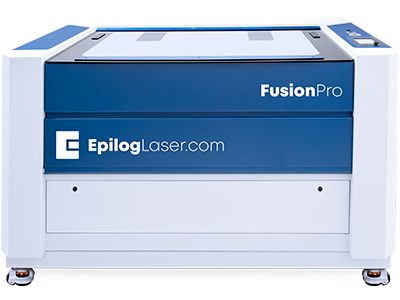
Fusion Pro 48
Work Area48″ x 36″
(1219 x 914mm)TypeCO2, Dual
Wattage50-120
The largest of the Fusion Pros, this industrial system is available in 80, 100, and 120-watt configurations, as a dual-source system, and can be networked via built-in Ethernet, USB or wirelessly.


