Laser Applications

Laser Etching & Engraving Glass

Customize a variety of glassware at the touch of a button

Add Glass Engraving to your Customization Services

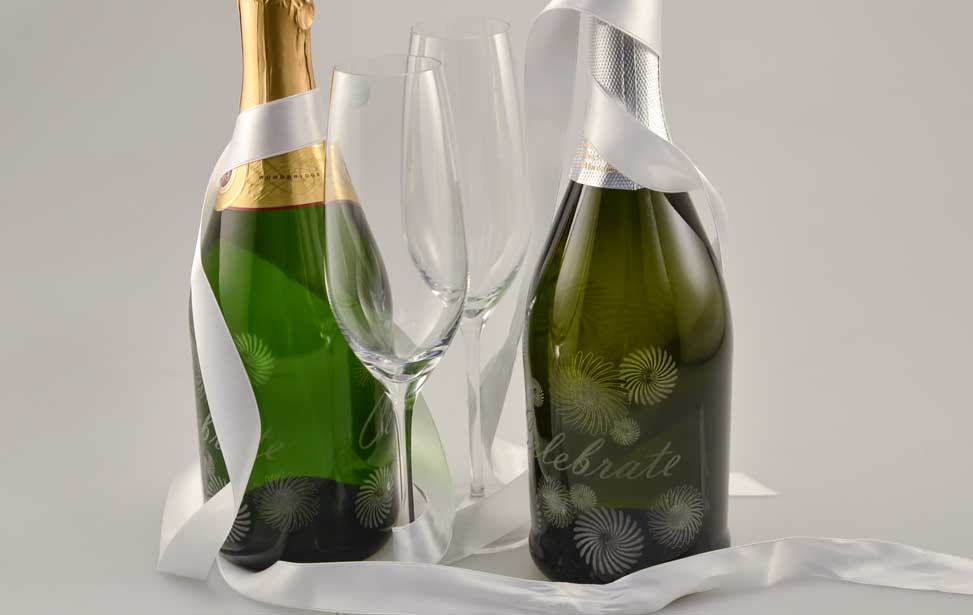
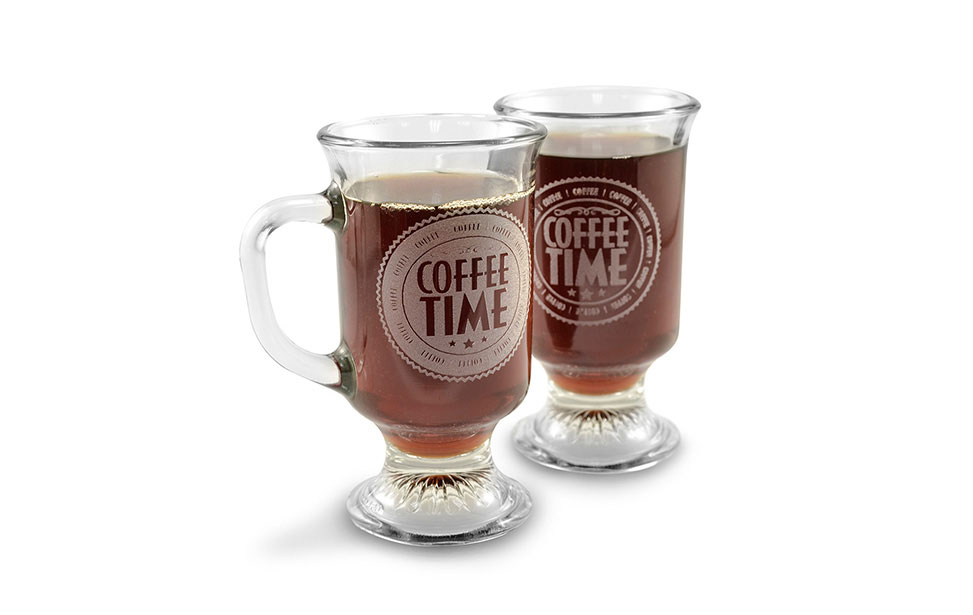
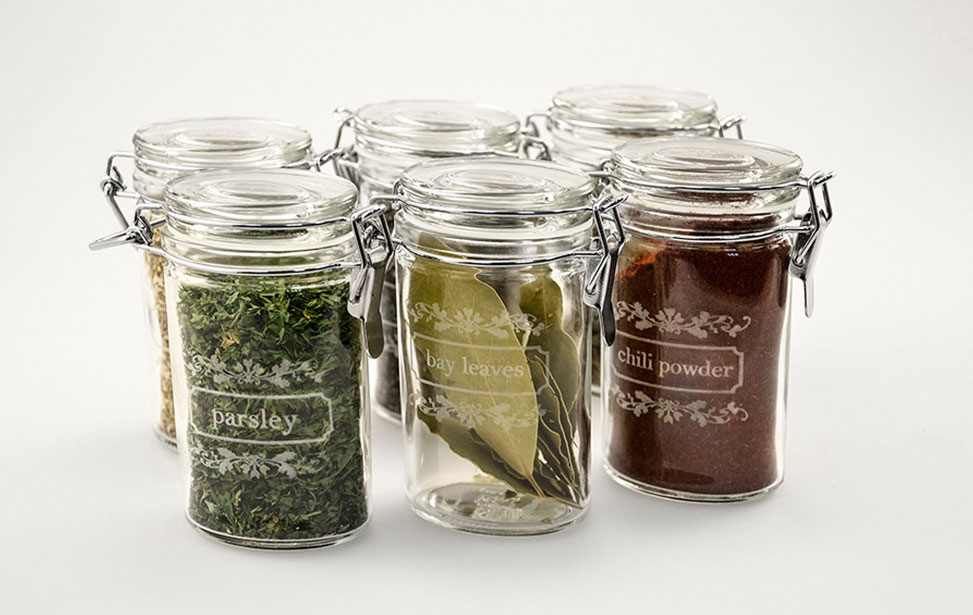
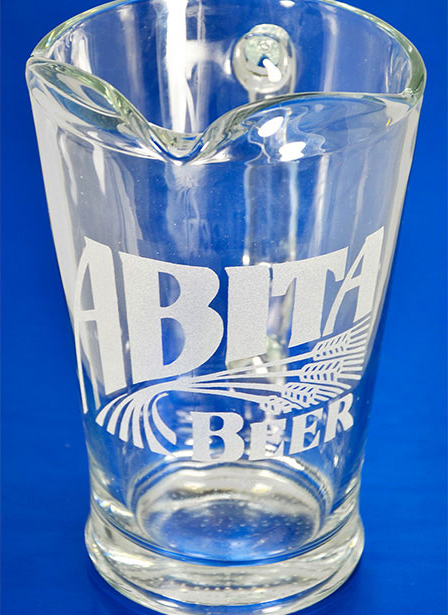
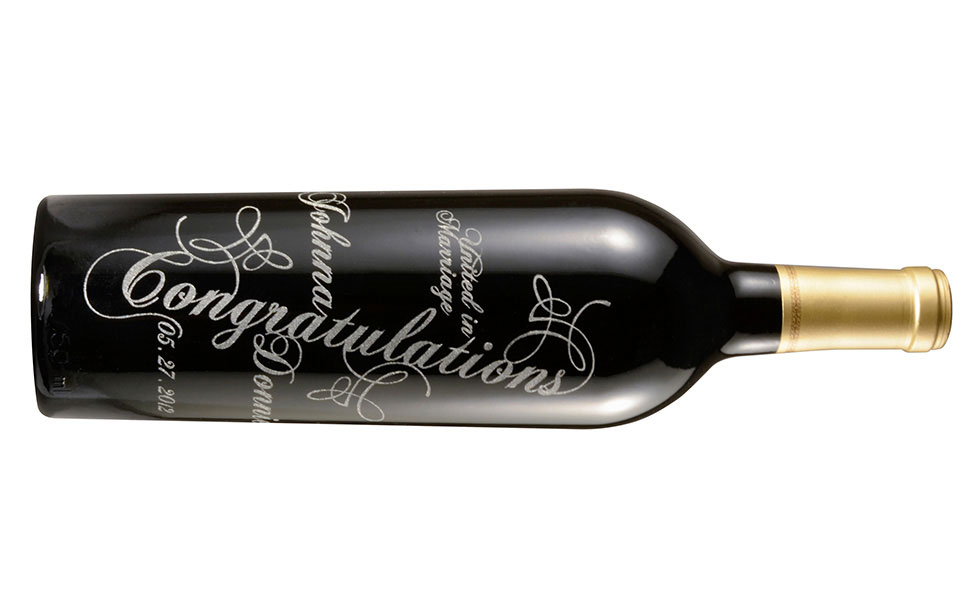
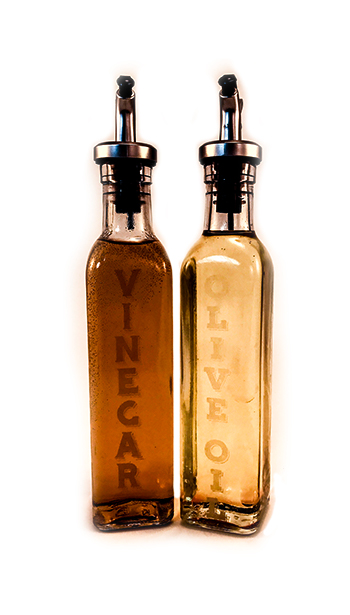
Whether it’s pint glasses, shot glasses, coffee mugs, wine glasses, wine bottles – well, you get the idea – lasers work wonderfully for customizing all kinds of glass products!

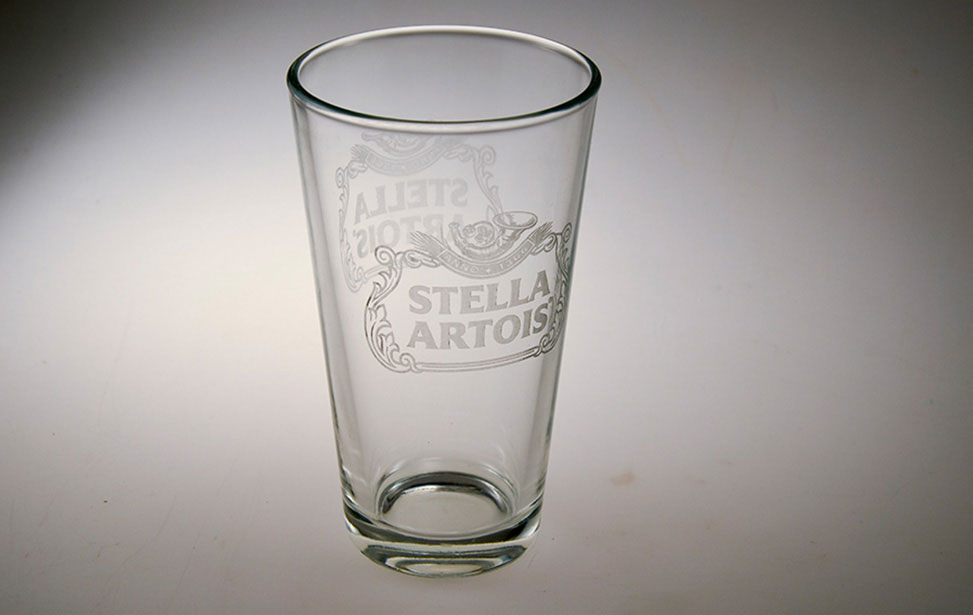
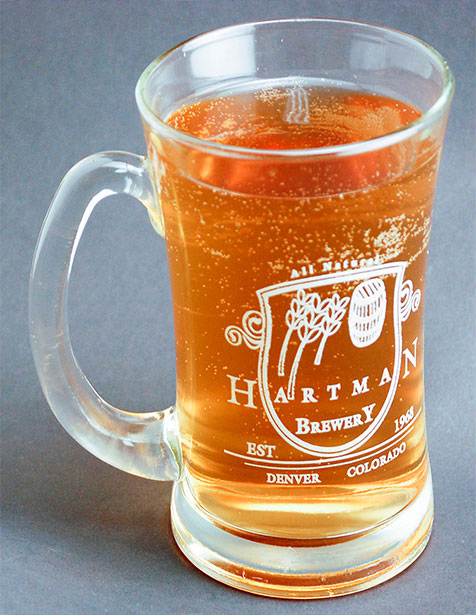
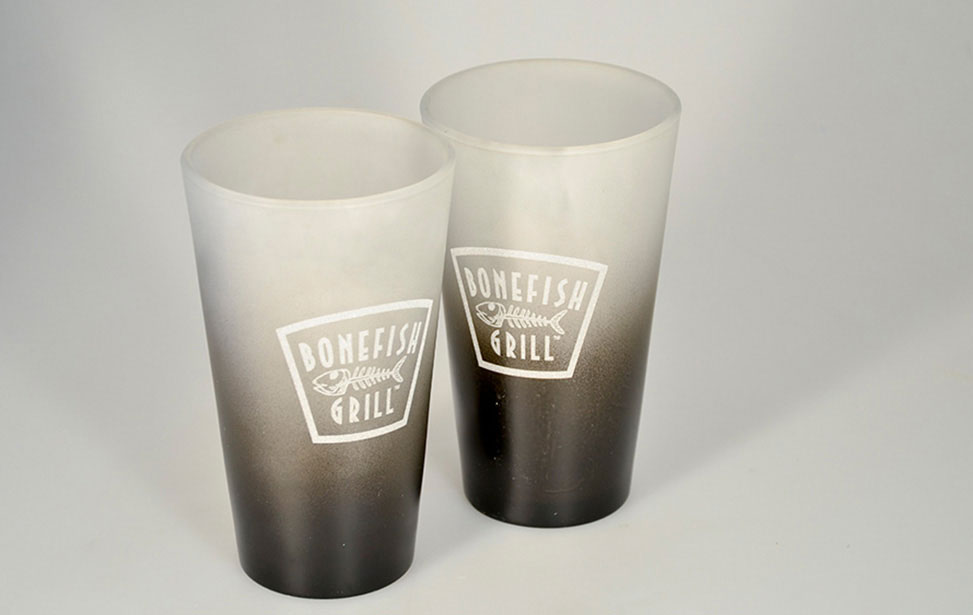
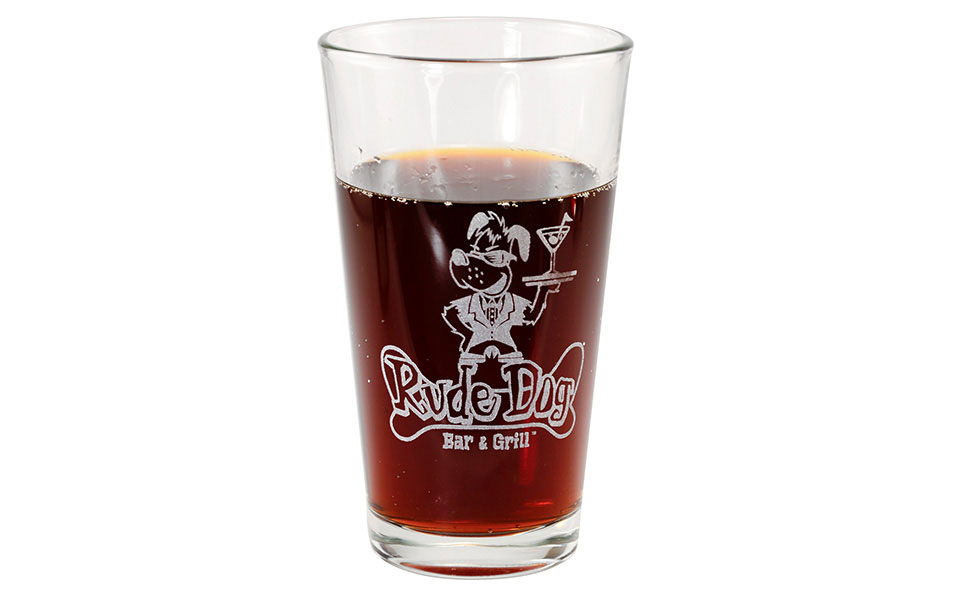
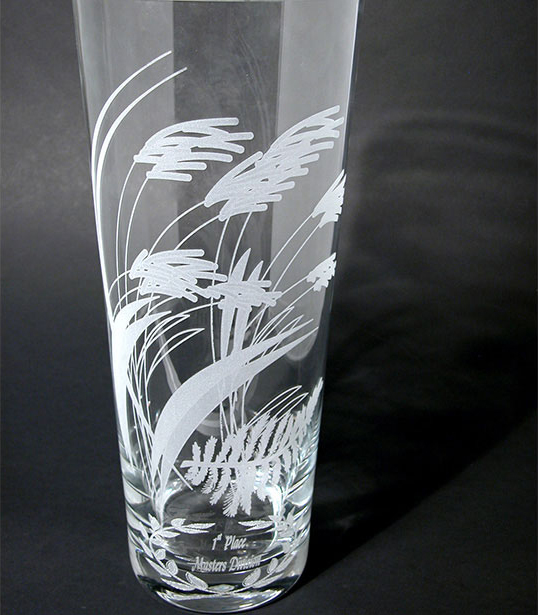
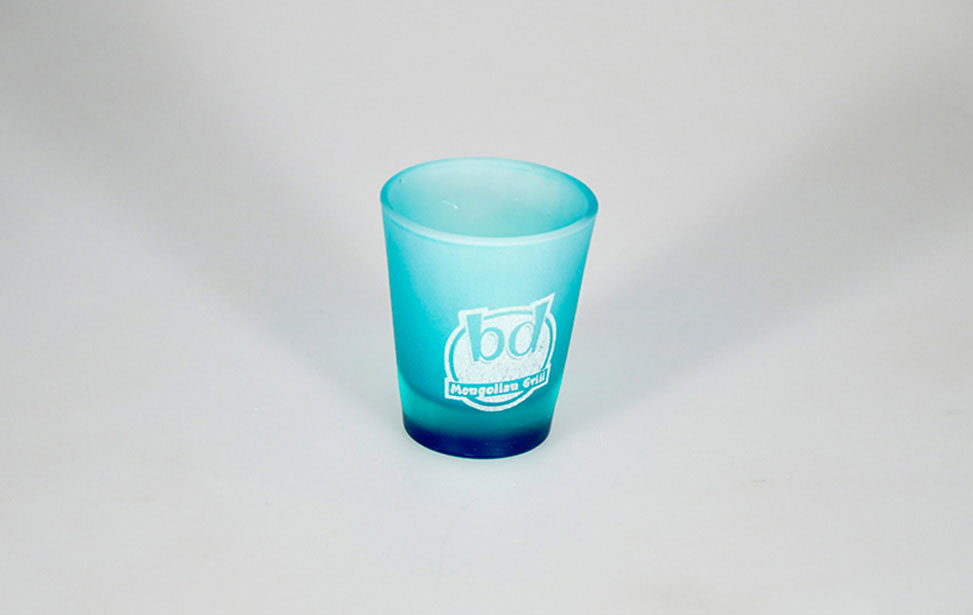
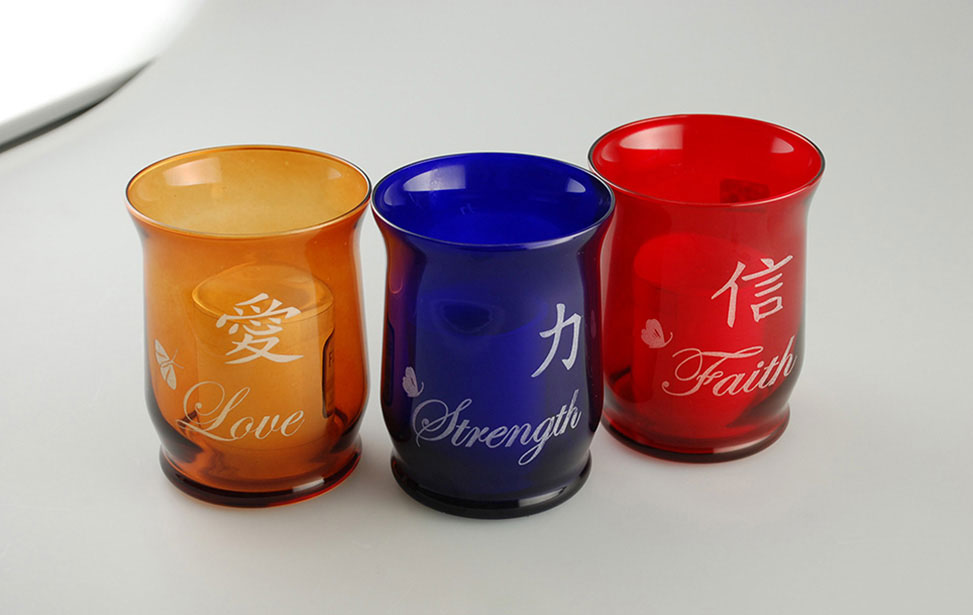
Glass engraving and etching with a CO2 laser produces a beautiful frosted effect, allowing you to etch custom logos and designs on nearly any glass product.

Epilog’s Rotary Attachment option makes setting up glassware for engraving a breeze! The rotary allows you to easily set up different sizes of glasses, mugs, vases and wine bottles for engraving. The rotary turns the piece as the laser etches your pattern. No special measurements are required to create these custom etchings!

Creativity

What can you create with a laser?

Branded Glassware

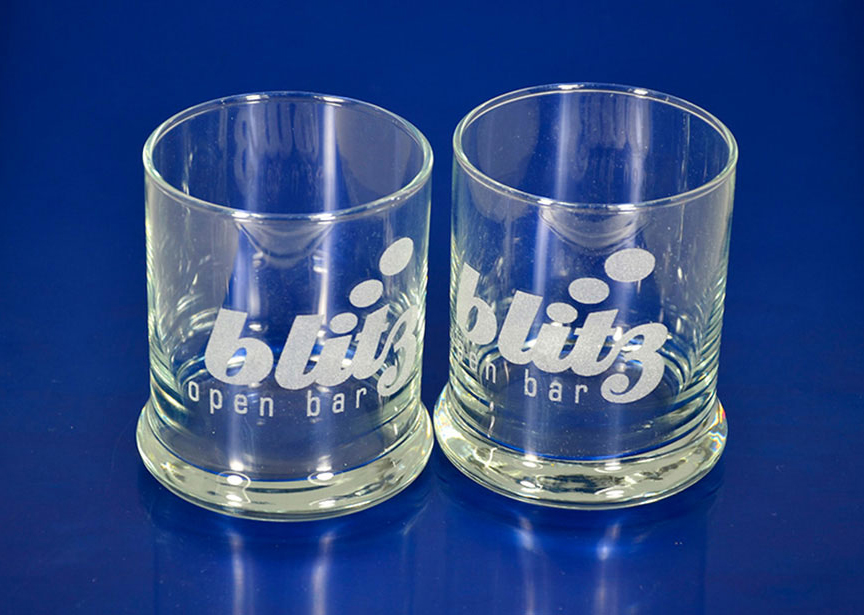
Strengthen your brand by etching your logo, company name, or custom graphics into pint glasses, wine glasses, champagne flutes, coffee mugs, serving dishes, and more.

Personalized Gifts

Take your gift from bland to grand by custom-etching glassware with the recipient’s name or a graphic to mark the occasion.

And More…

The possibilities are endless when you use an Epilog Laser for glass engraving projects. Whether you’re lauching a new product, branding your own promotional products, or simply engraving a gift for a friend, a laser system can help you create faster and with higher quality. All it takes is a little imagination and an Epilog Laser!

Engraving is Easy!

Print to your laser from any graphics software

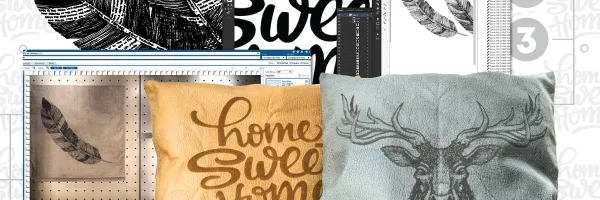
Laser machines work similarly to office printers, so the process is simple. Cutting and engraving with an Epilog is as easy as following these three steps: select your design and print, configure the laser for your material with speed and power settings, and push GO to laser it!

Artwork Setup

Design in your favorite software

Material Settings

Assign speed and power by material

Start Engraving!

Send the job to the laser and press go!

Which machines are best for laser etching glass?

Whatever the scope of your glass etching project, Epilog Laser has a machine that will fit your needs, from entry-level systems to top-of-the line machines.
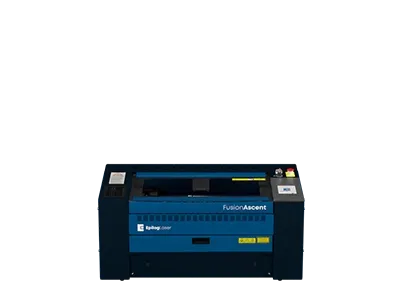
Fusion Ascent 12 Laser Machine

Fusion Ascent 12

Next Gen Series
Work Area

24″ x 12″
(610 x 305mm)

Type

CO2, Fiber

Wattage

CO2: 30-60
Fiber: 30

Our compact laser system available in several wattage configurations and features up to 3050 mm/s (120 IPS) engraving speeds. Also available with a fiber laser source.

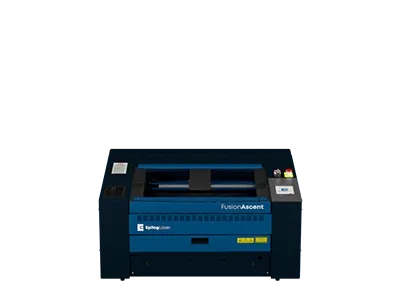
Fusion Ascent 24 Laser Machine

Fusion Ascent 24

Next Gen Series
Work Area

24″ x 24″
(610 x 610mm)

Type

CO2

Wattage

CO2: 40-80
Fiber: 60

A mid-size system that includes Epilog’s IRIS Camera System.

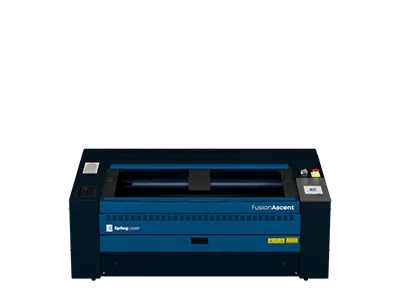
Fusion Ascent 36 Laser Machine

Fusion Ascent 36

Next Gen Series
Work Area

36″ x 24″
(914 x 610mm)

Type

CO2

Wattage

CO2: 40-80

The largest system in the Fusion Edge Series, the Edge 36 offers a 36” x 24” (914 x 610 mm) engraving table and comes in a 60, 80, or 100 watt CO2 configuration. The Edge 36 features 3050 mm/s (120 IPS) engraving speeds, and features built-in Ethernet, USB, and Wireless options for networking your laser.

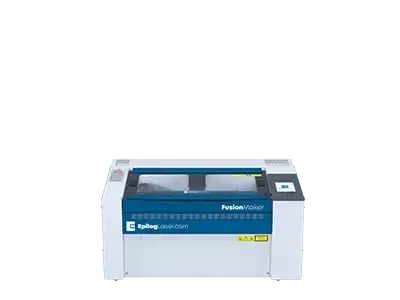
Fusion Maker 12

Starter Series
Work Area

24″ x 12″
(610 x 305mm)

Type

CO2

Wattage

CO2: 30-40

The newest in Epilog’s laser lineup, the Fusion Maker was designed for the entry-level hobbyist or small business owner. This compact system features up to 60 IPS engraving speeds and our popular IRIS Camera System.

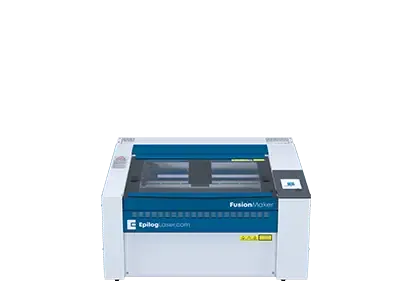
Fusion Maker 24

Starter Series
Work Area

24″ x 24″
(610 x 610mm)

Type

CO2

Wattage

CO2: 40

Featuring a 24” x 24” engraving table and available in a 40 watt configuration, the Fusion Maker 24 offers users a larger engraving table to tackle bigger projects.

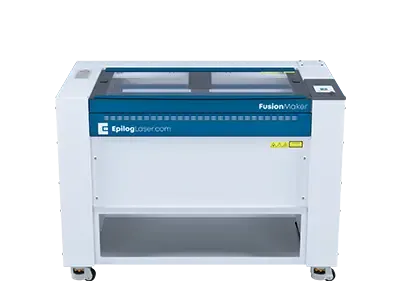
Fusion Maker 36

Starter Series
Work Area

36″ x 24″
(914 x 610mm)

Type

CO2

Wattage

CO2: 40-50

The largest in the Fusion Maker Laser Series, the Fusion Maker 36 features a 36” x 24” workspace and 40 or 50 watt configuration options. All of the Fusion Maker systems include our IRIS Camera System and 60 inches per second engraving speeds.

Fusion Edge 12

Business Series
Work Area

24″ x 12″
(610 x 305mm)

Type

CO2, Fiber

Wattage

CO2: 50-60
Fiber: 30

Our compact laser system available in several wattage configurations and features up to 3050 mm/s (120 IPS) engraving speeds. Also available with a fiber laser source.

Fusion Edge 24

Business Series
Work Area

24″ x 24″
(610 x 610mm)

Type

CO2

Wattage

CO2: 50-60

A mid-size system that includes Epilog’s IRIS Camera System.

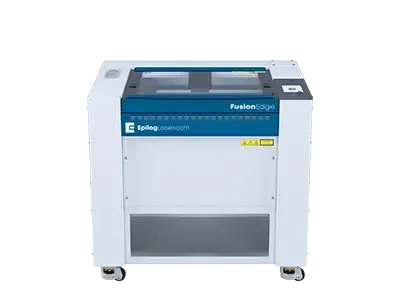
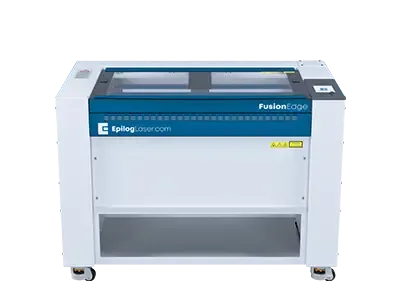
Fusion Edge 36

Business Series
Work Area

36″ x 24″
(914 x 610mm)

Type

CO2

Wattage

CO2: 60-100

The largest system in the Fusion Edge Series, the Edge 36 offers a 36” x 24” (914 x 610 mm) engraving table and comes in a 60, 80, or 100 watt CO2 configuration. The Edge 36 features 3050 mm/s (120 IPS) engraving speeds, and features built-in Ethernet, USB, and Wireless options for networking your laser.

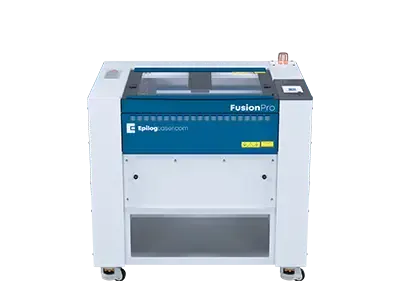
Fusion Pro 24

Industrial Series
Work Area

24″ x 24″
(610 x 610mm)

Type

CO2, Dual

Wattage

CO2: 60-100
Fiber: 60

The smallest in our industrial Fusion Pro Laser Series, the Pro 24 is available in 60, 80, or 100 watts and can be configured as a dual-source system with both CO2 and fiber laser capabilities.

    Sample Club

    With step-by-step instructions and free graphics files, get new project ideas every month!
    glass sample club

    You may also like…

    Related to: ,
    Kelly photo on black anodized aluminum high resolution

    Anodized Aluminum

    Anodized aluminum is perfect for laser marking. Understand its durability and how it showcases vibrant color options.

    James with wine bottle

    Glass Engraving Techniques

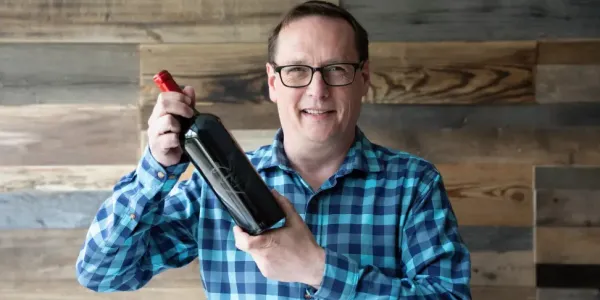
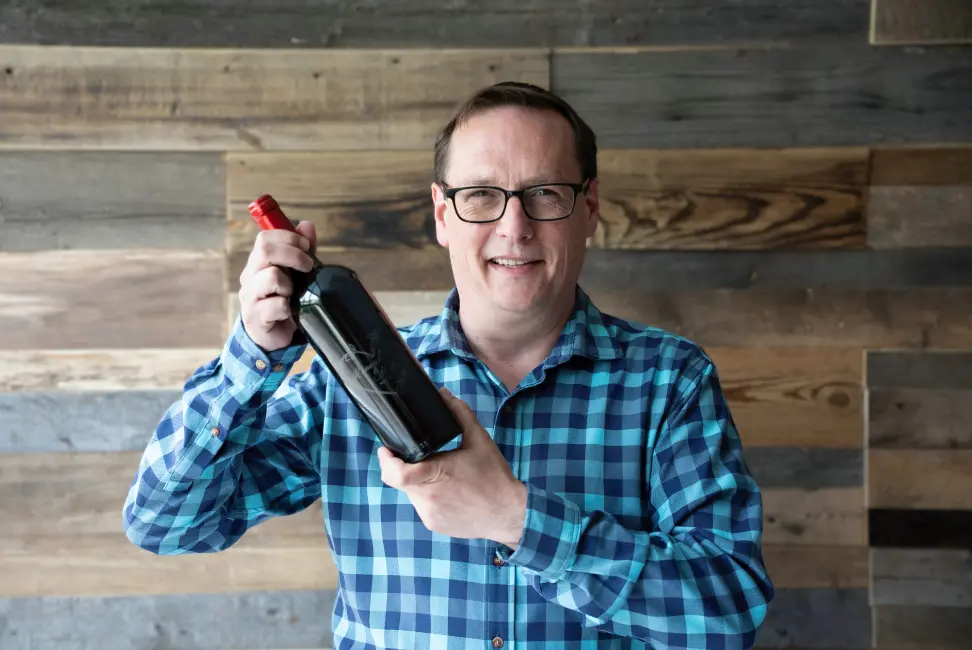
    This exciting class, hosted by James Stanaway, will cover a variety of glass engraving techniques, tips, tricks, and much more.

    laser engraving wood items as gifts

    Wood Engraving & Cutting

    From cabinetry to model making to photo frames, the laser is used throughout the wood industry with stunning results.

    Signage Cutting and Engraving

    Create custom 3D lettering and architectural signs from acrylic, wood and plastic with a CO2 laser from Epilog.

      Top 10 FAQs for Glass Engraving & Etching

      1. What is the best type of laser for engraving and etching glass?
      A CO2 laser is the ideal choice for glass processing. Unlike fiber lasers which pass through transparent materials, or diode lasers which lack the necessary wavelength and power, a CO2 laser’s 10.6-micron beam is absorbed directly by the glass surface. Epilog Laser’s high-quality CO2 tubes produce a precise, concentrated beam that creates microscopic fractures in the glass, resulting in a beautiful, permanent, and elegant frosted effect.
      2. Does a laser actually cut through glass, or just engrave it?
      Laser machines do not cut through glass. The process of laser “cutting” relies on vaporization, and applying that much concentrated heat directly through glass will cause it to shatter from thermal shock. Instead, the laser is used for surface etching and engraving. An Epilog Laser vaporizes microscopic chips from the glass surface, creating a gorgeous frosted, sandblasted appearance without compromising the piece’s structural integrity.
      3. How do I engrave cylindrical glass items like wine glasses or tumblers?
      To engrave rounded or cylindrical objects, you need a rotary attachment. Instead of the laser firing while moving back and forth on a flat plane, the rotary attachment automatically spins the glass as the laser fires, maintaining perfect focus along the curve. Epilog offers exceptionally precise, easy-to-install rotary attachments that accommodate a wide variety of shapes, from delicate champagne flutes to thick beer mugs, ensuring a flawless wrap-around engraving.
      4. How do I prevent glass from chipping or fracturing during engraving?
      Excessive heat buildup is the enemy of glass engraving. If the laser is too hot, it creates large fractures instead of fine frosting. The secret is utilizing lower power and higher speed. A common industry trick is to drape a thin, damp paper towel or apply a layer of liquid dish soap over the engraving area to help dissipate the heat. Epilog machines offer incredibly refined speed and power controls, allowing you to dial in the perfect settings to avoid thermal shock.
      5. What type of glass yields the best engraving results?
      Surprisingly, standard, inexpensive “soda-lime” glass (the kind used in everyday drinkware) engraves much better than expensive lead crystal. Lead crystal has higher metal content and internal stresses, which expand rapidly under a laser beam, causing unpredictable and jagged cracking. With standard glassware, an Epilog CO2 laser will consistently produce a smooth, crisp, and high-contrast frosted finish.
      6. Why does my glass engraving look rough and flaky instead of smooth and frosted?
      This is typically caused by running the laser at too high a power setting or utilizing a resolution (DPI) that is too high, causing overlapping laser dots to compound the heat and aggressively chip the glass. Epilog’s intuitive print driver allows you to easily adjust the resolution and utilize advanced dithering patterns (like the “Stucki” profile), which spaces out the laser pulses perfectly to achieve a smooth, elegant frost rather than a jagged, rough surface.
      7. Can a laser engraver be used on mirrors?
      Yes, but the process is unique. You do not have to engrave the front of the mirror. As alternative, you can place the mirror face down and engrave the specialized reflective coating off the back. You must mirror (reverse) your design in the software so it reads correctly from the front. Using an Epilog Laser, you can cleanly vaporize the reflective backing, allowing you to back-light the mirror or paint the etched area for a stunning custom piece.
      8. Do I need special ventilation when laser etching glass?
      Absolutely. While vaporizing glass doesn’t produce the strong odors of wood or leather, it does produce microscopic silica dust particles. Inhaling glass dust is a serious respiratory hazard. Epilog systems are fully enclosed and designed to integrate seamlessly with robust exhaust fans or HEPA filtration units, instantly pulling the microscopic shards and dust away from the work area, keeping the operator safe and the machine’s optics clean.
      9. Can I add color to a laser-engraved glass piece?
      While the laser itself only creates a white, frosted etch, you can easily add color post-engraving. You can apply specialized glass paint, Rub ‘n Buff, or a color-fill paste into the engraved area. Because the Epilog laser creates a textured, micro-fractured surface, the paint adheres incredibly well to the etched design, allowing you to offer premium, full-color custom glassware to your clients.
      10. Why should a business invest in an industrial laser for glass rather than a budget desktop engraver?
      Budget lasers often rely on cheap diode technology, which struggles to engrave transparent glass without painting it black first, adding unnecessary steps to your workflow. They also lack the robust mechanics needed for heavy rotary attachments. An Epilog Laser is a commercial-grade workhorse. It features permanent optic alignment, ultra-fast servo motors, and a massive Z-axis drop to accommodate tall glassware. The precision, speed, and reliability of an Epilog system mean you can process complex, fragile glass orders rapidly and profitably, day in and day out.

      Request Information

      "*" indicates required fields

      This field is for validation purposes and should be left unchanged.

      Contact Info:

      Machine Preference?

      Address:

      Address:
      I represent a school or university
      I agree to receiving marketing emails and special promotions
      Privacy Policy*
      Laser Master Class

      Laser Master Class: Glass Engraving Techniques

      time