Laser Applications

Laser Cutting & Engraving Wood

Laser cutters for mdf, plywood, alder, cherry, and other wood types!

Add an Epilog Laser machine to your woodworking toolbox

Why are woodworkers increasingly adding a laser engraving machine from Epilog to their workspace? It’s because the versatility of the laser can’t be matched for woodworking projects.

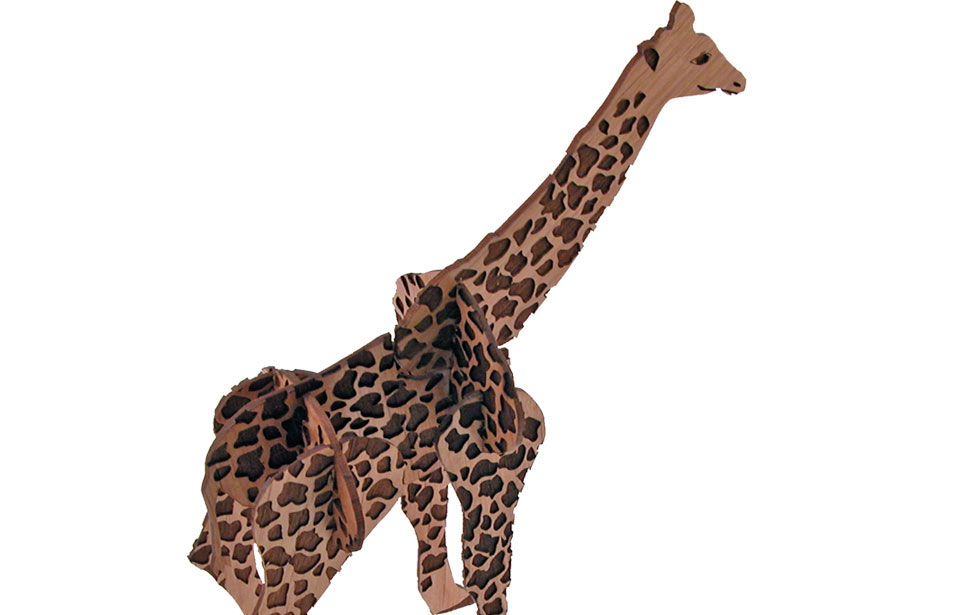
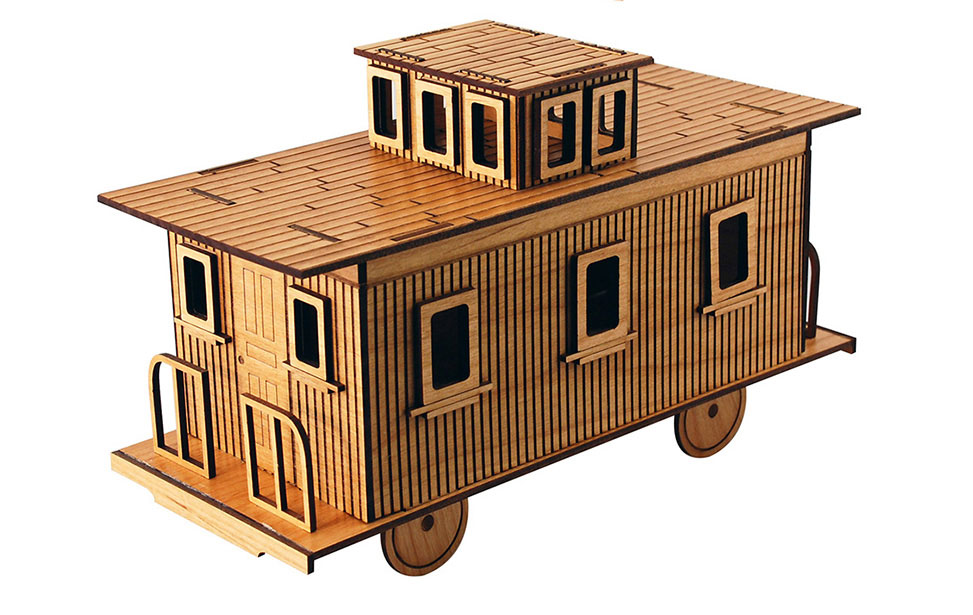
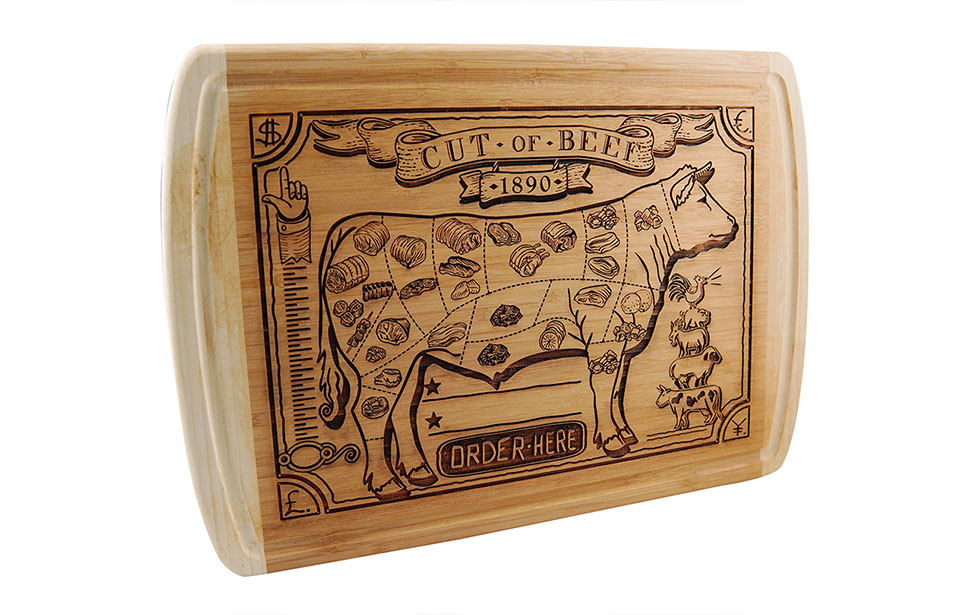
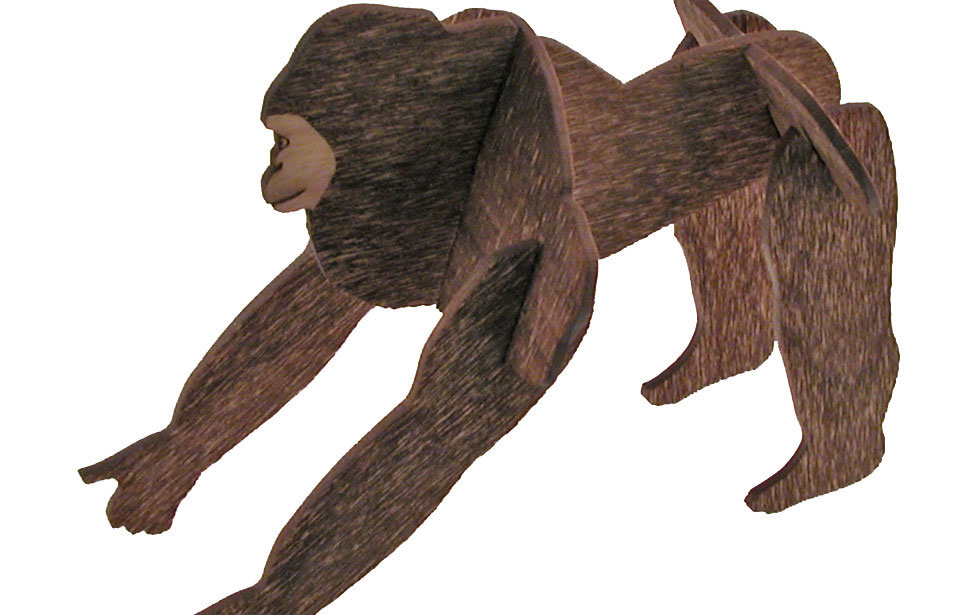
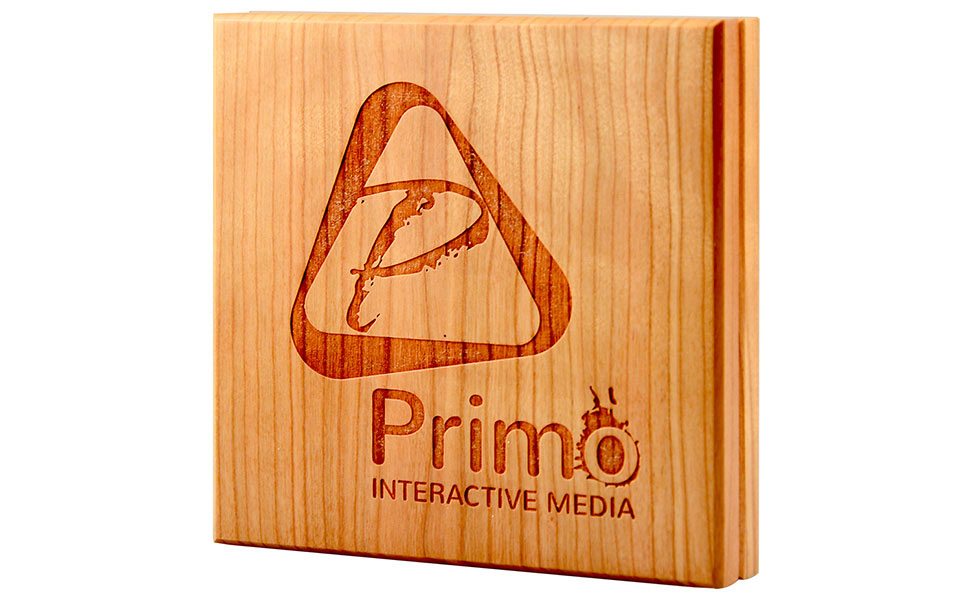
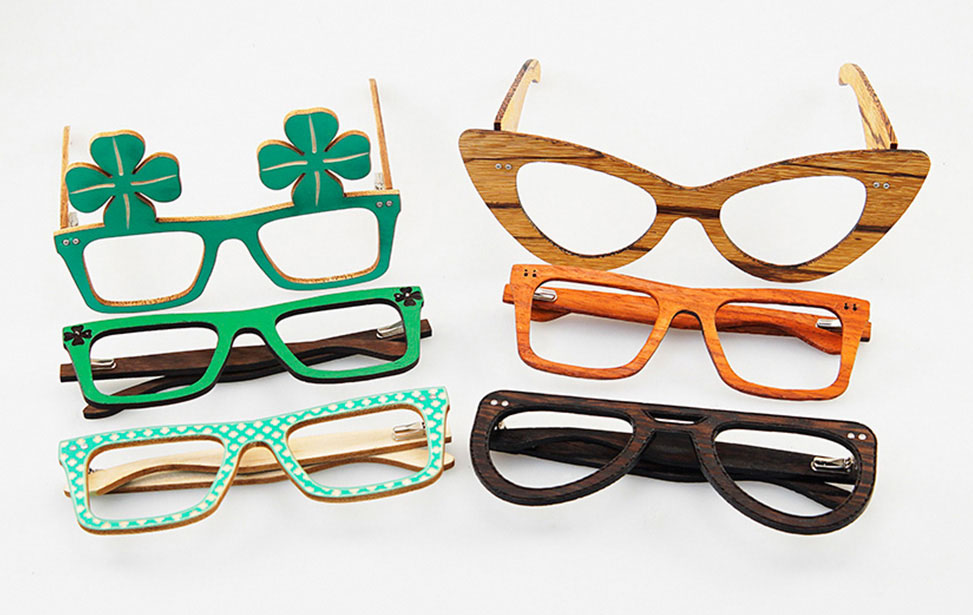
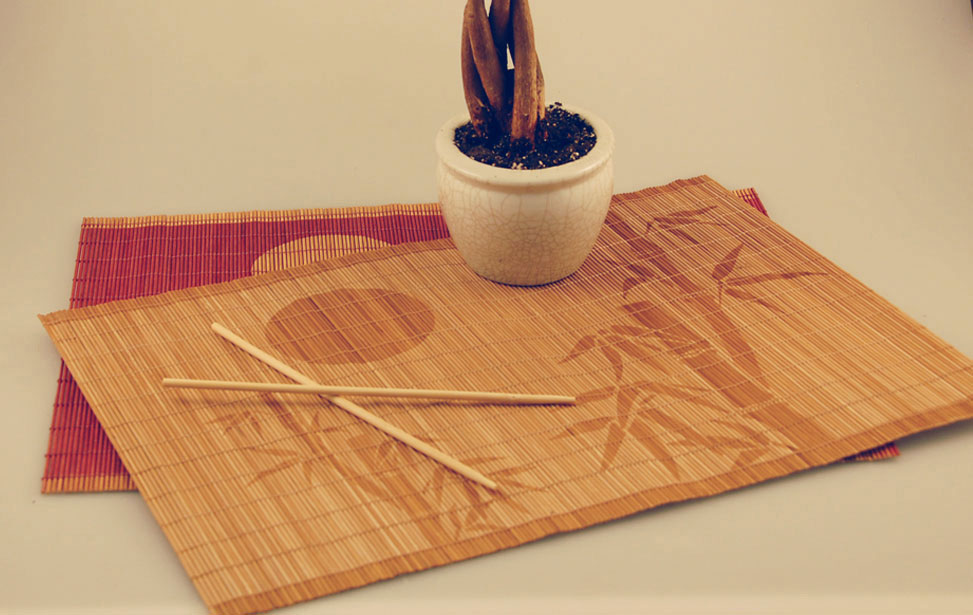
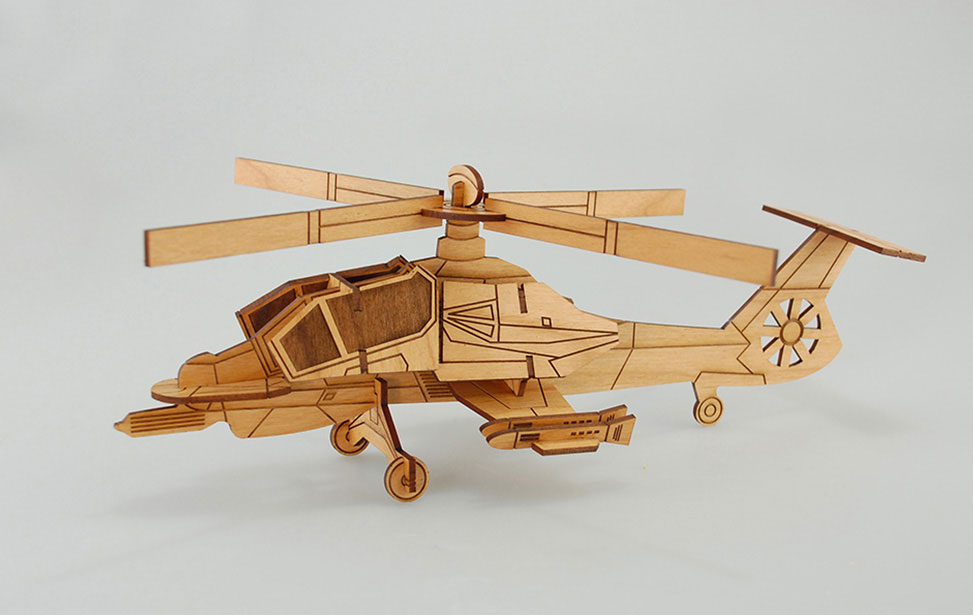
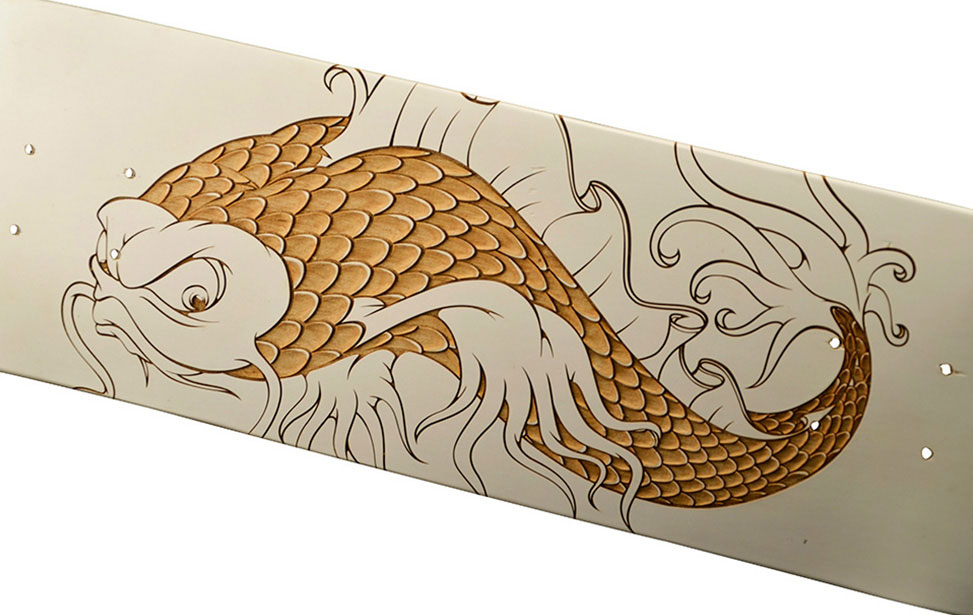
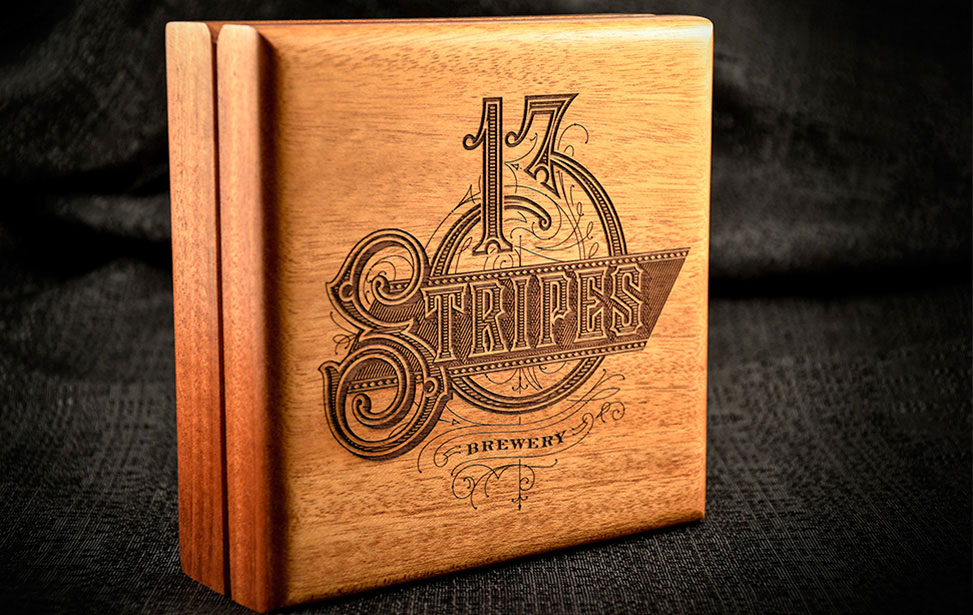
Wood cutting and engraving are two of the most popular applications for the laser because they can encompass so many different projects. From cabinetry to photo frames to knife handles, Epilog Laser systems are used in almost every woodworking category you will run across. Whether you are working with hardwoods, veneers, inlays, mdf, plywood, walnut, alder, or cherry, you can engrave amazingly intricate images with a laser system.

Expand your woodworking capabilities with an Epilog Laser machine

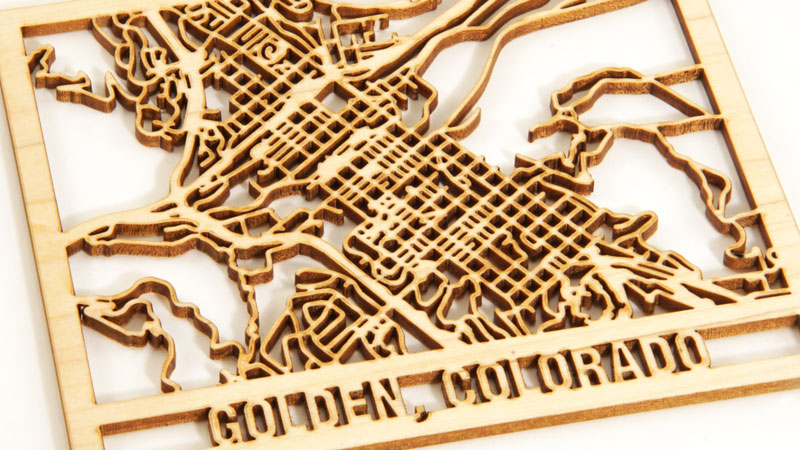
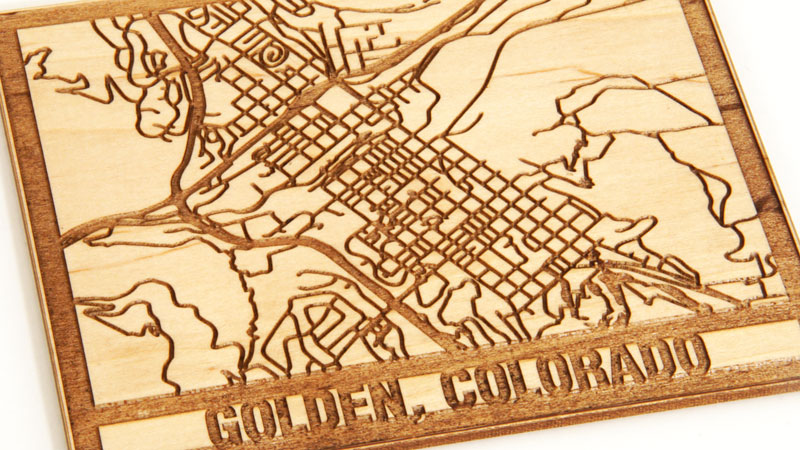
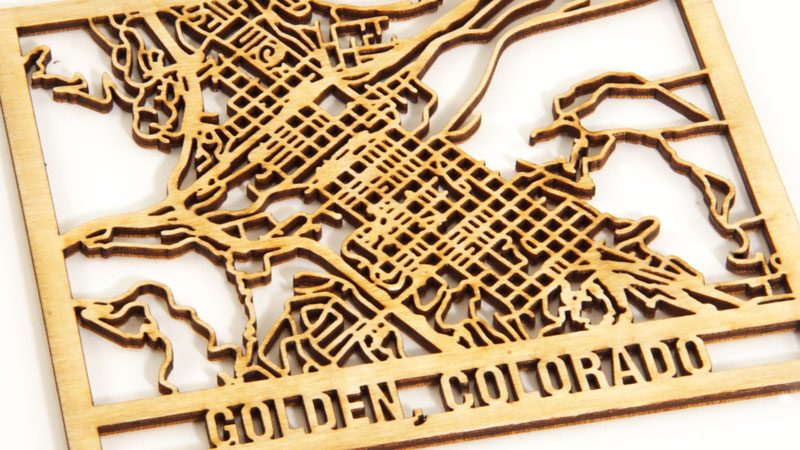
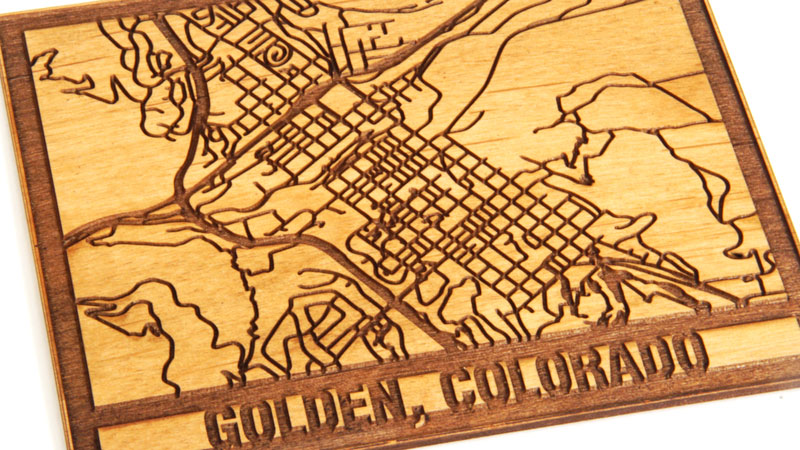
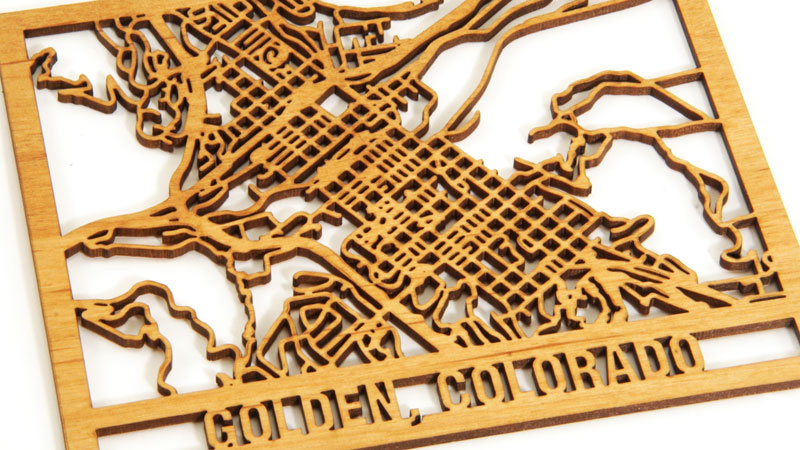
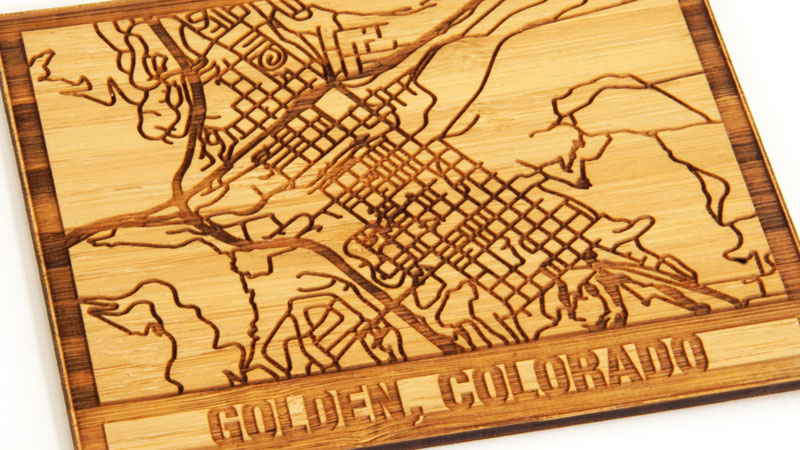
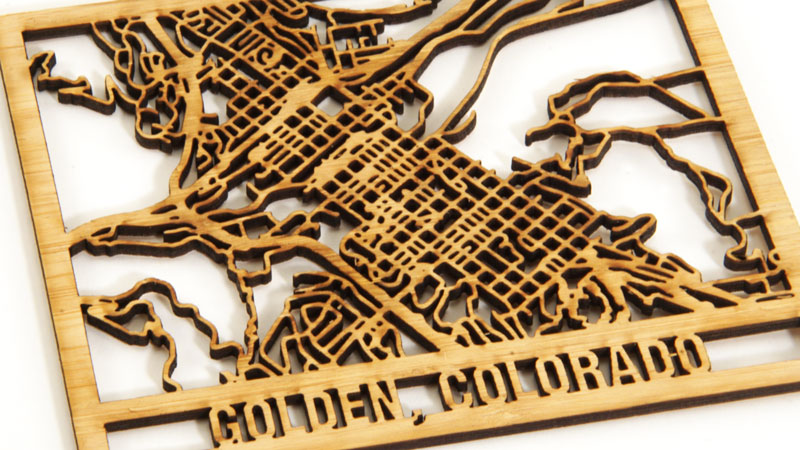
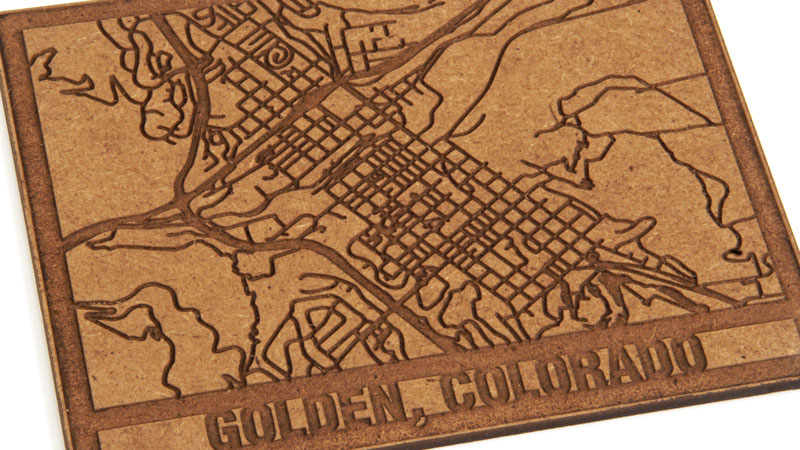
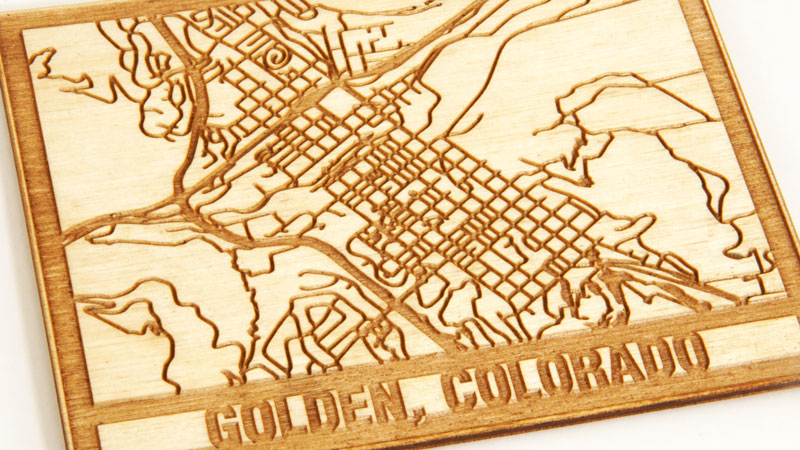
Epilog Laser systems work well with nearly all types wood. See for yourself by taking a look at some common examples:

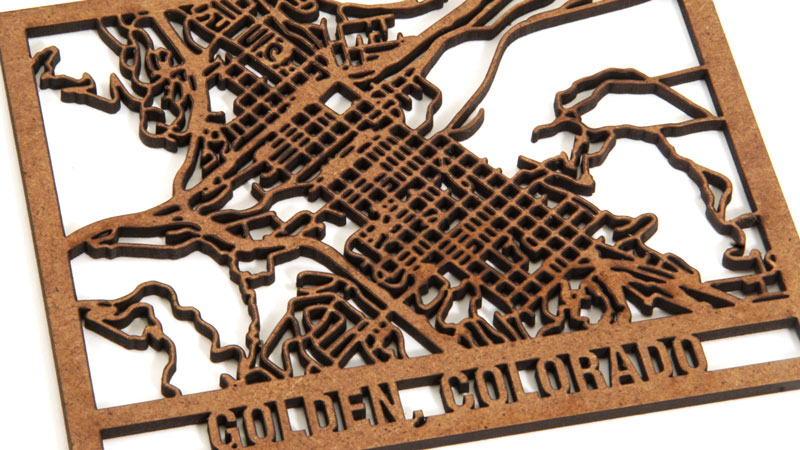
  • maple laser engraved map of golden, colorado Engraved
    maple laser cut map of golden, colorado Cut
  • birch ply laser engraved map of golden, colorado Engraved
    birch ply laser cut map of golden, colorado Cut
  • alder laser engraved map of golden, colorado Engraved
    alder laser cut map of golden, colorado Cut
  • bamboo laser engraved map of golden, colorado Engraved
    bamboo laser cut map of golden, colorado Cut
  • mdf laser engraved map of golden, colorado Engraved
    mdf laser cut map of golden, colorado Cut
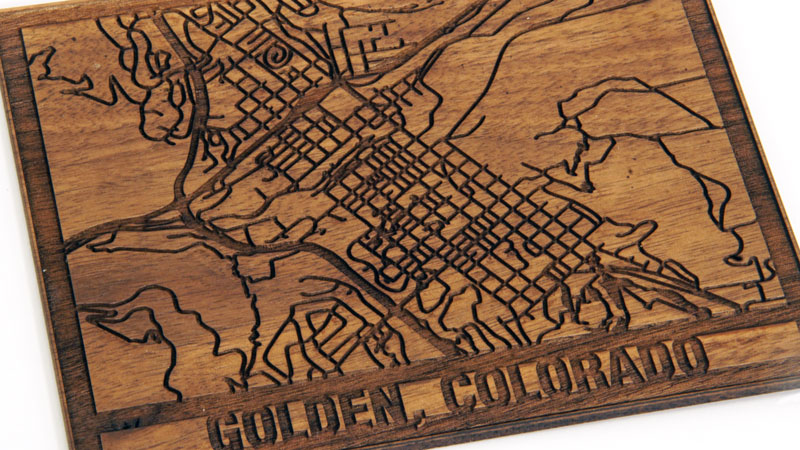
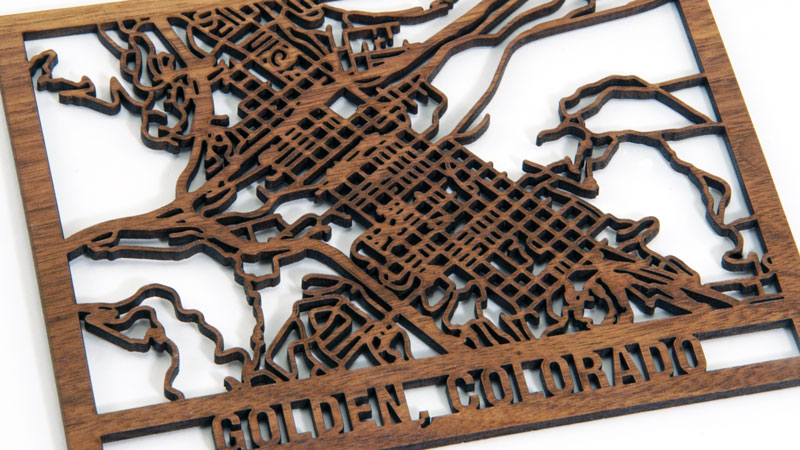
  • walnut laser engraved map of golden, colorado Engraved
    walnut laser cut map of golden, colorado Cut
quotation mark

Peter Pihos Jr.

5 Year Wood
“Having an Epilog has allowed us to design and create products that are exceptionally unique.”
quotation mark

Carol Esh

Sanaloma Laser

“Our Epilog Laser is the center of Sanaloma Laser. We wouldn’t have a business without the Epilog. It is our business!”

quotation mark

Rich Good

Good Wood

“My Epilog equipment does exactly what the company claims it can do and has absolutely met my expectations.”

    What wood products can you create with a wood laser cutter?

    From cabinetry to photo frames to knife handles, Epilog Laser systems are used in almost every category of woodworking project.

    Photo Engravings

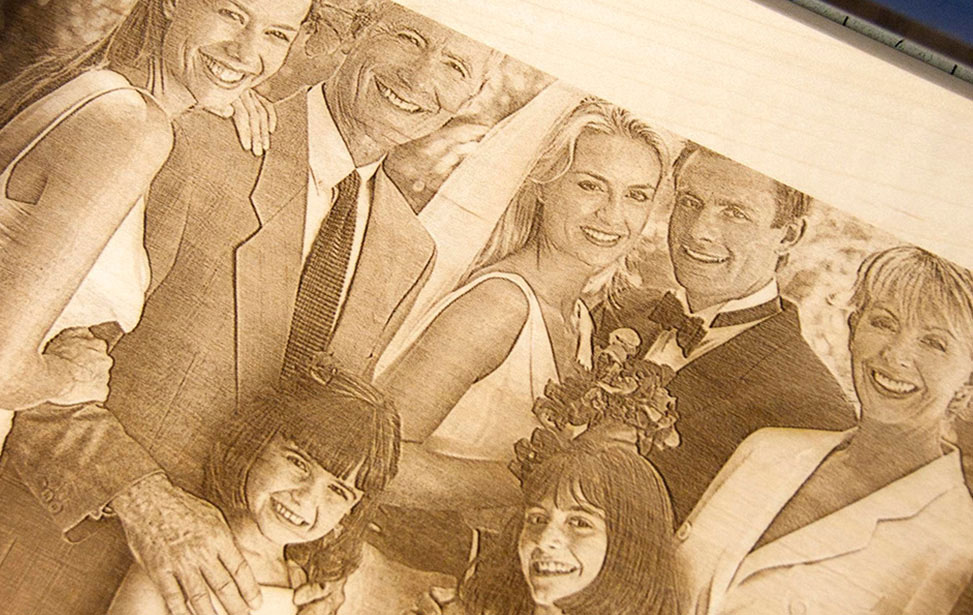
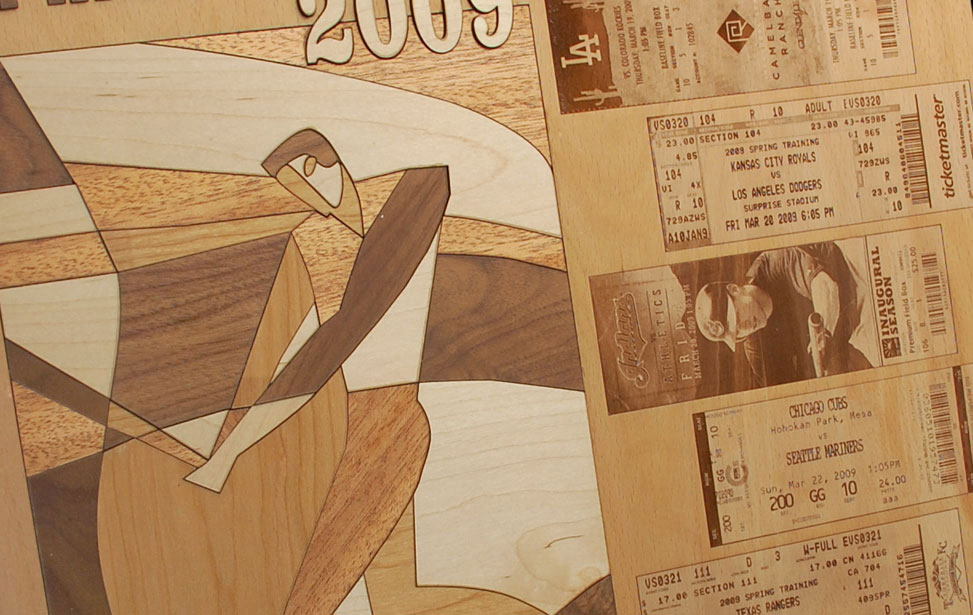
    A picture is worth a thousand words, and a photo engraving is worth a thousand more! Engrave your customers’ photos and memories on rich mahogany or natural pine for the perfect way to commemorate the past.

    Inlays

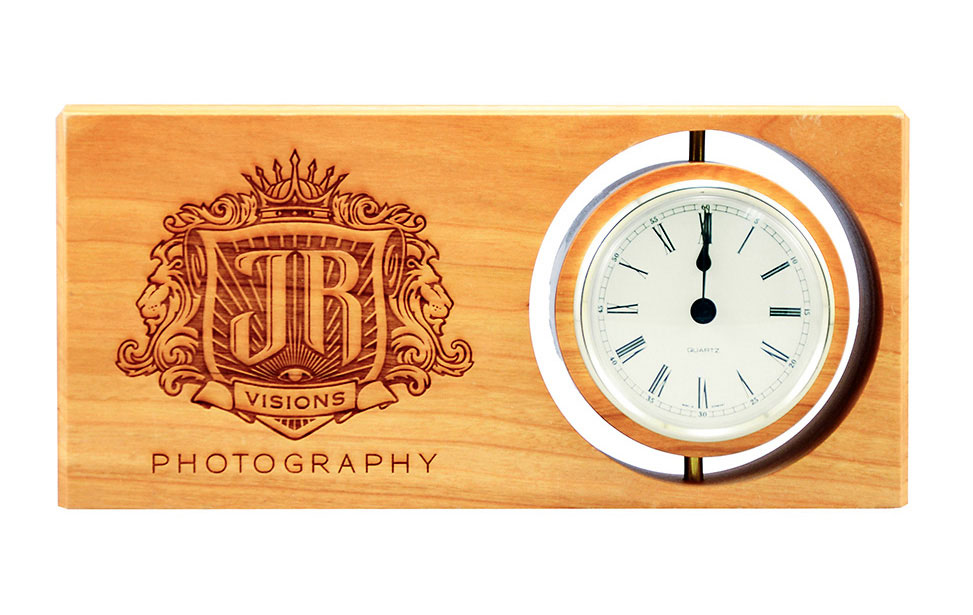
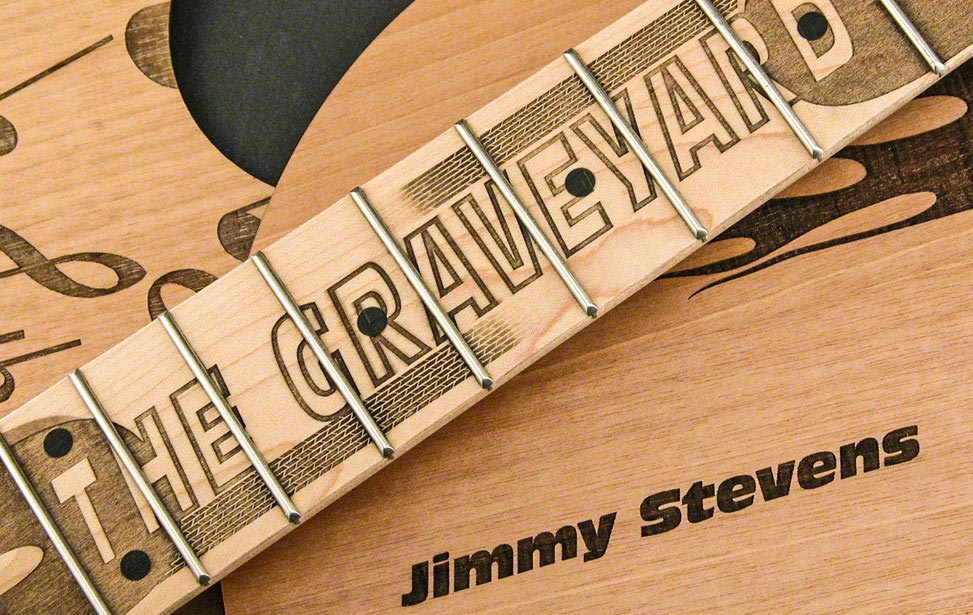
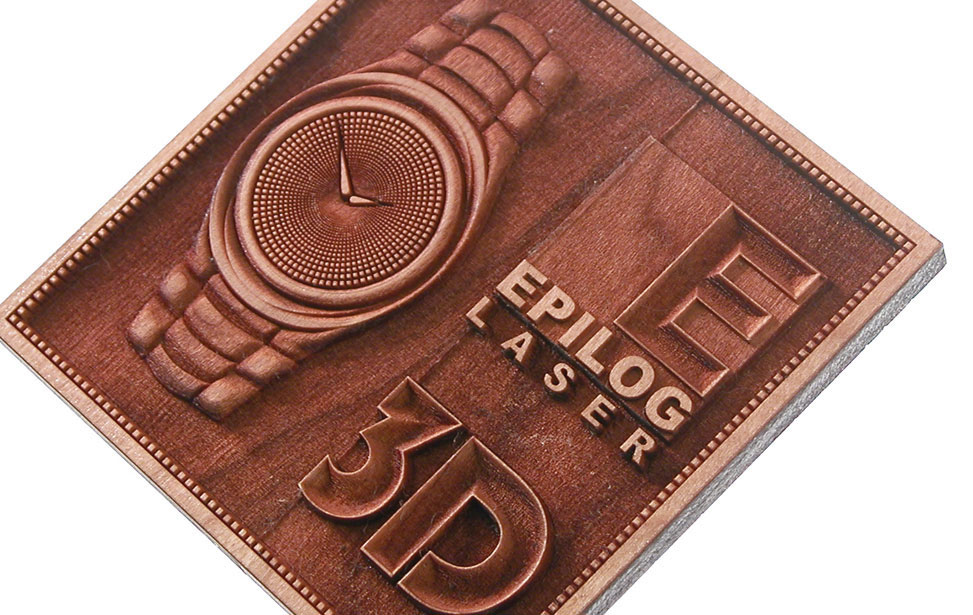
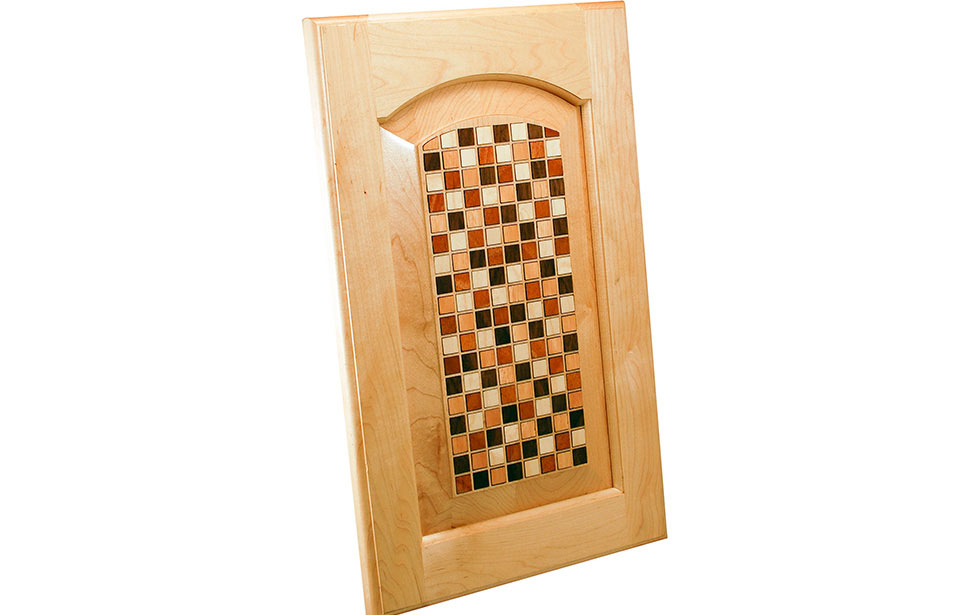
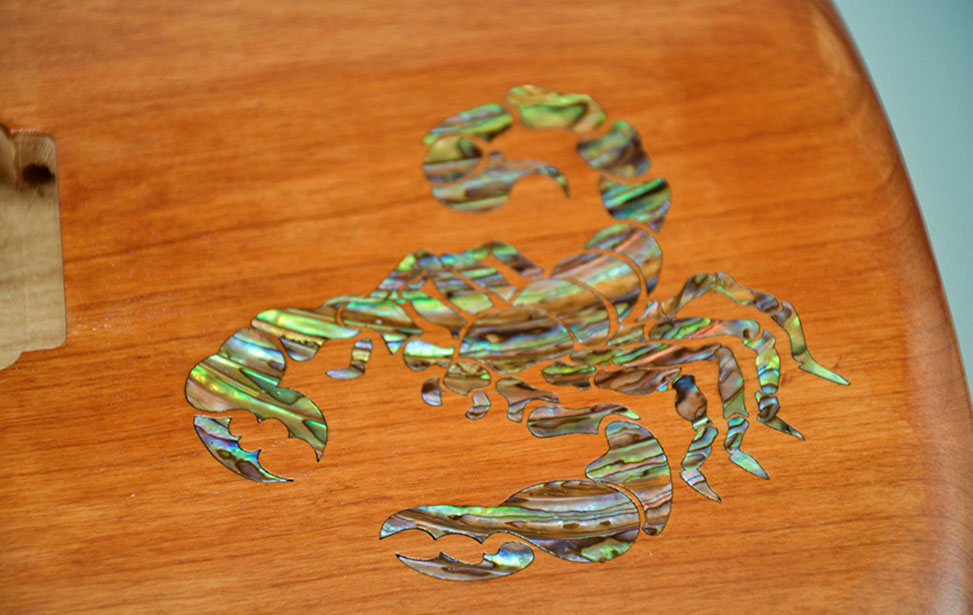
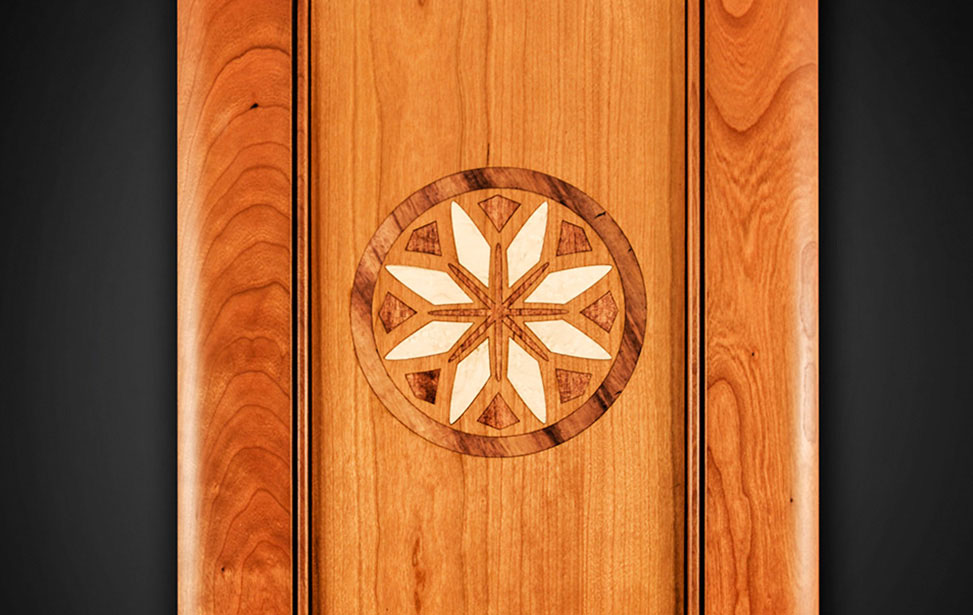
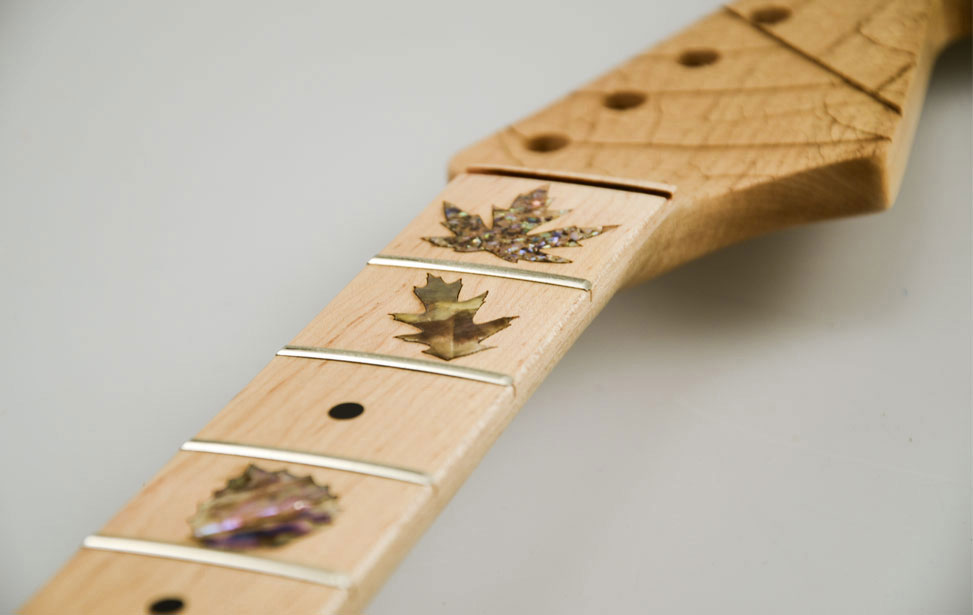
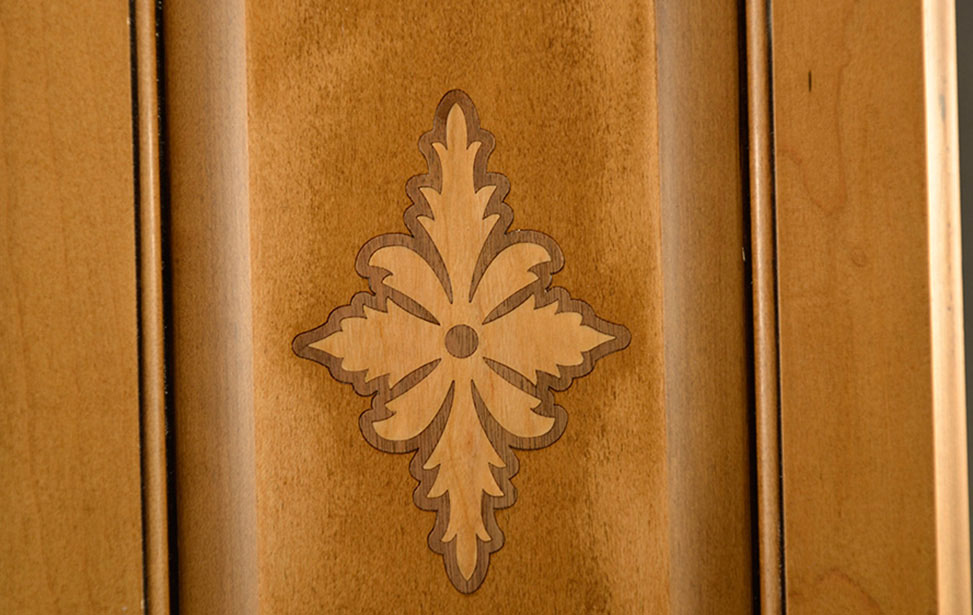
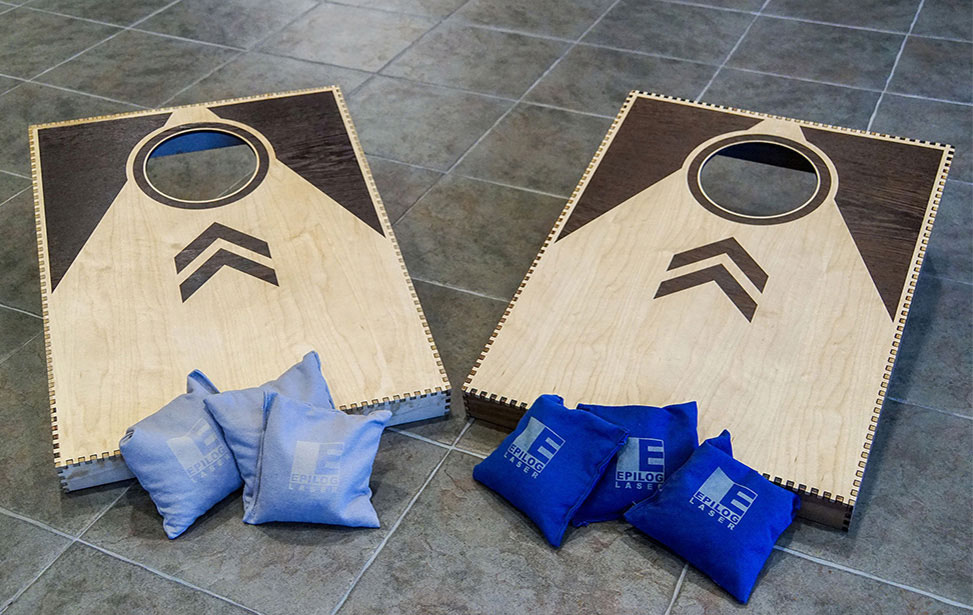
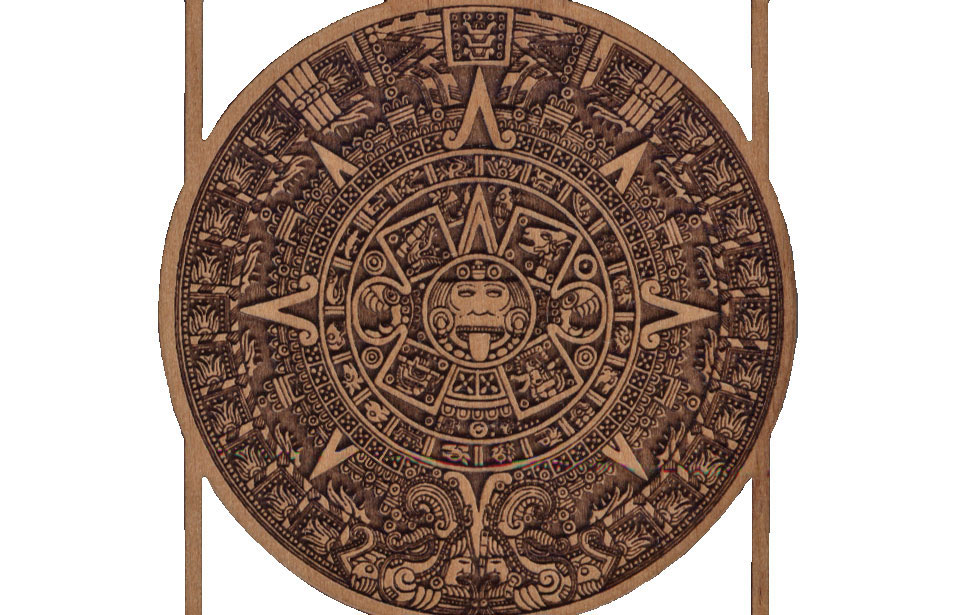
    By utilizing both the cutting and engraving capabilities of an Epilog Laser system, you can create beautiful inlays for cabinets, awards, guitars, and more.

    Prototyping

    For those projects where you need to make things fast, a laser system can speed up your workflow dramatically. Quickly cutting materials like MDF and plywood can take you from concept to prototype in record time. Plus, since a laser lets you work with nearly any size or shape material, you can easily use those extra scraps of wood you have from that last project!

    Personalization

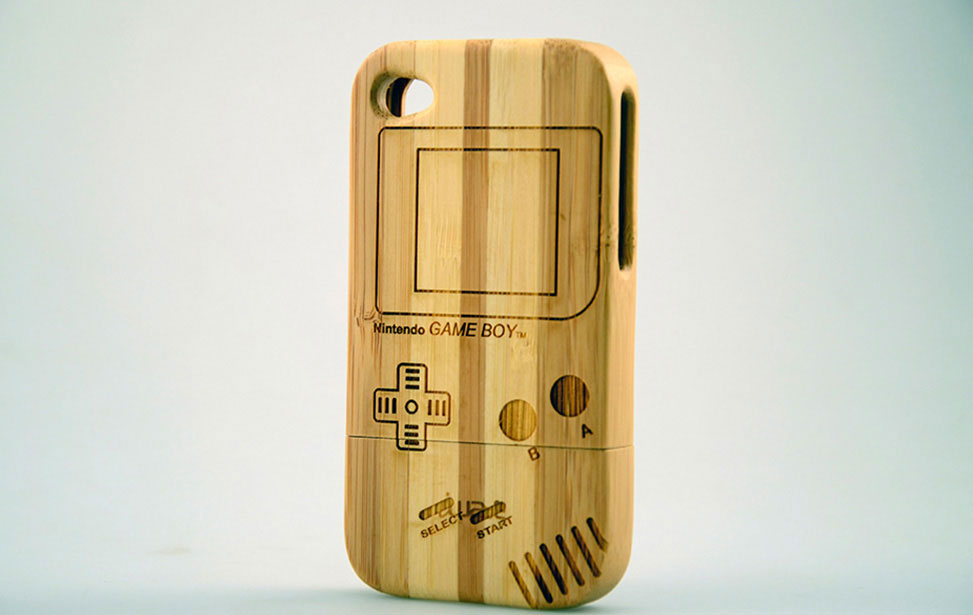
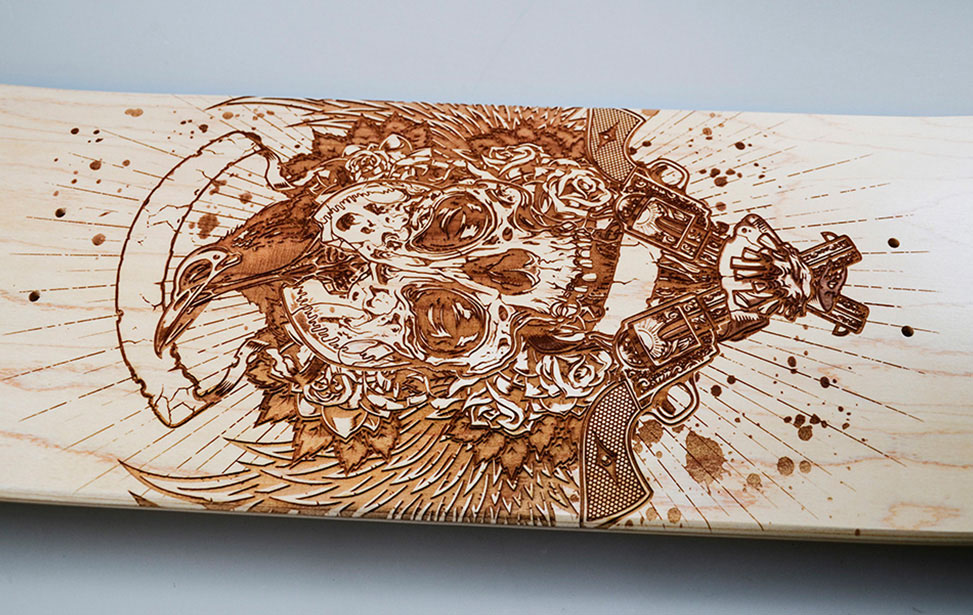
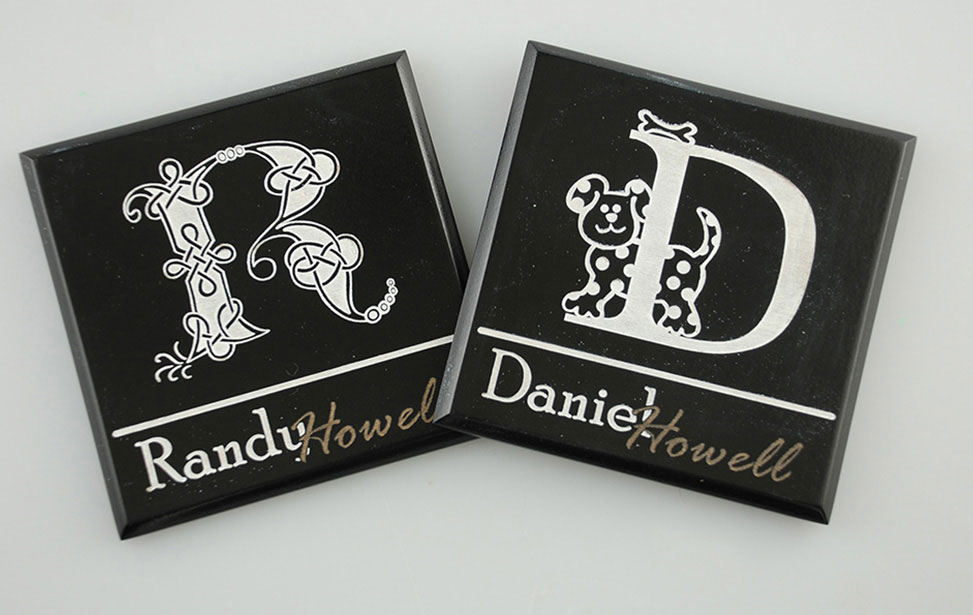
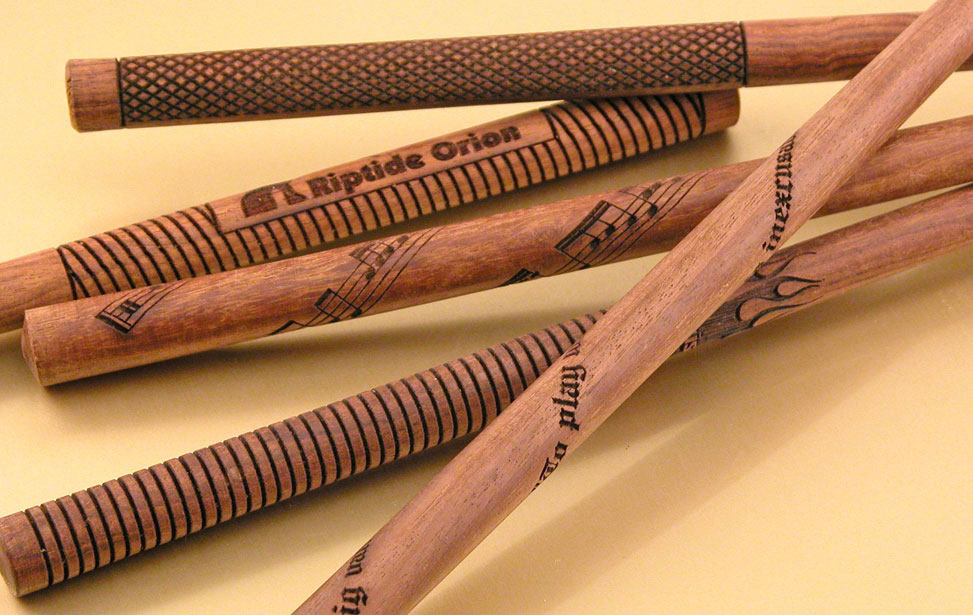
    A laser system can help customize products to create unique, one-of-a-kind items that mean something greater. Personalizing awards, skateboards, phone cases, guitars, or any other object can turn a great piece into the perfect gift.

    And More…

    The possibilities are endless when you use an Epilog Laser for woodworking projects. Whether you’re developing products, working on hobby projects, or prototyping new designs, a laser system can help you create faster and with higher quality. All it takes is a little imagination and an Epilog Laser!

    2OOW Laser for Thick Cutting & Increased Production
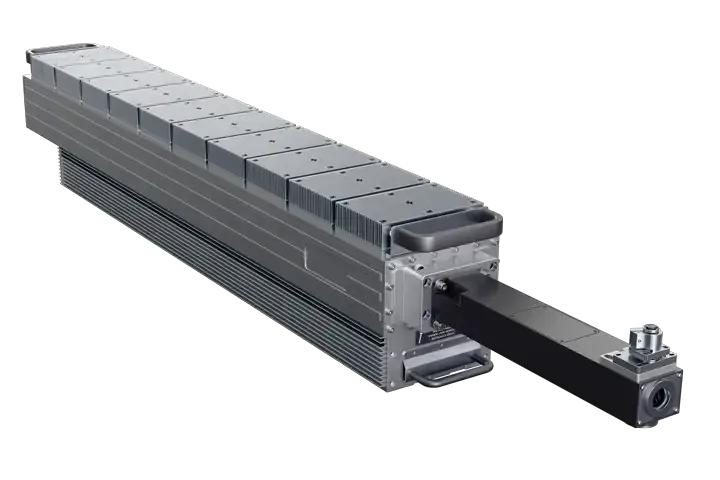
    For businesses that need to produce large quantities, the increased power will help meet production demands.
    200w for faster engraving and thick wood cutting

    Wood Engraving is Easy!

    Print/Import to your laser from any graphics software (MAC or PC)

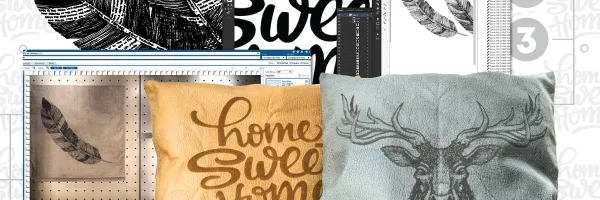
    Laser machines work similarly to office printers, so the process is simple. Cutting and engraving with an Epilog is as easy as following these three steps: select your design and print, configure the laser for your material with speed and power settings, and push GO to laser it!

    Import/Setup Artwork

    Design in your favorite software

    Material Settings

    Assign speed and power by material

    Start Engraving!

    Send the job to the laser and press go!

    Explore which wood Epilog machines are best for laser engraving and cutting wood?

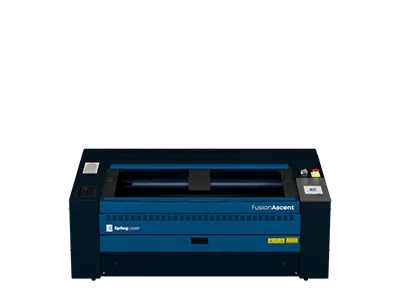
    Whatever the scope of your wood engraving projects, Epilog Laser has the laser that will fit your needs, from starter business systems, like the Fusion Ascent, to top-of-the-line machines, the Fusion Pro.

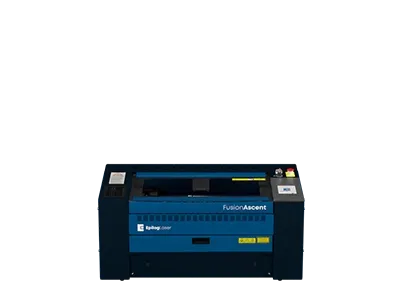
    Fusion Ascent 12 Laser Machine

    Fusion Ascent 12

    Next Gen Series
    Work Area

    24″ x 12″
    (610 x 305mm)

    Type

    CO2, Fiber

    Wattage

    CO2: 30-60
    Fiber: 30

    Our compact laser system available in several wattage configurations and features up to 3050 mm/s (120 IPS) engraving speeds. Also available with a fiber laser source.

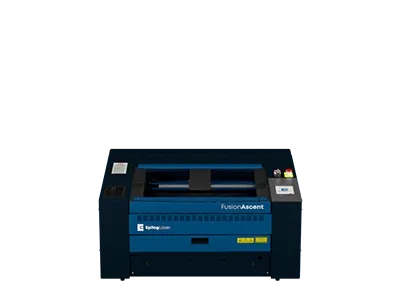
    Fusion Ascent 24 Laser Machine

    Fusion Ascent 24

    Next Gen Series
    Work Area

    24″ x 24″
    (610 x 610mm)

    Type

    CO2

    Wattage

    CO2: 40-80
    Fiber: 60

    A mid-size system that includes Epilog’s IRIS Camera System.

    Fusion Ascent 36 Laser Machine

    Fusion Ascent 36

    Next Gen Series
    Work Area

    36″ x 24″
    (914 x 610mm)

    Type

    CO2

    Wattage

    CO2: 40-80

    The largest system in the Fusion Edge Series, the Edge 36 offers a 36” x 24” (914 x 610 mm) engraving table and comes in a 60, 80, or 100 watt CO2 configuration. The Edge 36 features 3050 mm/s (120 IPS) engraving speeds, and features built-in Ethernet, USB, and Wireless options for networking your laser.

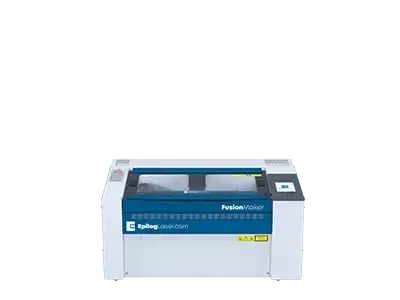
    Fusion Maker 12

    Starter Series
    Work Area

    24″ x 12″
    (610 x 305mm)

    Type

    CO2

    Wattage

    CO2: 30-40

    The newest in Epilog’s laser lineup, the Fusion Maker was designed for the entry-level hobbyist or small business owner. This compact system features up to 60 IPS engraving speeds and our popular IRIS Camera System.

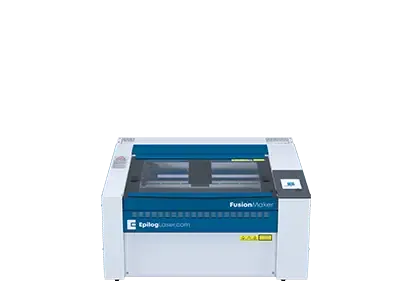
    Fusion Maker 24

    Starter Series
    Work Area

    24″ x 24″
    (610 x 610mm)

    Type

    CO2

    Wattage

    CO2: 40

    Featuring a 24” x 24” engraving table and available in a 40 watt configuration, the Fusion Maker 24 offers users a larger engraving table to tackle bigger projects.

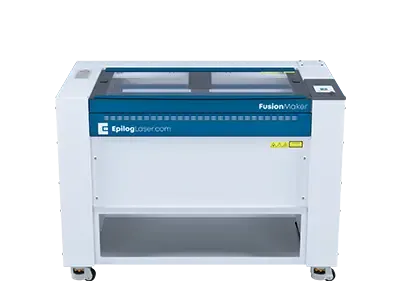
    Fusion Maker 36

    Starter Series
    Work Area

    36″ x 24″
    (914 x 610mm)

    Type

    CO2

    Wattage

    CO2: 40-50

    The largest in the Fusion Maker Laser Series, the Fusion Maker 36 features a 36” x 24” workspace and 40 or 50 watt configuration options. All of the Fusion Maker systems include our IRIS Camera System and 60 inches per second engraving speeds.

    Fusion Edge 12

    Business Series
    Work Area

    24″ x 12″
    (610 x 305mm)

    Type

    CO2, Fiber

    Wattage

    CO2: 50-60
    Fiber: 30

    Our compact laser system available in several wattage configurations and features up to 3050 mm/s (120 IPS) engraving speeds. Also available with a fiber laser source.

    Fusion Edge 24

    Business Series
    Work Area

    24″ x 24″
    (610 x 610mm)

    Type

    CO2

    Wattage

    CO2: 50-60

    A mid-size system that includes Epilog’s IRIS Camera System.

    Fusion Edge 36

    Business Series
    Work Area

    36″ x 24″
    (914 x 610mm)

    Type

    CO2

    Wattage

    CO2: 60-100

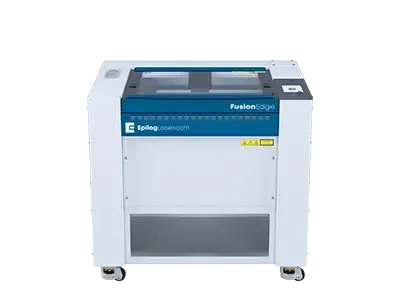
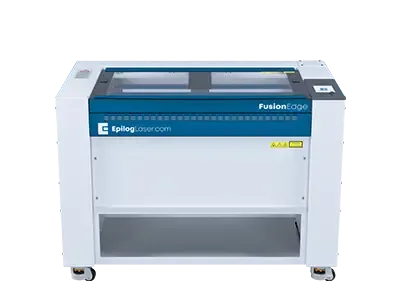
    The largest system in the Fusion Edge Series, the Edge 36 offers a 36” x 24” (914 x 610 mm) engraving table and comes in a 60, 80, or 100 watt CO2 configuration. The Edge 36 features 3050 mm/s (120 IPS) engraving speeds, and features built-in Ethernet, USB, and Wireless options for networking your laser.

    Fusion Pro 24

    Industrial Series
    Work Area

    24″ x 24″
    (610 x 610mm)

    Type

    CO2, Dual

    Wattage

    CO2: 60-100
    Fiber: 60

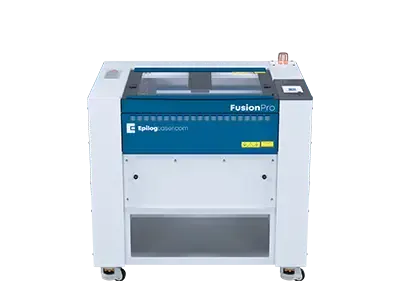
    The smallest in our industrial Fusion Pro Laser Series, the Pro 24 is available in 60, 80, or 100 watts and can be configured as a dual-source system with both CO2 and fiber laser capabilities.

      Sample Club

      With step-by-step instructions and free graphics files, get new project ideas every month!
      laser engraved minature baseball bats

      Top 10 FAQs for Wood Laser Engraving & Cutting

      1. What is the best type of laser for engraving and cutting wood?
      For professional and high-quality wood engraving, an Epilog CO2 laser is the undisputed industry standard. While cheap diode lasers can mark wood, their spot size is larger and their cutting power is severely limited. An Epilog CO2 laser operates at a wavelength that organic materials like wood to vaporize in a flash, resulting in deep, dark, and exceptionally crisp engravings. Epilog Laser’s CO2 systems feature high-quality metal/ceramic laser tubes that produce a spot size as small as .004” (the size of a grain of salt), delivering unmatched detail that diode or glass-tube lasers simply cannot replicate.
      2. How thick of wood can a laser cutter handle?
      The maximum cutting thickness depends entirely on the wattage of the laser tube and the quality of the beam. A standard 40W system is excellent for engraving and cutting thin veneers and 1/8″ to 1/4″ hardwoodand plywoods. However, for serious woodworking operations looking to laser slice through 1/2″ to 1” hardwoods or thicker materials efficiently, higher wattages are required. Epilog’s Fusion Pro laser machines scale up to 200 watts, providing the industrial powerhouse capabilities needed for thick, single-pass cuts without excessive charring.
      3. Which types of wood are best for laser engraving?
      Alder, cherry, and maple are widely considered the best woods for laser engraving. These fine-grain, low-resin woods provide a smooth, consistent surface that allows the laser beam to penetrate uniformly, resulting in sharp, dark, and highly defined engravings. High-resin woods like pine, cedar, and spruce tend to burn inconsistently and produce excessive smoke. Epilog systems are highly adaptable, allowing operators to fine-tune speed and power settings in the software to achieve perfect results on any wood species.
      4. How do I prevent scorch marks and charring when laser cutting wood?
      Scorching is caused by excess heat transferring from the laser beam to the surrounding wood. To eliminate this, you need a combination of speed, precise focus, and airflow. Utilizing an Air Assist system—which directs a continuous stream of compressed air at the cutting surface—blows away heat and combustible gases before they can stain the wood. Combined with the high-speed servo motors on Epilog’s Fusion Pro and Fusion Ascent machines, the laser moves fast enough to vaporize the wood without leaving residual burn marks, ensuring clean, professional edges. Finished woods and masking materials can also provide additional barriers to the smoke and debrid settling back into the fibers of wood.
      5. Is a cheap, entry-level laser worth it for a woodworking business?
      For a hobbyist, an entry-level diode might suffice, but for a business, buying cheap often means buying twice. Lower-tier machines suffer from slow processing speeds, frequent breakdowns, and poor customer support, creating a massive bottleneck in production. An Epilog Laser is an investment in an industrial-grade tool. With significantly faster throughput, robust components, and rapid technical support, the ROI on an Epilog system is realized through high-volume production and flawless repeatability.
      6. What size laser bed do I need for woodworking projects?
      The size of your laser bed dictates your production capacity and the scale of your projects. If you are exclusively doing small custom gifts, a smaller format like the Fusion Ascent 24” x 24” is ideal. However, if you are engraving large custom cabinet doors, architectural models, or want to maximize profitability by batch-processing 20 cutting boards at once, a larger work area is essential. Epilog’s Fusion Pro series offers expansive bed sizes and high-wattage options designed specifically for high-throughput, large-scale industrial applications.
      7. How do I perfectly align my design on the wood piece?
      Misalignment results in wasted wood and lost revenue. Modern professional lasers eliminate the guesswork of framing and trial runs. Epilog’s IRIS™ Camera Positioning System features overhead cameras that provide a real-time, high-definition image of the laser bed right on your computer screen. You can literally drag and drop your artwork onto the exact grain pattern or specific area of the wood you want to engrave, ensuring perfect placement every single time.
      8. Can a laser engraver process curved or cylindrical wooden objects?
      Yes, processing items like wooden baseball bats, rolling pins, or pepper mills is incredibly lucrative. To do this, the machine requires a rotary attachment. Instead of the laser moving on the Y-axis, the rotary attachment turns the cylindrical object as the laser fires. Epilog offers highly precise rotary attachments that plug directly into the machine, making it simple to transition from flat panel engraving to cylindrical objects in seconds. As an additional option, Epilog also offers a 4” lenses, which allow for extra clearance and engraving on curved bowl type surfaces as well as items like skateboards.
      9. Do I need an exhaust system to laser engrave wood?
      Absolutely. Vaporizing wood creates smoke, fine particulate dust, and resin fumes. Operating without proper ventilation is dangerous and will quickly ruin the optics of the laser machine. You must either exhaust the fumes outside via a high-capacity fan or use a standalone filtration unit. Epilog systems integrate seamlessly with top-tier extraction units, ensuring your workspace remains clean and the machine’s lenses stay clear for maximum engraving power.
      10. What is the difference between laser engraving, etching, and cutting wood?
      Laser engraving removes material to create a permanent, deep indentation with high contrast. Laser etching is a shallower process that alters the surface color without carving deeply into the wood, allowing for much faster processing times. Laser cutting drives the beam entirely through the material to create custom shapes and clean edges. Epilog’s Software Suite allows you to execute all three processes in a single job—simply color-code your design lines and shapes, and the machine will automatically adjust its speed and power to engrave, etch, and cut seamlessly.

      Request Information

      "*" indicates required fields

      This field is for validation purposes and should be left unchanged.

      Contact Info:

      Machine Preference?

      Address:

      Address:
      I represent a school or university
      I agree to receiving marketing emails and special promotions
      Privacy Policy*