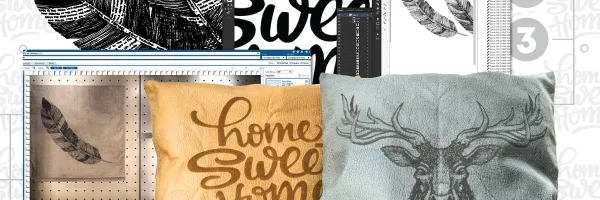


Intricately Cutting Paper
Laser cutters have revolutionized the paper crafting and packaging industries, providing endless opportunities for creativity and precision. With a laser cutter, custom dye lines can be cut out quickly and accurately, allowing for detailed and elaborate packaging and papercrafts.
The ability to cut through various materials, including cardstock, foam, and even wood, opens up a world of possibilities for creating unique and eye-catching products. Additionally, laser engravers allow for customization and personalization on paper products, making each piece truly one-of-a-kind. Whether used for creating invitations, custom packaging, or intricate paper art, laser cutters have become an essential tool for those in the paper crafting and packaging industries looking to take their creations to the next level.
Laser-Cut Greeting Cards
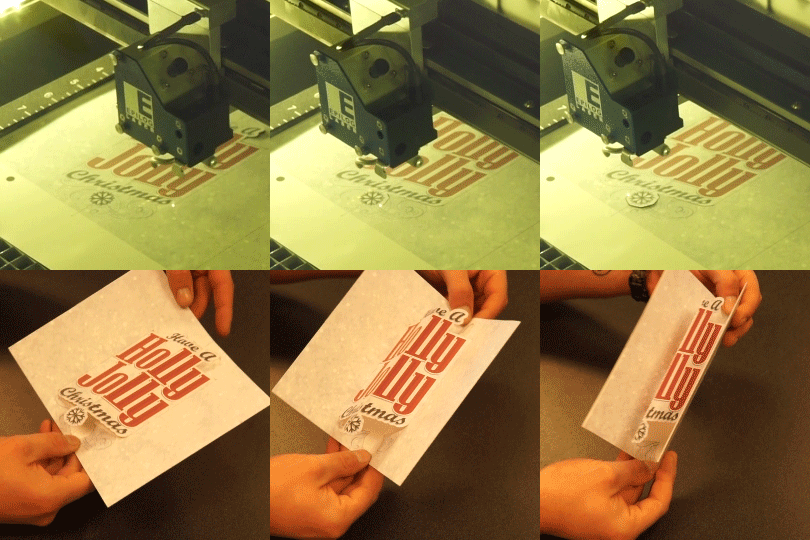
Creating greeting cards with the laser is an application that’s quickly growing in popularity. From high-volume production of holiday cards, Mother’s & Father’s Day cards, graduation cards, etc., to one-off custom ‘get well soon’ or congratulatory cards with personalized notes, the power of the laser makes it easy to create stunning greeting cards! The accuracy of the laser lets you both cut and perforate, making it simple to create unique, foldable pop-up cards too!


Intricately Cutting Paper
When it comes to precision and accuracy in laser cutting, nothing beats the Epilog Laser machines. The laser is able to cut through paper with incredible accuracy, leaving clean and precise edges that are impossible to achieve with traditional cutting methods. Whether you are cutting intricate designs or simple letters and shapes, the Epilog laser delivers consistent, precise results every time. With its high level of accuracy, you can be sure that your project will turn out just the way you envisioned it. So, whether you are a professional artist, designer, or hobbyist, the Epilog laser is the perfect tool for creating stunning, intricate paper designs.


3D Modeling with Paperboard
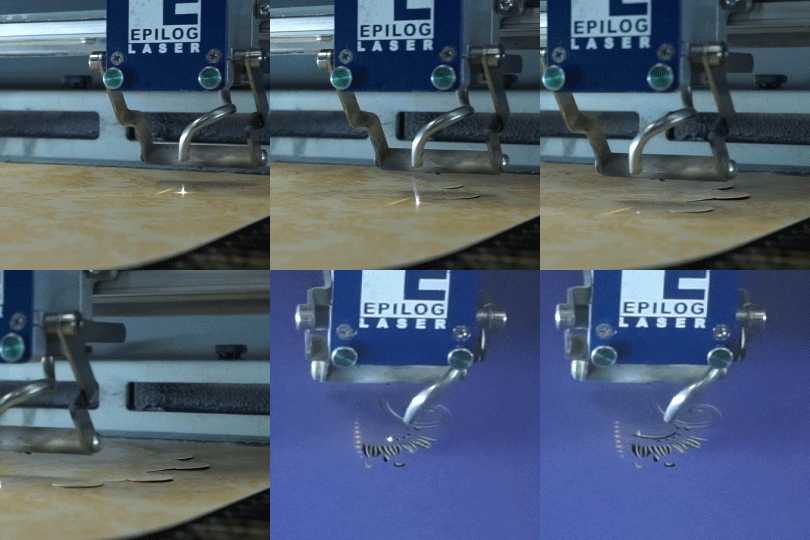
Using Taskboard and 3D modeling software, you can easily create impressive 3D objects. Programs such as Autodesk’s Fusion 360 allow you to take a digital model and transform it into numbered “slices,” which can easily be cut by the laser. Using a dowel rod as a center support, you can then slide the pieces in numerical order for quick and easy assembly! This application also works well with simple corrugated cardboard.


Fusion IRIS Camera Registration Mark Cutting
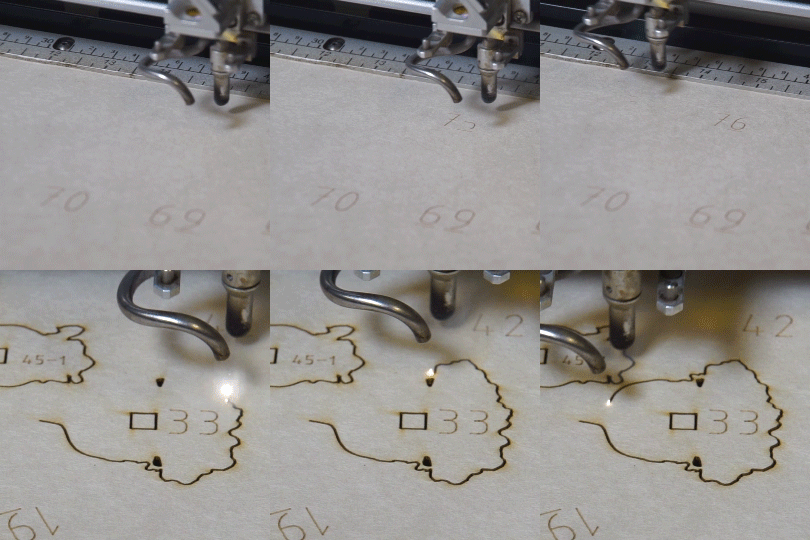
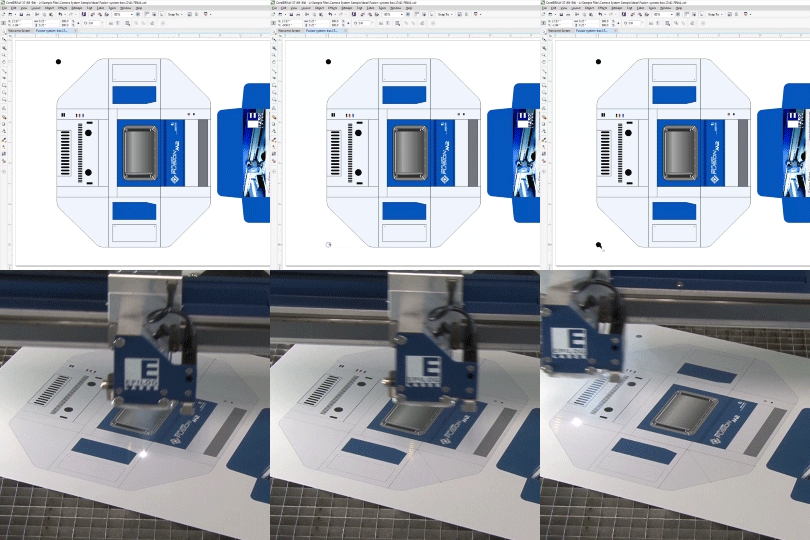
Epilog Laser’s IRIS Camera registration mark-cutting system is a game-changer for paper projects. It ensures precise and accurate laser cutting by automatically recognizing registration marks on the material. Our technology eliminates the need for manual alignment, which saves time and reduces errors. The IRIS Camera registration system allows you to cut pre-printed designs and patterns, making it the ideal tool for your paper finishing needs. Epilog’s cutting-edge laser technology will enable you to take your paper products and projects to the next level.
The cameras also provide a real-time preview of the cutting table. In the Epilog Dashboard, you will see a real-time photo representation of the laser table with your printed graphic and its true position on the table or item placed on the work surface. The cut lines from your printed graphic will overlay the image to show a preview of where the laser cuts will occur. From the Dashboard, simply click on the registration marks you want to use and the Fusion IRIS Camera software does the rest.


Sample Club

You may also like…


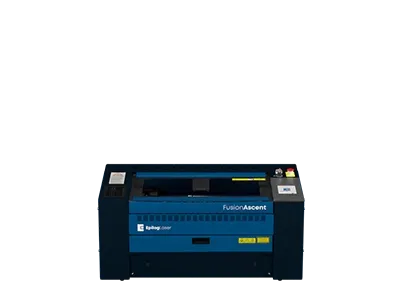
Fusion Ascent 12
24″ x 12″
(610 x 305mm)
CO2, Fiber
CO2: 30-60
Fiber: 30
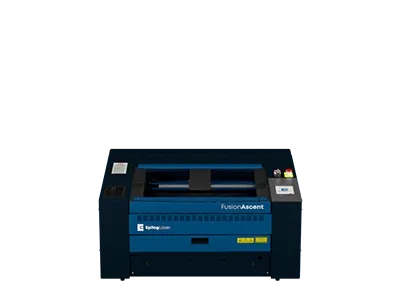
Fusion Ascent 24
24″ x 24″
(610 x 610mm)
CO2
CO2: 40-80
Fiber: 60
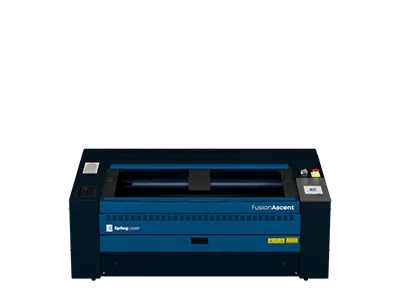
Fusion Ascent 36
36″ x 24″
(914 x 610mm)
CO2
CO2: 40-80
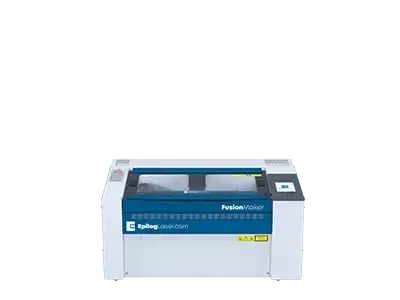
Fusion Maker 12
24″ x 12″
(610 x 305mm)
CO2
CO2: 30-40
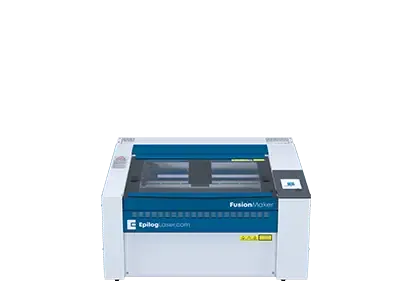
Fusion Maker 24
24″ x 24″
(610 x 610mm)
CO2
CO2: 40
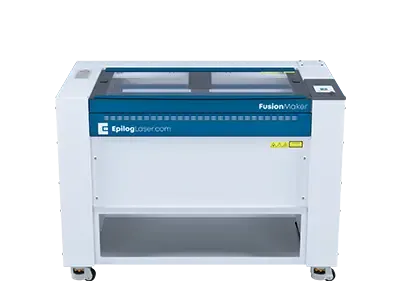
Fusion Maker 36
36″ x 24″
(914 x 610mm)
CO2
CO2: 40-50
Fusion Edge 12
24″ x 12″
(610 x 305mm)
CO2, Fiber
CO2: 50-60
Fiber: 30
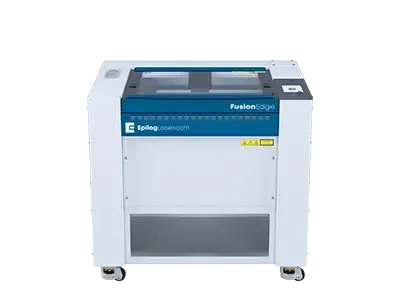
Fusion Edge 24
24″ x 24″
(610 x 610mm)
CO2
CO2: 50-60
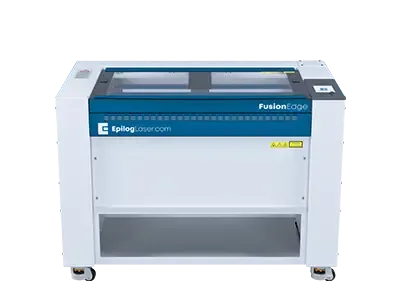
Fusion Edge 36
36″ x 24″
(914 x 610mm)
CO2
CO2: 60-100
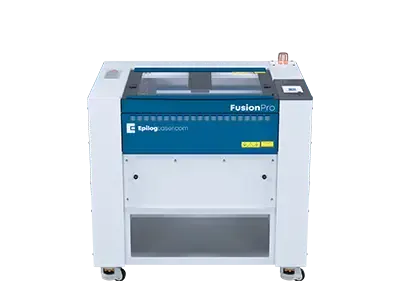
Fusion Pro 24
24″ x 24″
(610 x 610mm)
CO2, Dual
CO2: 60-100
Fiber: 60