Laser Cutting Acrylic
Laser cutters for cutting and engraving cast and extruded acrylic
Why Use a Laser for Cutting Acrylic?
Laser cutting acrylic is an exceptionally popular application for Epilog Laser machines because of the high-quality results that are produced.
Depending on the type of acrylic you’re working with, the laser can produce a smooth, flame-polished edge when laser cut, and it can also produce a bright, frosty white engraving when laser engraved.
Types of Acrylic – Cast and Extruded
Before beginning to experiment with acrylic in your laser, it’s important to understand the different types of this laser-friendly material. There are two types of acrylics suitable for use with the laser: cast and extruded.
Cast acrylic sheets are made from a liquid acrylic that is poured into molds that can be set into various shapes and sizes. This is the type of acrylic used for most of the awards you see on the market. Cast acrylic is ideal for engraving because it turns a frosty white color when engraved. Cast acrylic can be cut with a laser, but it will not result in flame-polished edges. This acrylic material is better suited for engraving.
The other type of acrylic is known as extruded acrylic, which is a very popular cutting material for signs and promotional products. Extruded acrylic is formed through a higher-volume manufacturing technique, so it is typically less expensive than cast, and it reacts very differently with the laser beam. Extruded acrylic will cut cleanly and smoothly and will have a flame-polished edge when laser cut. But when it is engraved, instead of a frosted look you will have a clear engraving.
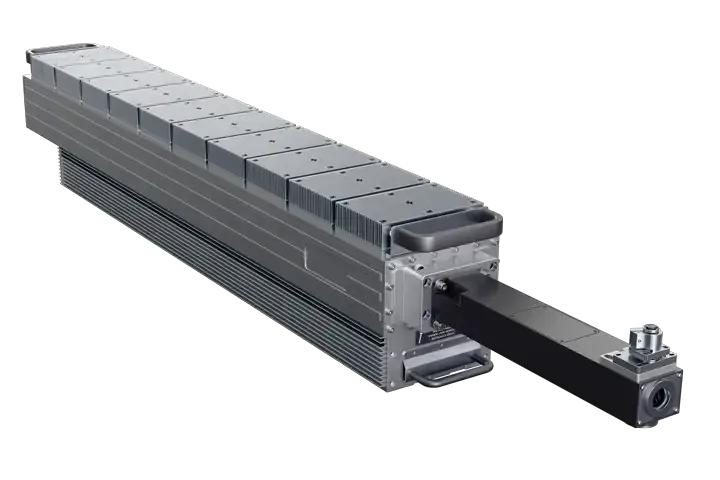
2OOW Laser for Thick Cutting & Increased Production
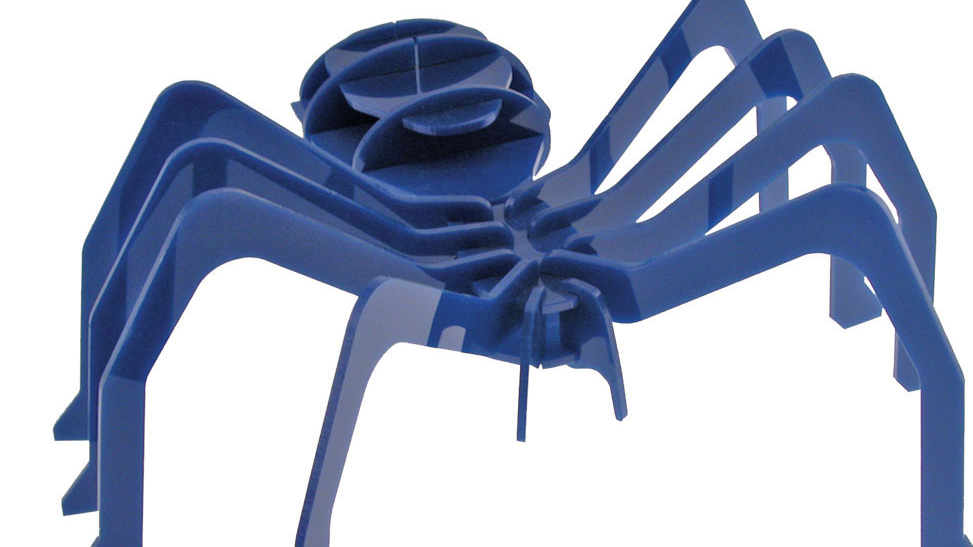
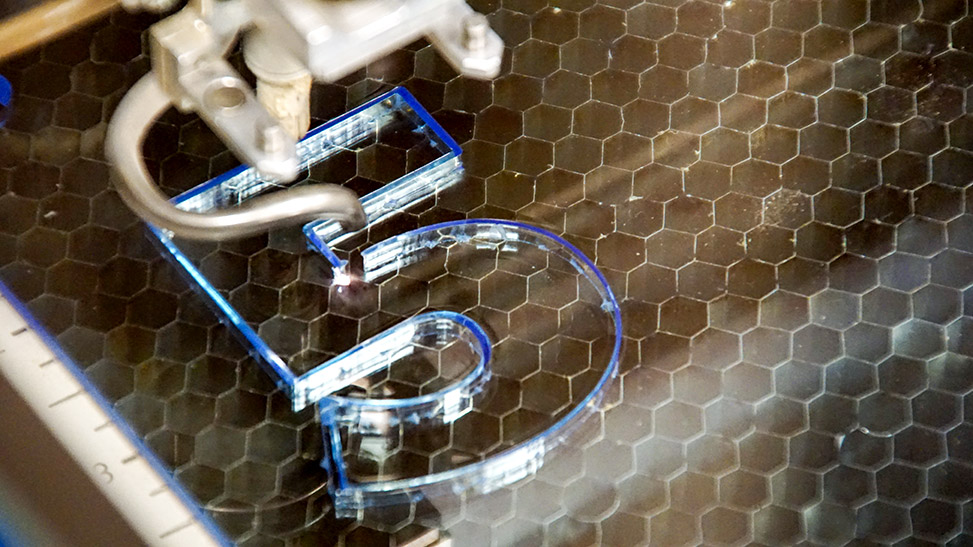
Laser Cutting Acrylic
To achieve the best results when cutting extruded acrylic, you’ll want to elevate the material so that it’s not touching the cutting table. This will greatly reduce backside reflection and the occurrence of grid marks on the material after being laser cut.
Using your laser to create standoffs from wood or acrylic is the perfect way to use your scrap wood and acrylic material to help you get those perfect extruded acrylic cuts for your customers. Creating standoffs or using other techniques allows you to raise and support your acrylic for better cutting edge quality.
How thick of acrylic can you cut?
Cutting results will depend on the laser wattage and material type. These settings are recommended and results may vary slightly.
- As you increase in wattage, you will be able to increase the thickness of acrylic you can laser cut.
- 30W – 40W will cut 1/8″ (3.1 mm) of acrylic.
- 50W – 60W will cut 1/4″ (6.3 mm) of acrylic
- 80W – 100W will cut from to 3/8″ (9.5 mm) with one pass to 1″ (25.4 mm) with two passes.
- 120W system will cut from to 1/2″ (12.7 mm) with one pass to 1″ (25.4 mm) with two passes.
- 200W system will cut from to 3/4″ (19 mm) with one pass to 1″ in. (25.4 mm) with two passes.
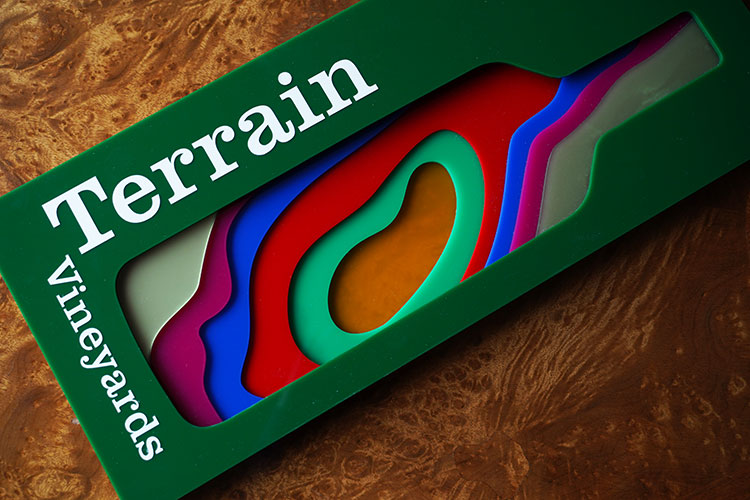
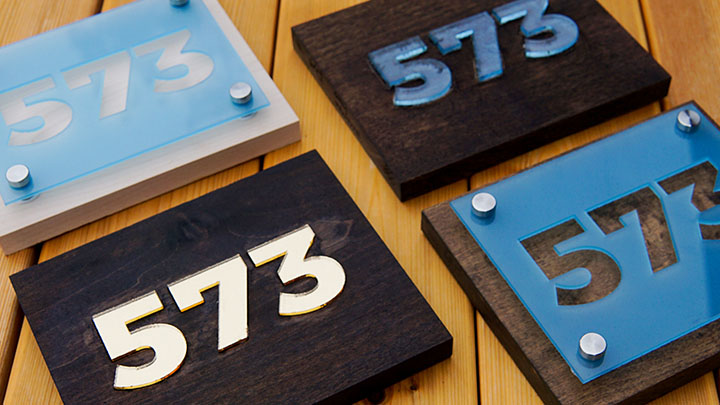
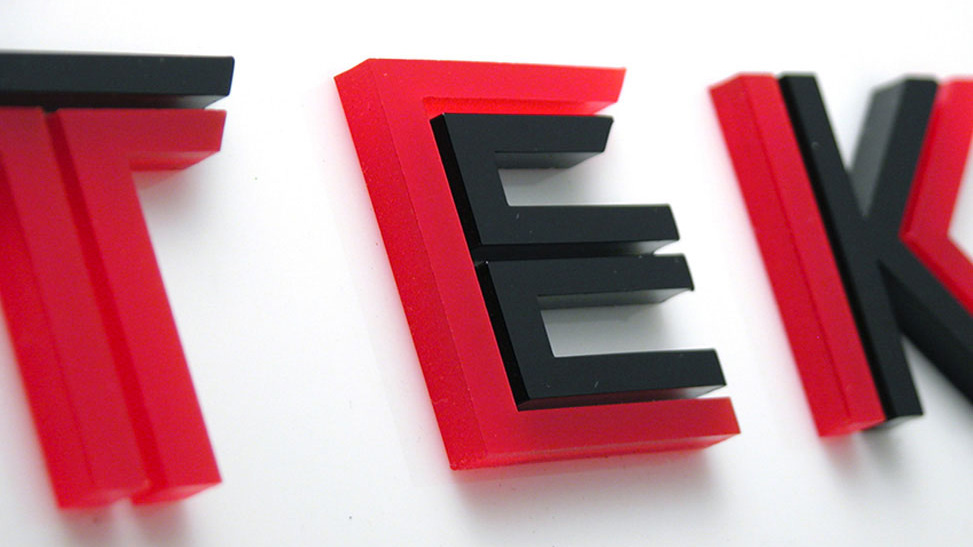
Laser Cutting Text out of Acrylic
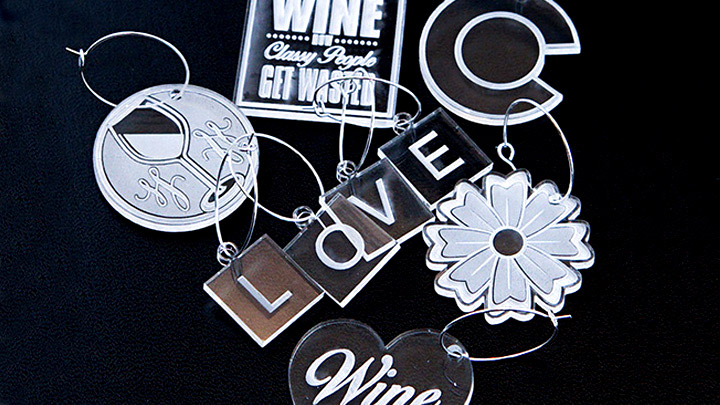
Text Laser-Cut out of Acrylic
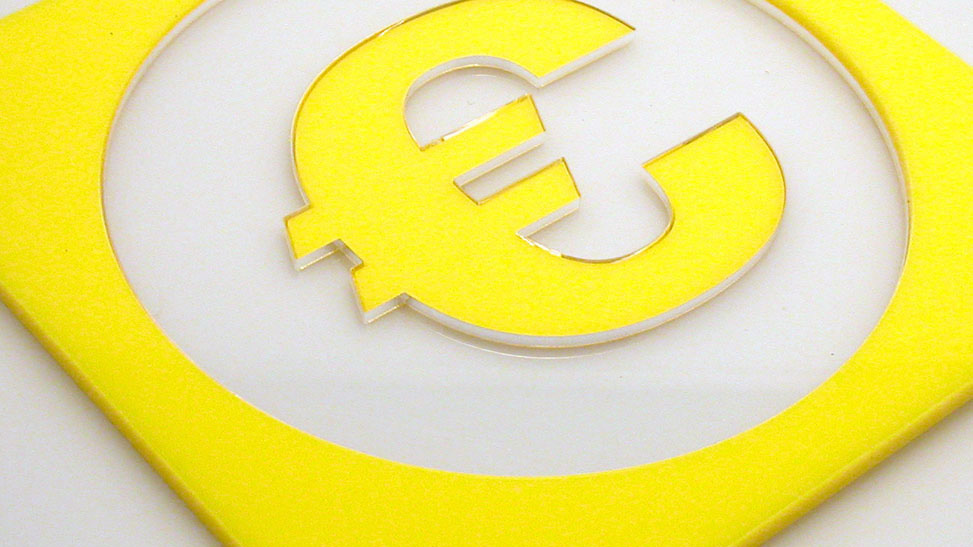
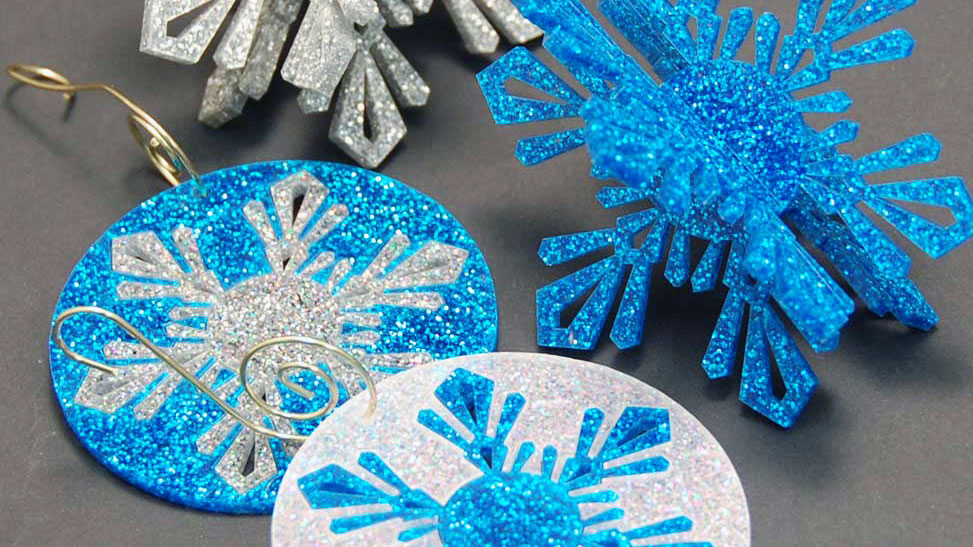
Laser Cutting Graphics out of Acrylic
Laser Cutting Speeds
Cutting acrylic is usually best achieved with relatively slow speed and high power. This cutting process allows the laser beam to melt the edges of the acrylic and essentially produce a flame-polished edge.
Today, there are a several acrylic manufacturers who produce a variety of both cast and extruded acrylics that feature different colors, textures, and patterns. With so much variety, it’s no wonder acrylic is a very popular material to laser cut and engrave.
Laser Engraving Acrylic
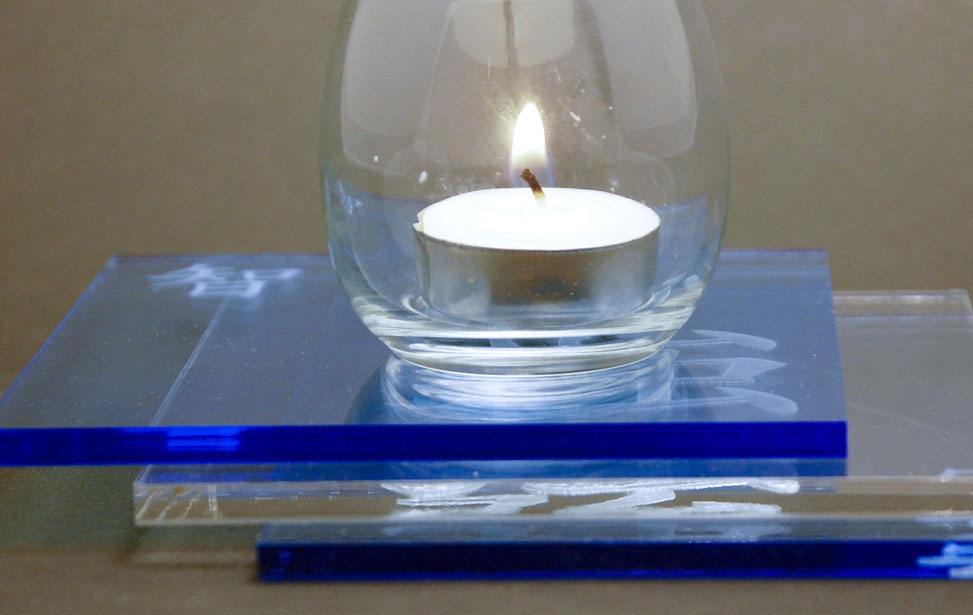
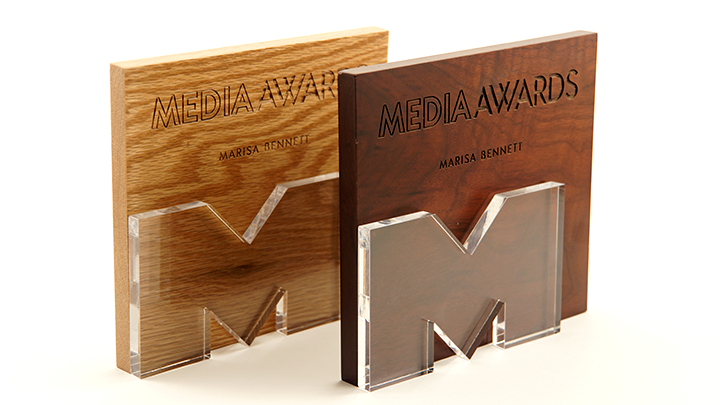
For the most part, laser users engrave acrylic on the back side to produce a look-through effect from the front. You’ll see this often on acrylic awards.
Acrylic sheets typically come with a protective adhesive film on the front and back to prevent it from getting scratched. We recommend removing the protective adhesive paper from the back of the acrylic before engraving, and leaving the protective cover layer on the front to prevent scratching while handling the material. Don’t forget to reverse or mirror your artwork before sending the job to the laser since you’ll be engraving the back side.
Acrylics generally engrave well at a high speed and low power. It doesn’t take much laser power to mark the acrylic, and if your power is too high you’ll notice some distortion in the material.
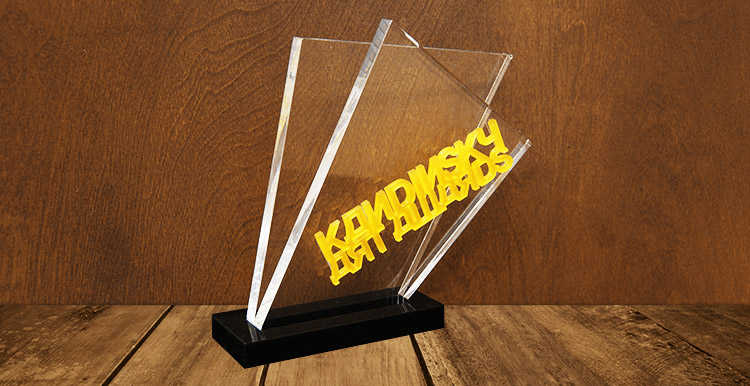
Laser Engraved Acrylic Award
Laser Engraving a Sheet of Acrylic
Laser Cutting Graphics out of Acrylic
General Laser Processing Tips
For Acrylic
-
Never leave your machine unattended when working with acrylic. Many materials are susceptible to igniting, but acrylic – in all its different forms – has been shown to be especially flammable when cut with the laser. As a general rule, you should never run your laser – using any material – if you are not present.
-
Make sure to choose the right type of acrylic for your application. Remember, cast acrylic is better for engraving, while extruded acrylic is better suited for laser cutting.
-
Elevate the acrylic – use an item for support to eliminate backside reflection.
What types of acrylic projects can you make?
Acrylic is a durable and practical material for laser processing. The variety of colors and textures make this material ideal for all kinds of things:
- Point of purchase signage
- Directional signage
- Earrings/pendants/buttons
- Containers/boxes
- Cake/cupcake toppers
- Custom awards
- Holiday ornaments
- And much more!
Who are some of the main acrylic suppliers?
Find more materials suppliers in our Industry Links listings.
Engraving is Easy!
Print to your laser from any graphics software
Artwork Setup
Design in your favorite software
Material Settings
Assign speed and power by material
Start Engraving!
Send the job to the laser and press go!
Sample Club
You may also like…
Which machines are best for laser cutting and engraving acrylic?

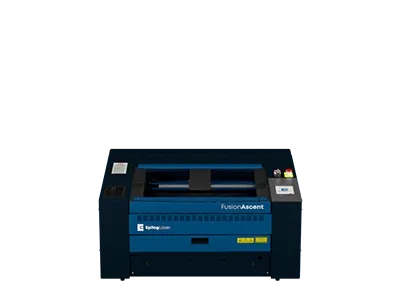
Fusion Ascent 12
24″ x 12″
(610 x 305mm)
CO2, Fiber
CO2: 30-60
Fiber: 30
Fusion Ascent 24
24″ x 24″
(610 x 610mm)
CO2
CO2: 40-80
Fiber: 60
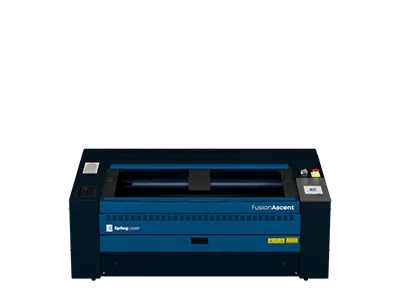
Fusion Ascent 36
36″ x 24″
(914 x 610mm)
CO2
CO2: 40-80
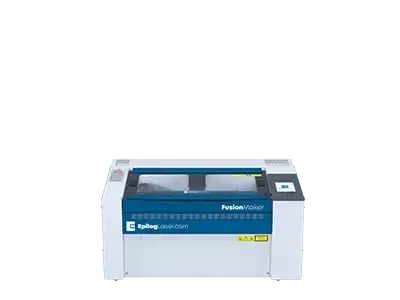
Fusion Maker 12
24″ x 12″
(610 x 305mm)
CO2
CO2: 30-40
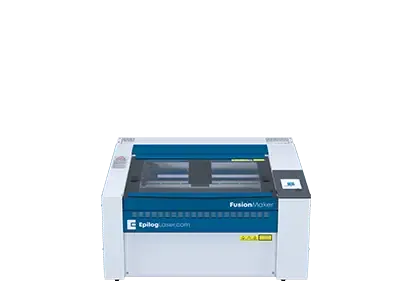
Fusion Maker 24
24″ x 24″
(610 x 610mm)
CO2
CO2: 40
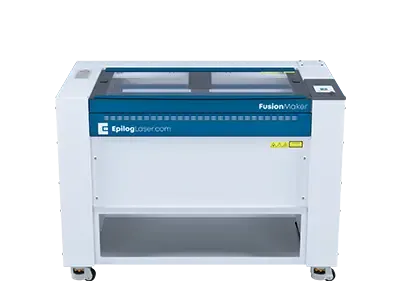
Fusion Maker 36
36″ x 24″
(914 x 610mm)
CO2
CO2: 40-50

Fusion Edge 12
24″ x 12″
(610 x 305mm)
CO2, Fiber
CO2: 50-60
Fiber: 30
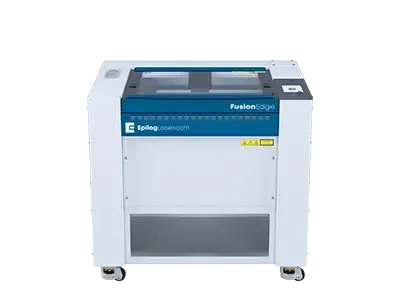
Fusion Edge 24
24″ x 24″
(610 x 610mm)
CO2
CO2: 50-60
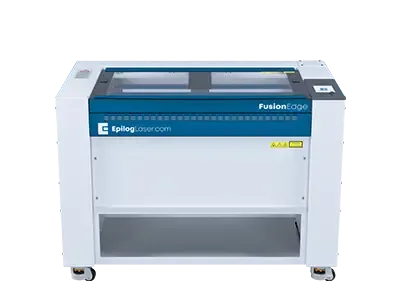
Fusion Edge 36
36″ x 24″
(914 x 610mm)
CO2
CO2: 60-100
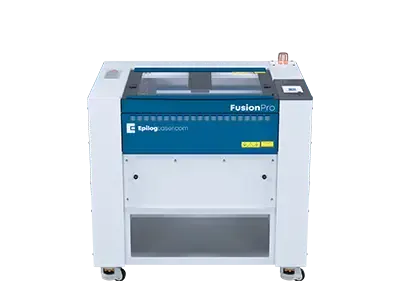
Fusion Pro 24
24″ x 24″
(610 x 610mm)
CO2, Dual
CO2: 60-100
Fiber: 60