Laser Applications for Fab Labs and Makerspaces 

Lasers in FabLabs and Makerspaces

FabLabs and makerspaces thrive on creativity, speed, and accessibility. Few tools deliver on all three like a laser cutter/engraver. Whether you’re building rapid prototypes, crafting intricate components for electronics, or empowering a community of creators, laser machines are at the heart of modern digital fabrication.

Here we’ll look at how Epilog Laser equipment unlocks new possibilities for makerspaces, along with real-world applications, benefits, and best practices for implementation.

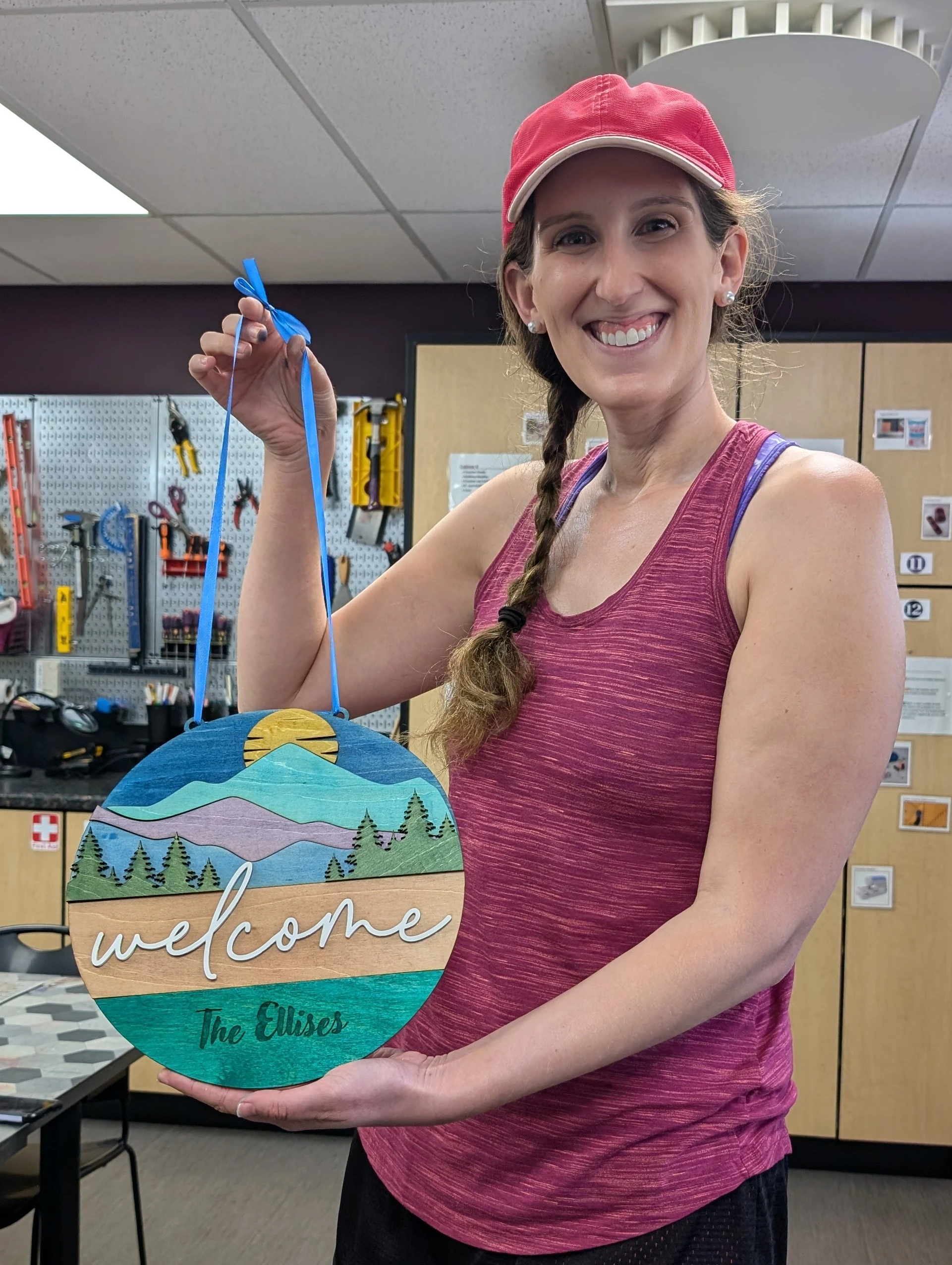
Woman holding a laser engraved sign

Why Laser Cutters Are Essential for Makerspaces

Laser cutters are one of the most versatile tools in any FabLab or makerspace. They enable users of all skill levels to turn ideas into physical objects quickly and accurately.

Rapid prototyping

Go from digital design to finished part in minutes.

Material Versatility

Cut and engrave wood, acrylic, leather, rubber, fabric, and more.

Precision & Repeatability

Ideal for detailed designs and production runs.

Ease of Use

Intuitive software makes it accessible for students and hobbyists.

Because of this flexibility, laser systems are often the most popular and most used tool in a shared maker environment.

Popular Laser Applications in FabLabs
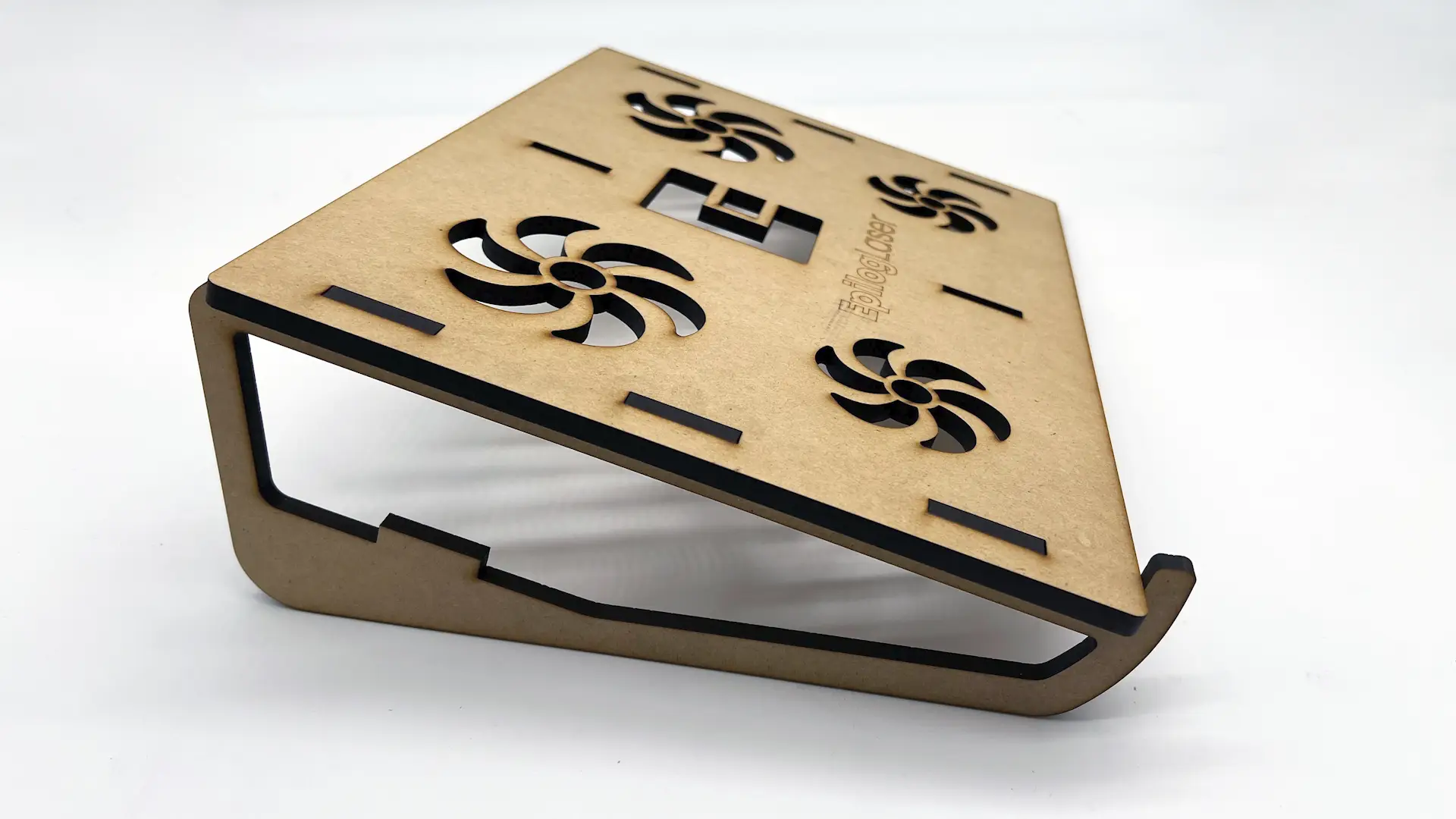
mdf laser cut laptop stand

Rapid Prototyping

Laser cutters dramatically accelerate the prototyping process. Designers can rapidly refine their concepts by producing parts straight from their designs.

Common use cases:

  • Product enclosures and housings
  • Mechanical components like gears and brackets
  • Architectural models
  • Packaging prototypes

Unlike 3D printing, laser cutting is often faster for flat or layered designs and allows immediate testing and refinement.

Watch our how-to video and download the artwork here – Laser Cutting MDF for a Laptop Stand with Epilog Pulse 

laser engraved pcb copper circuit testing with meter

Electronics & Engineering Projects

Laser cutters are commonly used to make custom parts for electronics projects, especially in STEM-focused makerspaces.

For example, you can create:

  • Custom cases for electronics and small devices
  • Engraved labels and control panels
  • Acrylic plates to mount circuit boards
  • Parts to organize and manage cables

The ability to combine cutting and engraving makes lasers ideal for functional, polished electronics builds. 

Check our circuit board project video here –  Circuit Board Etching and Prototyping with a Galvo Fiber Laser

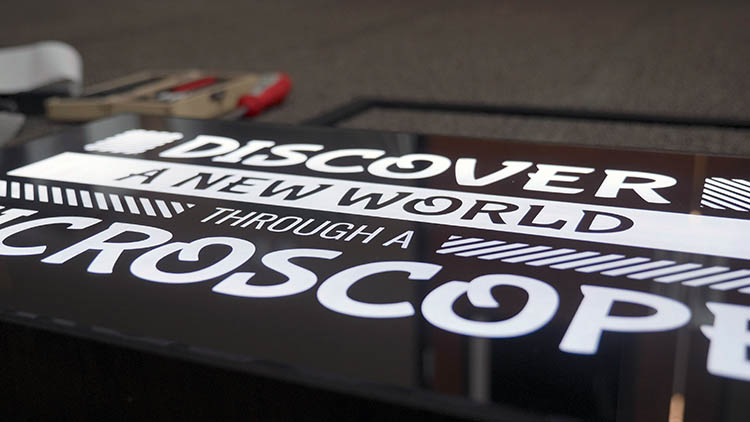
backlit acrylic engraved and cut signage with leds

Creative & Artistic Projects

Beyond engineering, lasers are a favorite tool for artists and designers.

Creative applications:

  • Intricate wood and acrylic art
  • Jewelry and fashion accessories
  • Personalized gifts and signage
  • Layered mixed-media artwork

Makerspaces often see strong engagement from creative communities thanks to the accessibility of laser design workflows.

Create your own laser cut led sign with our full how-to project here – Laser Cut and Engraved LED-lit Acrylic and Plywood Sign

Local Demonstration

Educational Projects & Workshops

Laser machines are powerful educational tools that support hands-on learning.

Educational benefits:

  • Helps users learn design thinking and improve their ideas through testing.
  • Introduces design software and digital fabrication.
  • Enables project-based STEM learning.
  • Supports entrepreneurship and small business creation.

Many FabLabs run workshops where participants design and produce their own projects in a single session.

Choosing the Right Laser Cutter for Your FabLab or Makerspace

When selecting a laser system for a Fab Lab or makerspace, it’s important to evaluate features that support versatility, efficiency, and ease of use. Epilog Laser machines are designed with these needs in mind, making them an ideal choice for shared creative environments.
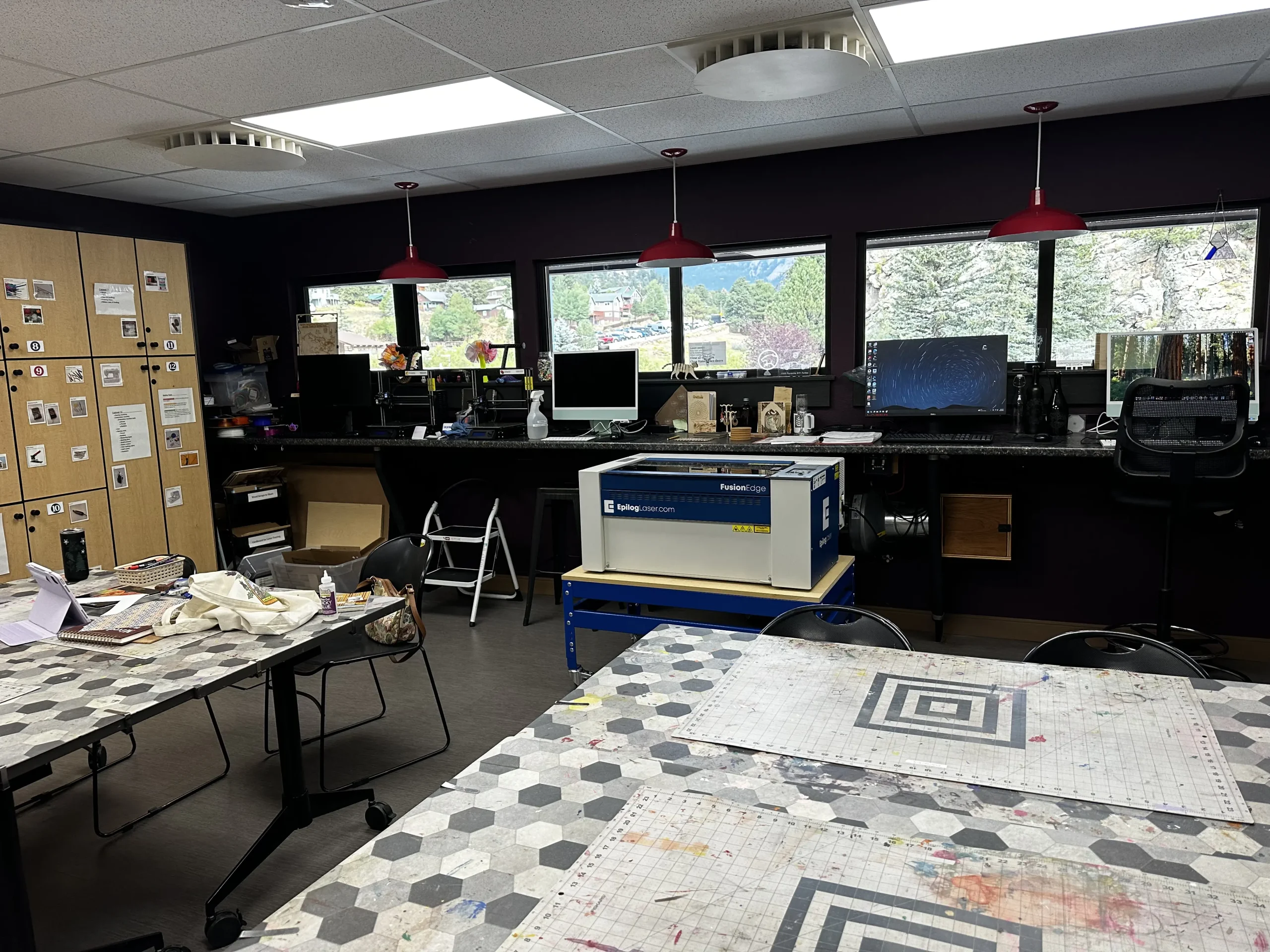
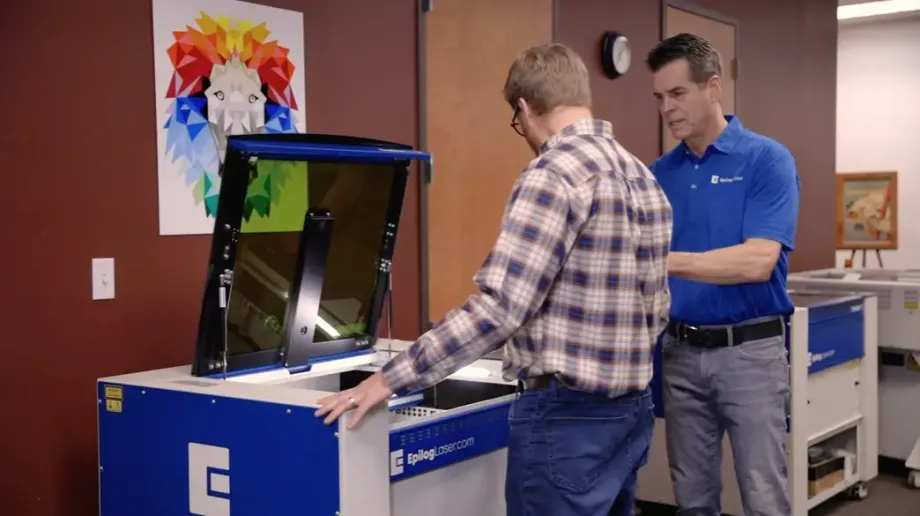
Epilog Laser in a Makerspace
  • Wide Material Compatibility for Diverse Projects
    • Epilog laser systems support a broad range of materials, including wood, acrylic, rubber, and coated metals. This flexibility allows users to create everything from custom signage and prototypes to electronics components and artistic designs, all on a single machine. For makerspaces that support a wide range of projects, this versatility is a must-have.
  • Bed Sizes that Maximize Productivity
    • We offer multiple machine sizes to suit different environments and applications, from compact models for smaller spaces to large-format systems that can handle oversized materials.
  • High Speed and Power for Efficient Production
    • With multiple wattage options available, Epilog systems deliver the speed and power required for both precision engraving and cutting thicker materials. Higher-powered configurations enable faster job completion, allowing users to refine designs quickly and keep projects moving forward.
  • User-Friendly Software for Shared Environments
    • Ease of use is critical in makerspaces where users have varying levels of experience. Epilog’s intuitive, print driver style software integrates with popular design programs (CorelDRAW, Adobe Illustrator, AutoCAD, etc.), allowing users to go from design to finished part with minimal training. We also have the Fusion IRIS HD+ camera recognition system on all current models, which gives users a real-time view of their engraving space. Knowing the machine will cut or engrave precisely where it’s supposed to reduces the need for do-overs and minimizes material waste.
  • Reliable Performance and Ongoing Support
    • Epilog Laser machines are built for long-term reliability, helping minimize downtime in high-traffic environments. Combined with responsive customer support and comprehensive training resources, operators can count on consistent performance and quick assistance when needed.

By combining material versatility, scalable work areas, powerful performance, and ease of use, Epilog’s laser machines help Fab Labs and makerspaces maximize productivity while supporting creativity and innovation across a wide range of applications.

Empowering Innovation with Laser Technology

A well-designed workspace ensures both safety and efficiency.

Key setup requirements:

  • Ventilation: Proper exhaust systems to remove fumes and particulates.
  • Power supply: Stable electrical connections suited to the machine.
  • Material storage: Organized, labeled materials for easy access.
  • Safety zones: Clear operating areas and training protocols.

Investing in the right infrastructure helps minimize downtime and ensures a safe environment for all users.

Setting Up a Laser Area in Your Makerspace

Laser cutters are more than just tools. They are catalysts for innovation. In FabLabs and makerspaces, they enable creators to prototype faster, design smarter, and bring ideas to life with precision.

By investing in the right laser system and setup, you can empower your community to push the boundaries of creativity and engineering.

FAQ: Laser Cutters in FabLabs

What types and capabilities of laser cutters are best for a makerspace?

The ideal laser cutter depends on your users and project types. Most fablabs benefit from a CO2 laser system due to its versatility across materials like wood, acrylic, leather, and rubber.

You want to consider:

  • Power (wattage): Higher wattage allows faster cutting and thicker materials.
  • Precision: Important for detailed engraving and tight tolerances.
  • Speed: Impacts throughput in busy environments.
  • Software compatibility: Easy-to-use interfaces reduce training time.

Budget considerations should include:

  • Initial purchase cost
  • Ongoing consumables (lenses, filters, etc.)
  • Maintenance and potential repairs

Balancing performance with ease of use is key for shared environments.

What space and infrastructure are required for a laser cutter?

A safe and efficient laser setup requires thoughtful planning.

Essential requirements:

  • Ventilation system: Removes smoke and harmful fumes generated during cutting.
  • Reliable power supply: Ensures consistent machine performance.
  • Workspace layout: Adequate clearance for operation and maintenance.
  • Material storage: Keeps materials organized and protected.

Proper infrastructure not only improves workflow but also ensures compliance with safety standards and enhances the overall user experience.

How can an Epilog Laser system improve your FabLab or Makerspace?

Contact your local Epilog distributor for an in-person demonstration!