Introducing

Fusion IRIS™ HD+

High-Definition Laser Precision
Introducing

Fusion
IRIS™ HD+

High-Definition Laser Precision
for the Fusion Pro series

The Next Generation of Onboard Camera Technology

— Only from Epilog Laser

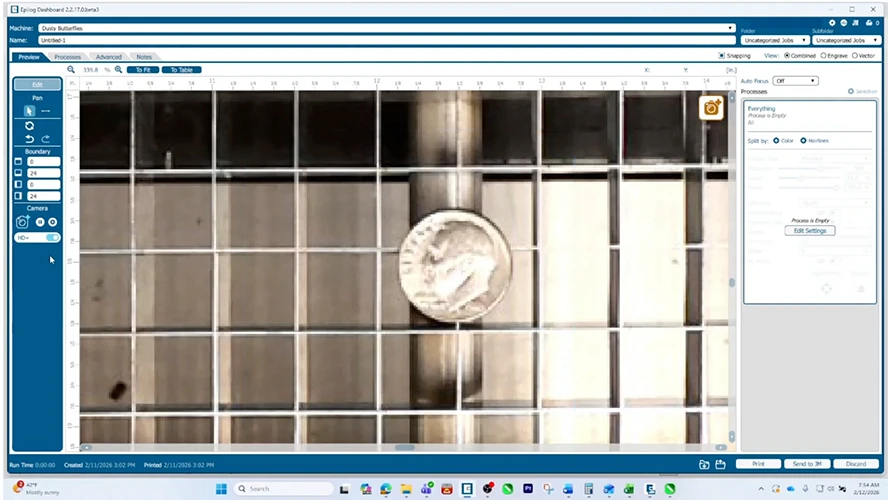
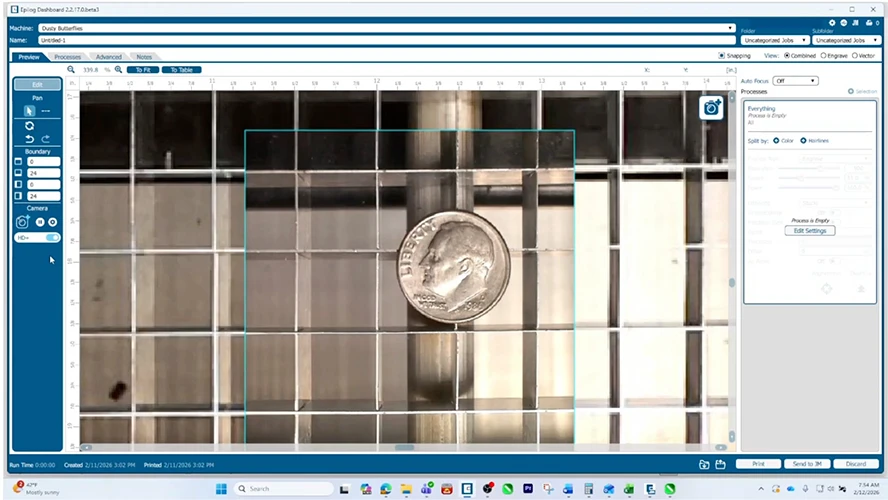
Fusion IRIS™ HD+ is the latest evolution of Epilog’s integrated camera system, delivering high-definition clarity, advanced zoom capabilities, and real-time precision for your most detailed engraving projects.

Built into the carriage camera of Fusion Ascent and Pro models, IRIS™ HD+ gives you an ultra-sharp, live view of your laser bed. Zoom in to see the smallest details, align artwork with incredible precision, and reduce setup time—all while ensuring what you see is exactly what you engrave.

The Difference is Clear

Fusion IRIS™ HD+ offers significantly enhanced resolution and zoom compared to our standard IRIS camera system. Built into the Fusion Ascent and Pro’s carriage camera, Fusion IRIS HD+ brings the camera closer to your material for greater visual fidelity—ideal for tasks requiring extreme precision.

Use our interactive slider to compare IRIS standard vs. Fusion IRIS™ HD+ with real-world objects like a grain of rice or a toothpick to truly see the difference.

  • Zoom:

    Objects as small as 0.003″ /0.1mm

  • Accuracy level:

    0.006″ / 0.15mm

  • Resolution:

    320 DPI (0.003″ per pixel)

Want to see it in Person?
The standard view before Iris HD+ Fusion IRIS™ HD+
Extra clarity after Iris HD+ Iris

Aligning Your Laser Projects Is Easier Than Ever

What You See Is Where You Engrave

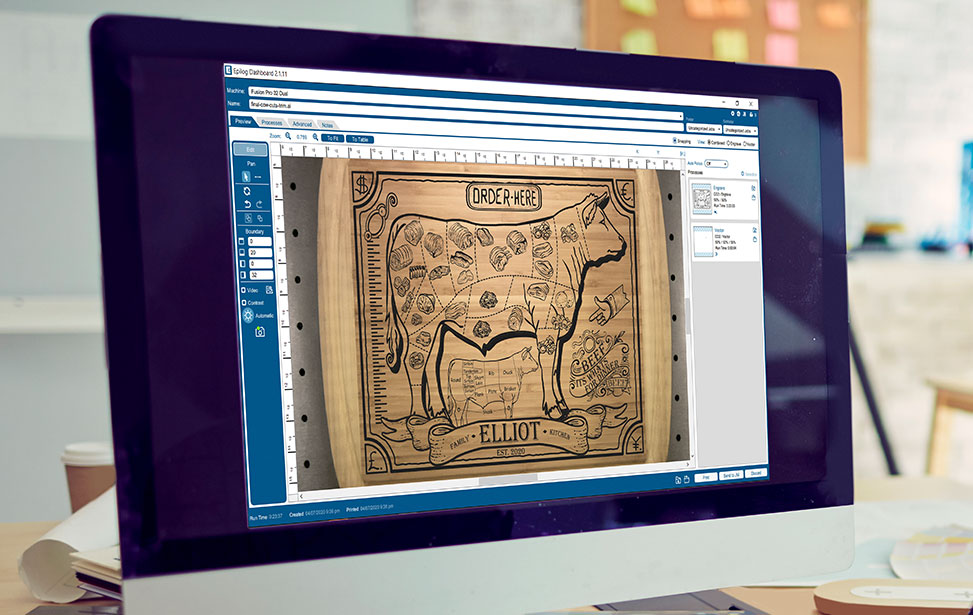
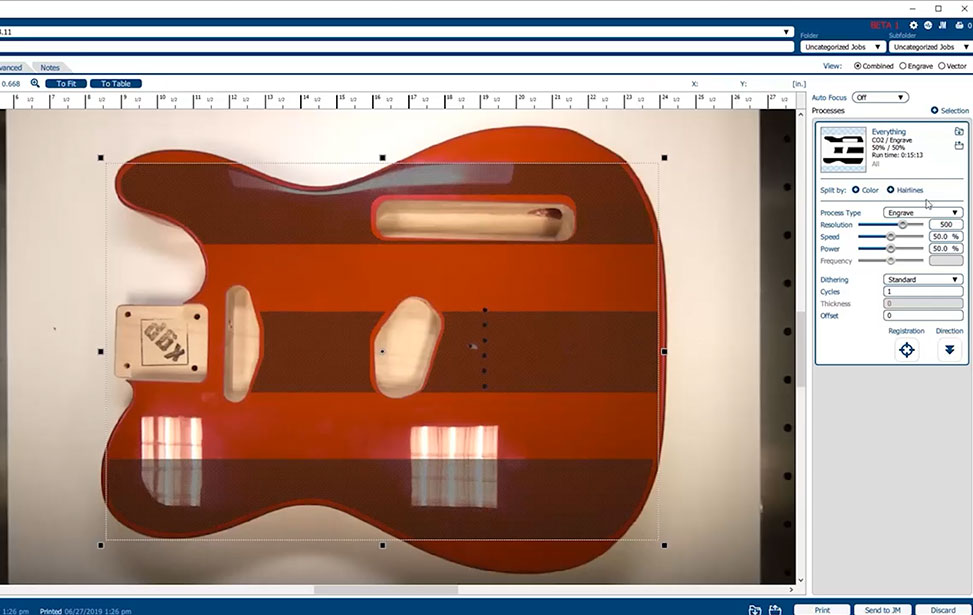
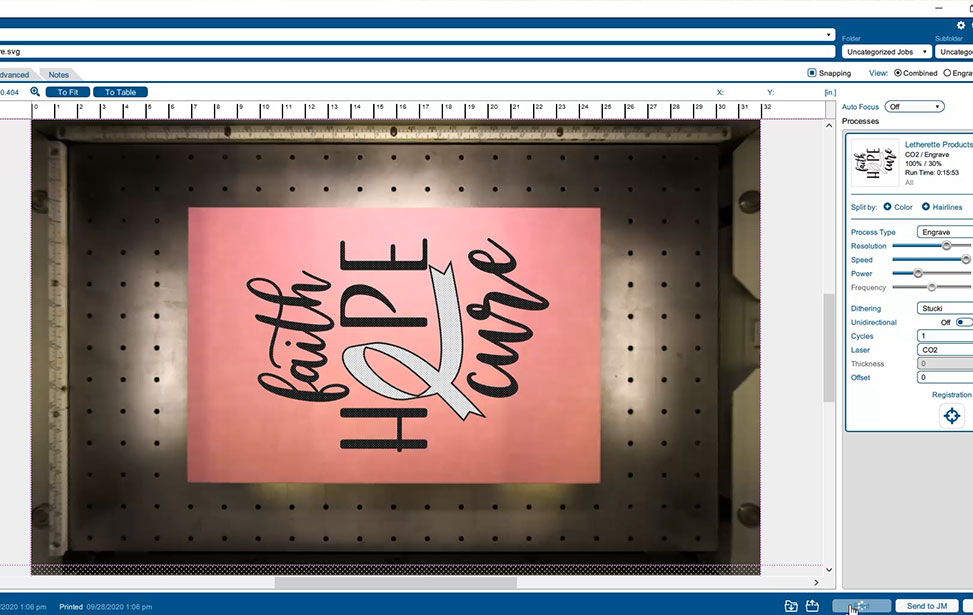
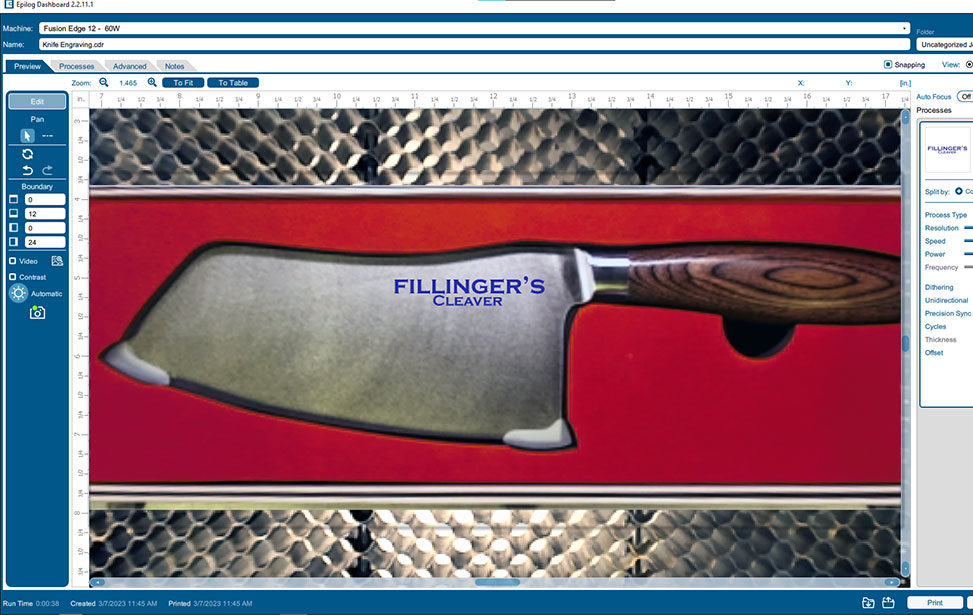
The IRIS Camera Positioning System increases accuracy when placing the artwork by providing a “what-you-see-is-where-you-engrave” experience. Instead of manually measuring distances or using old trial-and-error techniques, the camera allows you to precisely position artwork and ensure accurate engravings and cuts every time. Our advanced camera features help reduce the number of mistakes made during production, resulting in less material waste, better quality products, increased production, and improved workflow efficiency overall.

How-to Print, Position, and Laser Engrave
with Epilog’s IRIS Camera Positioning System

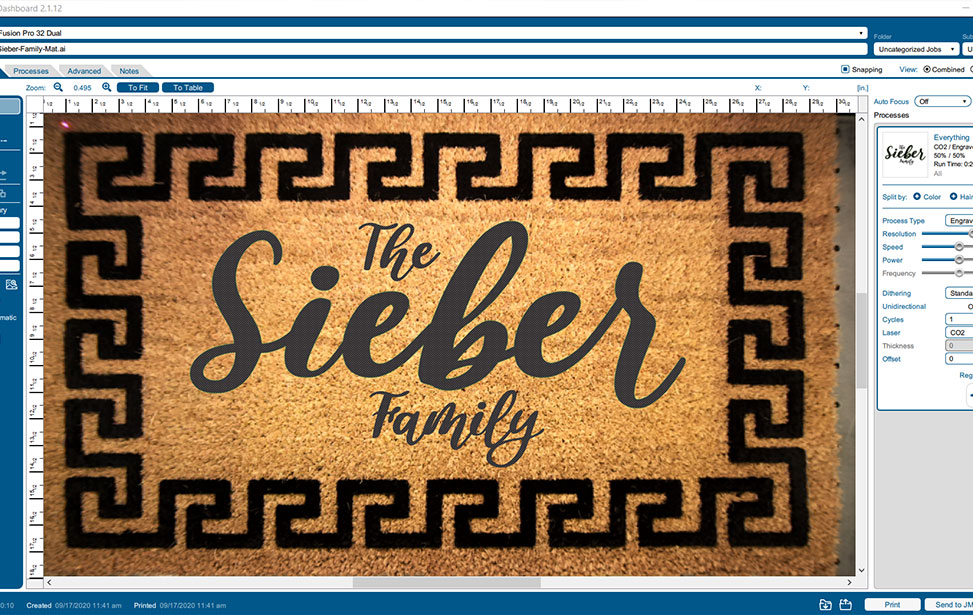
1. Print to the Epilog Laser Dashboard

Prepare your artwork in the graphics software of your choice, such as Adobe Illustrator, CorelDRAW, Canva, and Inkscape, for example, then print it to the Epilog Laser Dashboard. Sending a laser project to an Epilog Laser machine is quicker and less painful than printing to your standard paper printer.

2. Drag & Drop the Artwork into Position

Focus your laser with the push of a button using the touch screen display. Then drag and drop, resize, group/ungroup, and more within the Epilog Dashboard to edit and position your artwork where you want it on your material.

3. Select Material Settings and Laser It!

Select your material from our preloaded material settings library or customize your laser settings (speed, power, frequency, etc.) for a unique material and laser engraving effect, then press Go at the laser and watch your laser go to work!

Accomplish More with IRIS Camera Positioning

Time Is Money For Laser Businesses

Another benefit of having a camera positioning system is speedier turn-around times for your customers. The overhead cameras allow for faster placement of artwork for engraving compared to traditional methods, eliminating unnecessary steps and saving valuable time during low-volume production runs. This can significantly shorten overall project timelines by providing our customers with more precise control over how they lay out their artwork on substrates—reducing costs along the way as well.

Why Fusion IRIS HD+?

Redefining Engraving Accuracy

Whether you’re working with custom jigs, intricate designs, or high-value materials, Fusion IRIS™ HD+ lets you:

  • 1

    Micro Precision

    Zoom in with crystal-clear detail to fine-tune every placement. We’re talking about objects as small as 0.004″ /0.1mm – as tiny as a grain of sand!

  • 2

    Accurate Alignment

    Align artwork with pinpoint accuracy for tight tolerances

  • 3

    Verify Placement

    Visualize and verify artwork placement before engraving

  • 4

    Simple Setup

    Save time and reduce material waste with faster, more reliable setup

Experience the power of laser precision—now in high definition.

Print-to-Cut Power on Every Epilog Laser

Bring Printed Projects to Life With Exact, Reliable Cuts

Epilog Laser machines feature registration camera at the lens assembly designed specifically for accurate print‑to‑cut alignment when finishing digitally printed pieces. Simply place your printed sheet—paper, wood, or acrylic—onto the laser bed with the registration marks visible. The Epilog Dashboard Software automatically detects the marks, aligns the cut file, and the laser completes the precise contour cutting for you.

Built for intuitive operation, the registration camera helps businesses hit tight deadlines, streamline their print‑to‑cut finishing workflow, expand product offerings, and boost overall profitability.

Rigorous Testing for Unmatched Quality:

High-Volume + Complex

Each camera is calibrated using a fully automated calibration process that accounts for lens distortion and other optical variations, resulting in 0.001″ mapping accuracy.

We pride ourselves on the quality and consistency of every Fusion IRIS™ HD+ system so you can count on:

Top 10 Advantages of a Live-Preview Camera
Positioning System in Your Laser

Live-Preview Camera Workflow Assist

  • Increased precision and accuracy for placing designs, logos, and serial numbers on products and materials
  • Faster proofing and production time with drag-and-drop & resizing features
  • Improved quality assurance for customers
  • Easier and quicker setup improves run-time estimates for customer quotes
  • Modernized workflow monitoring of parts for compliance and conformance to customer specifications

Laser Business Efficiency & Service Profitability

  • Reduced material waste with the reduction of mistakes made during production testing, research, and development
  • Lower material costs through scrap material reuse
  • Ability to create “just in time” laser engravings for one-off personalized project requests
  • Reduction in labor costs due to the simplification of set-up processes and increased speed of processing times
  • Improved safety for laser users through fewer material and machine-touch operations

FAQ’s

You’ve got questions, we got answers.

Is Fusion IRIS™ HD+ a software or hardware upgrade?

Fusion IRIS™ HD+ is a camera feature available via firmware update (v1.1.3 and above) for any Fusion Pro machine that includes a carriage-mounted camera. No additional hardware is needed.

Note: Machines without a carriage camera are not upgradeable to Fusion IRIS HD+.

Can I upgrade my existing Fusion Pro?

Yes! If your Fusion Pro includes a carriage camera, you can enable Fusion IRIS™ HD+ with the appropriate firmware update. Compatible with both Pulse and the Epilog Software Suite version XXXX.

Ready for Fusion IRIS™ HD+?

See what you’re engraving down to the finest detail.

Fusion IRIS™ HD+ gives you the clarity, control, and confidence you need to elevate your work.

Contact your local representative to upgrade to Fusion Pro with Fusion IRIS™ HD+.

What Can You Create?

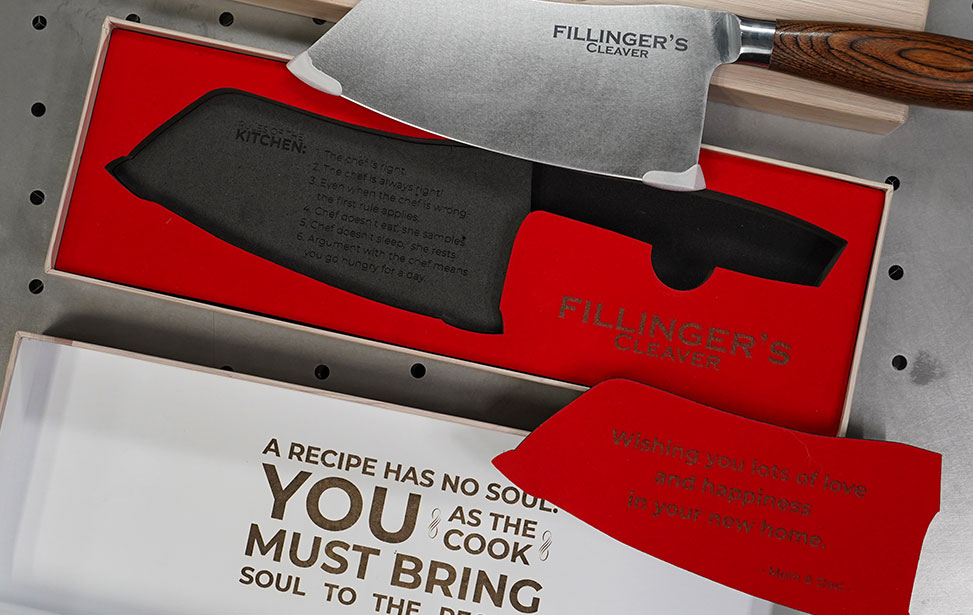
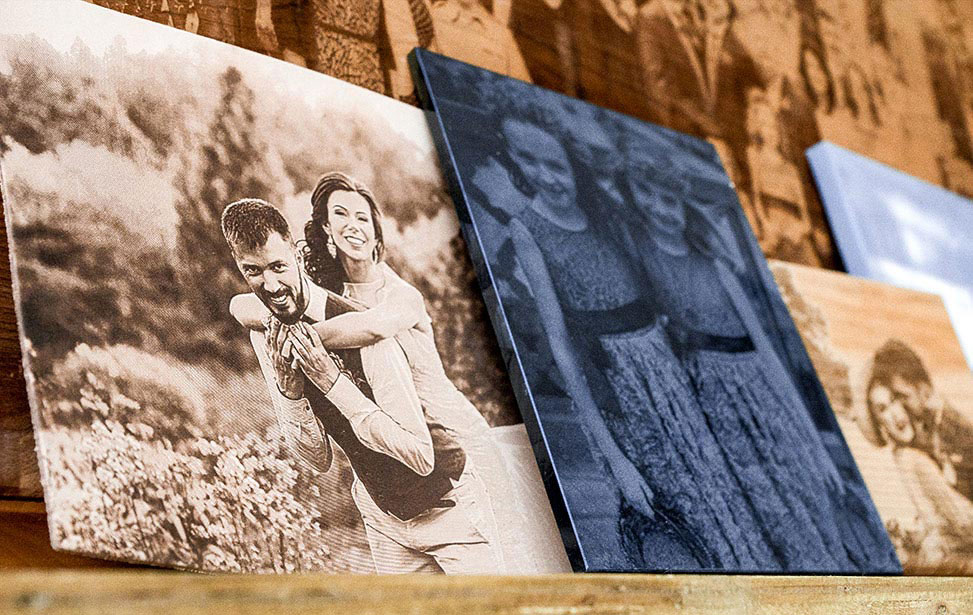
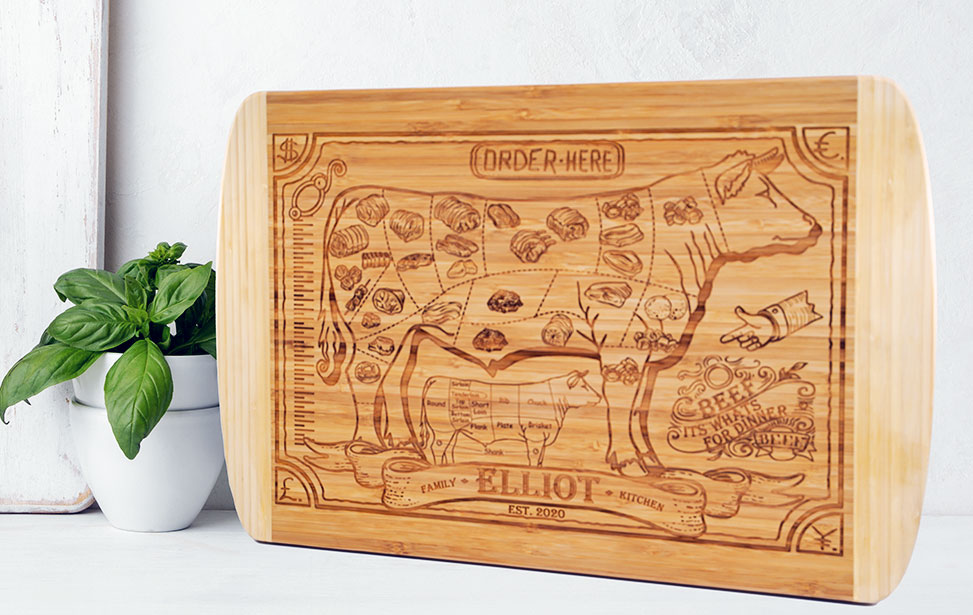
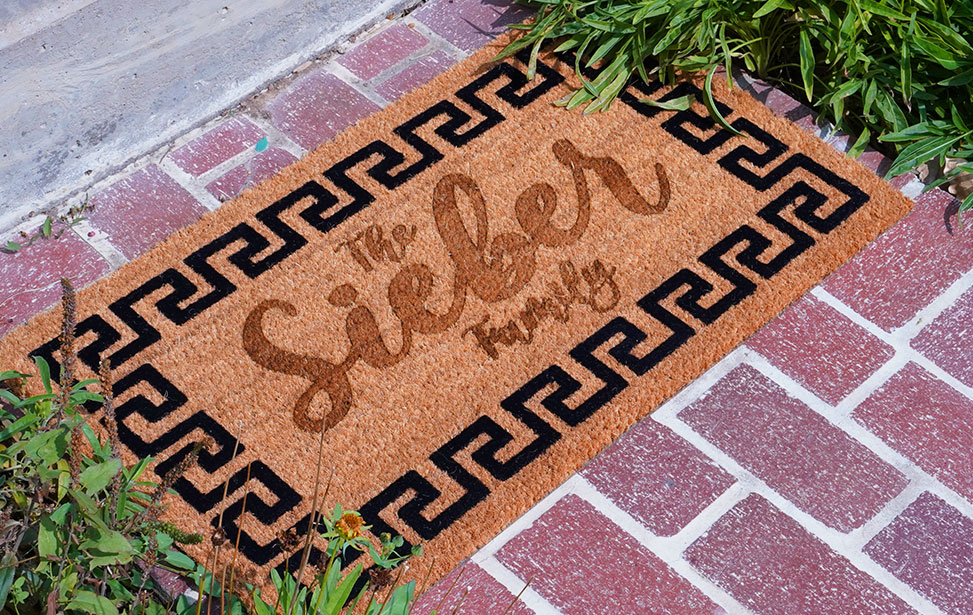
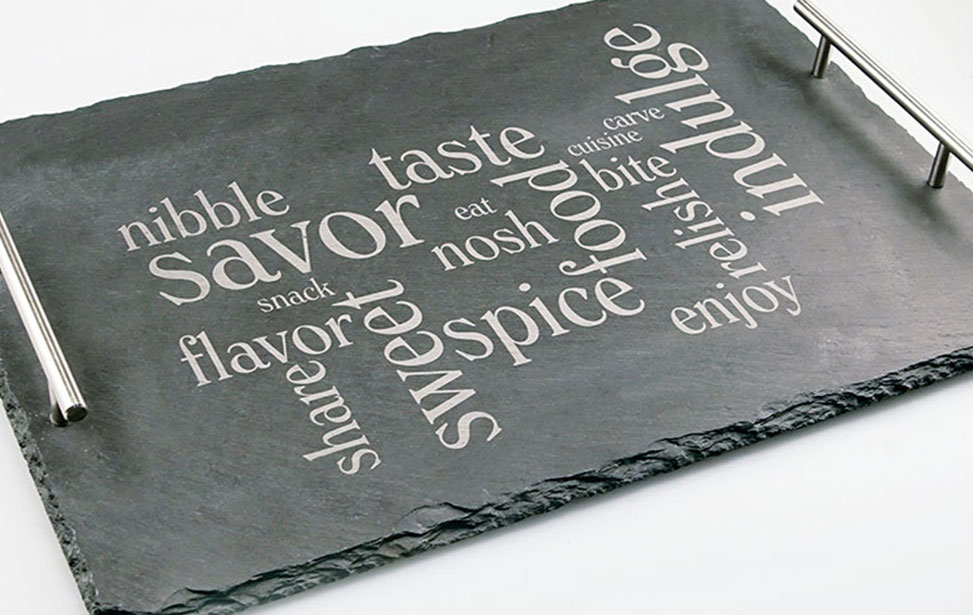
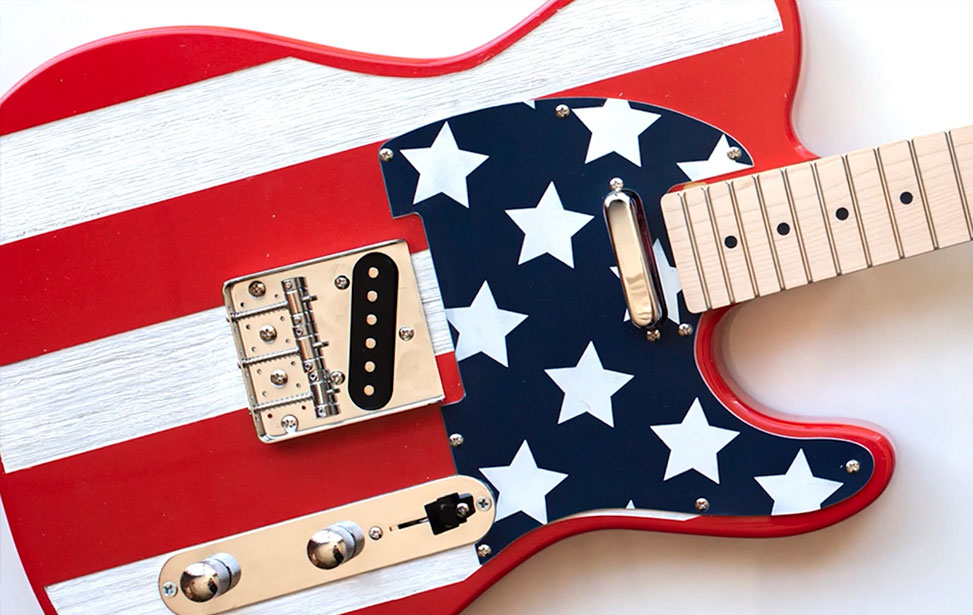
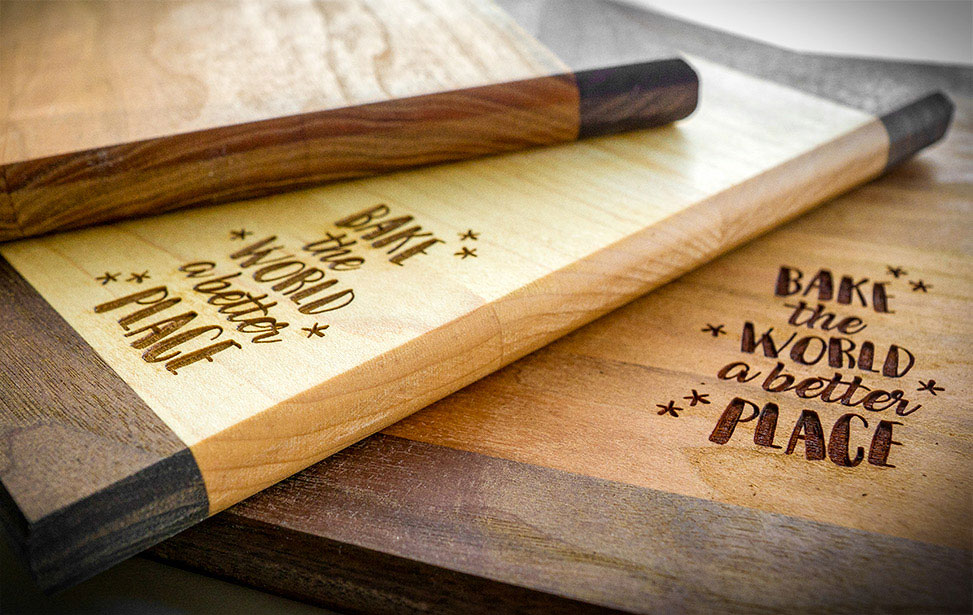
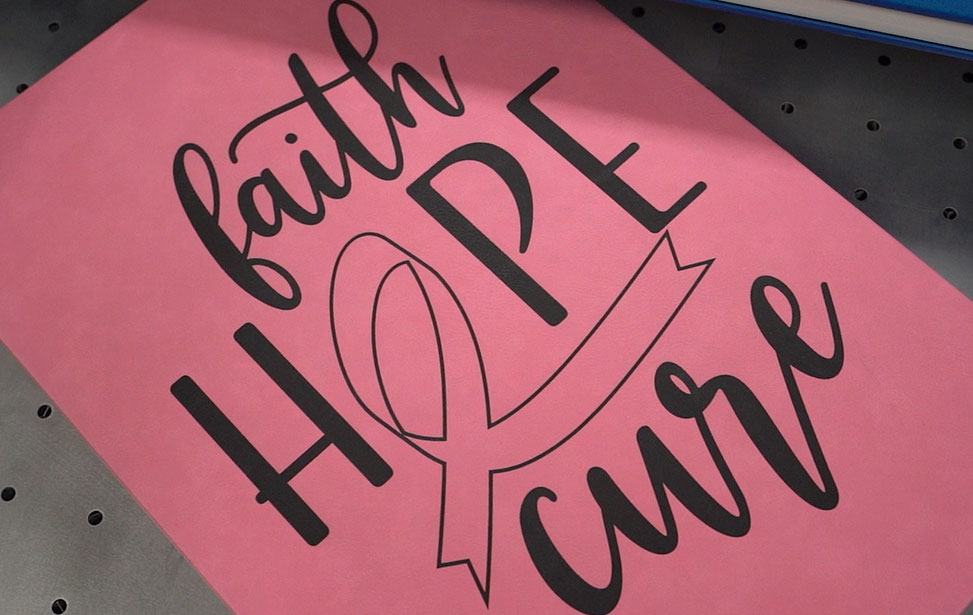
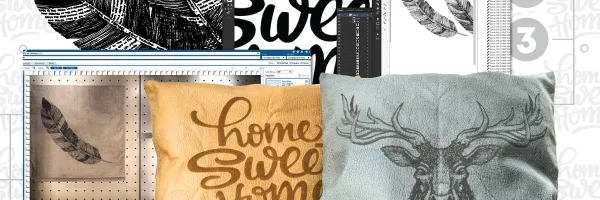
Whether you’re personalizing a pre-made trophy, cutting custom acrylic awards, adding name plates to a corporate plaque, or using a variety of materials to custom personalized gift, Epilog’s laser engravers features and speeds allow you to produce stunning products in minutes.
Nothing beats seeing the engraving and cutting results in person. Get a free brochure with engraved and cut samples sent directly to you.